Every amateur theatre group has a moment when it discovers just how much of the society lives in one person’s head — or one person’s inbox. The treasurer steps down and nobody can get into the bank’s online portal. The website was built by a member’s nephew in 2014 and no one knows the password. The mailing list is a spreadsheet on somebody’s laptop.
None of this is anyone’s fault. Volunteer committees change every year or two, and technology tends to pile up one urgent fix at a time. But a couple of evenings spent on a tech health check before the new season can save a lot of stress later. Here are ten things worth sorting — most cost nothing at all.
1. Make sure the society owns its own accounts
Your domain name, website hosting, social media pages, email accounts and payment accounts should belong to the society, not to an individual. If they’re registered to a member’s personal email address, they leave when that person does.
- Register accounts to a shared society address (for example secretary@ or admin@ your domain), not a personal Gmail.
- Check who the registered owner of your domain is and when it renews. A lapsed domain can be bought by someone else within days.
- On Facebook and Instagram, make sure at least two committee members have admin access to the page.
2. Use role-based email addresses
Addresses like tickets@, membership@ and treasurer@ mean audiences and members always know who to contact, and the address survives a change of committee. Most domain and email providers let you forward these to whoever currently holds the role — when the role changes hands, you just change where it forwards.
3. Get a password manager — and turn on two-step sign-in
A shared spreadsheet of passwords is a risk, and so is one person remembering them all. A password manager with a shared vault (Bitwarden, 1Password and others offer free or discounted plans for non-profits) lets the committee share logins safely and remove access cleanly when someone leaves.
Turn on two-step verification (a code from an app or text message as well as the password) for anything that handles money or personal data: your bank, payment provider, email and ticketing system. It’s the single most effective protection against account takeover.

4. Write a one-page handover document
Keep a short, living document listing every service the society uses: what it’s for, who looks after it, when it renews and what it costs. Store it somewhere the whole committee can reach. When a role changes at your AGM, the handover becomes a ten-minute job rather than a three-month treasure hunt.
5. Check your data protection basics
If you keep names, emails and phone numbers of members or audiences, UK GDPR applies to you, however small the society. You don’t need a lawyer, but you do need the basics:
- A short privacy notice on your website explaining what you collect and why.
- Clear opt-in for marketing emails — a ticket purchase alone isn’t permission to send newsletters.
- A plan for removing old data: lapsed members from years ago probably don’t need to be on file.
- Check whether you need to pay the ICO’s data protection fee. Many not-for-profit organisations are exempt, and the ICO has a short self-assessment on its website to tell you.
6. Stop paying a fee on every ticket
Many ticketing platforms take a booking fee or commission on every ticket — sometimes charged to your audience, sometimes taken from your takings. On a sold-out run of a musical, that can add up to hundreds of pounds. It’s worth working out what your current system costs you per season and comparing it with flat-fee options.
While you’re reviewing ticketing, check the experience from your audience’s side: can they choose their own seats, book on a phone without creating an account, and get an e-ticket they can show at the door? Every extra step loses bookings.
7. Be ready to take cards at the door
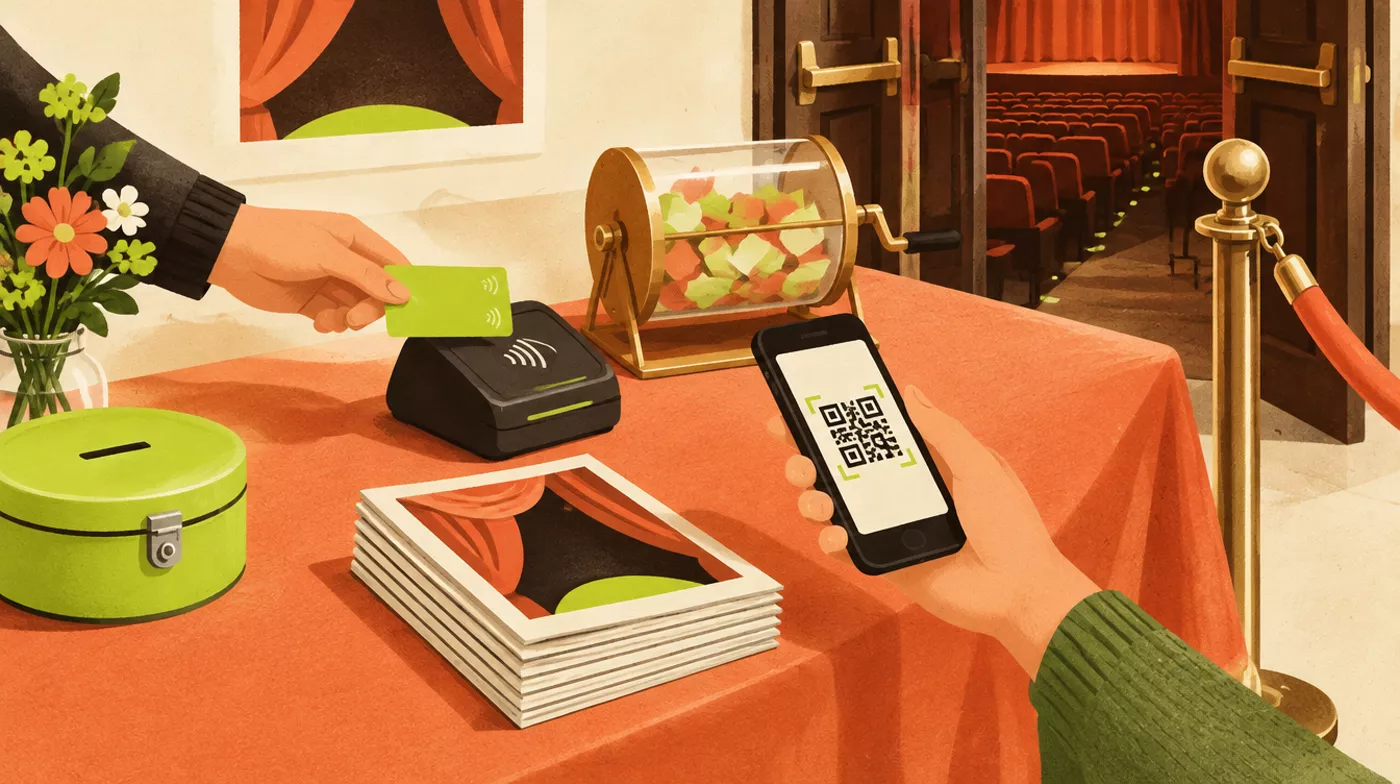
Fewer people carry cash every year. A small card reader for front of house, interval drinks and the raffle is now inexpensive, and most connect to a phone. Make sure takings from the reader are reconciled with your ticketing and bank records — and that more than one person knows how to set it up on the night.
8. Give your website a once-over
Your website is often the first thing a new audience member or would-be member sees. Open it on your phone and ask:
- Is the next show, with dates and a booking link, visible straight away?
- Is there a clear way to join, audition or volunteer?
- Are the venue address, parking and accessibility information easy to find?
- Is there anything out of date — last season’s show, an old committee list, a dead link?
If updating the site needs one particular person, that’s worth fixing. The best society websites update themselves from the information you already keep: when you add a show, it appears on the site with its booking page.
9. Back up what matters
Photographs, programmes, scripts, accounts and member records are part of your society’s history. Keep them in shared cloud storage owned by the society rather than on individual laptops or memory sticks, and make sure at least two people can access them. If something is only stored in one place, assume it will be lost one day.
10. Keep your mailing list in one place
A single, up-to-date list of members and audiences — with their contact preferences — is one of the most valuable things a society can own. It sells tickets, recruits members and brings people back season after season. If yours is split across a spreadsheet, a payment system and somebody’s phone contacts, bring it together and decide who looks after it.
Where to start
You don’t need to do all ten at once. A good first step is to put the handover document (point 4) on the agenda for your next committee meeting: listing what you use, who owns it and what it costs usually shows you which of the other nine to tackle first.
TheatreHQ brings ticketing, membership, your audience list, rehearsals and your website into one system owned by your society, with role-based access for committee members and no per-ticket fees. See everything it does, or start a free trial — no card needed.