Audience Accounts
Give your audience their own account to see upcoming bookings, past shows and order history, and keep their details and email choices up to date.
Key Features
Quick to join
Name, email and a password is all it takes, with an optional tick box for news about future shows.
Past bookings included
Orders made with the same email before signing up appear in the account straight away.
Upcoming shows at a glance
The account home lists upcoming performances with a countdown in days.
Details they control
Patrons update their address, date of birth, access needs, seating preferences and Gift Aid status themselves.
Email choices
Separate switches for show news, post-show review requests and award voting reminders.
Secure by design
Optional two-factor sign-in with an authenticator app, recovery codes and a log of security events.
An account on your own website
Your audience can create an account from your society's website with their first name, last name, email address and a password of at least 12 characters. There is an optional tick box to hear about future shows and events, which is recorded as their marketing consent. There is no separate app to download; the account lives on your site, in your branding.
If they have booked with you before using the same email address, those orders are already waiting for them when they sign in. A forgotten password can be reset by email.
Their bookings in one place
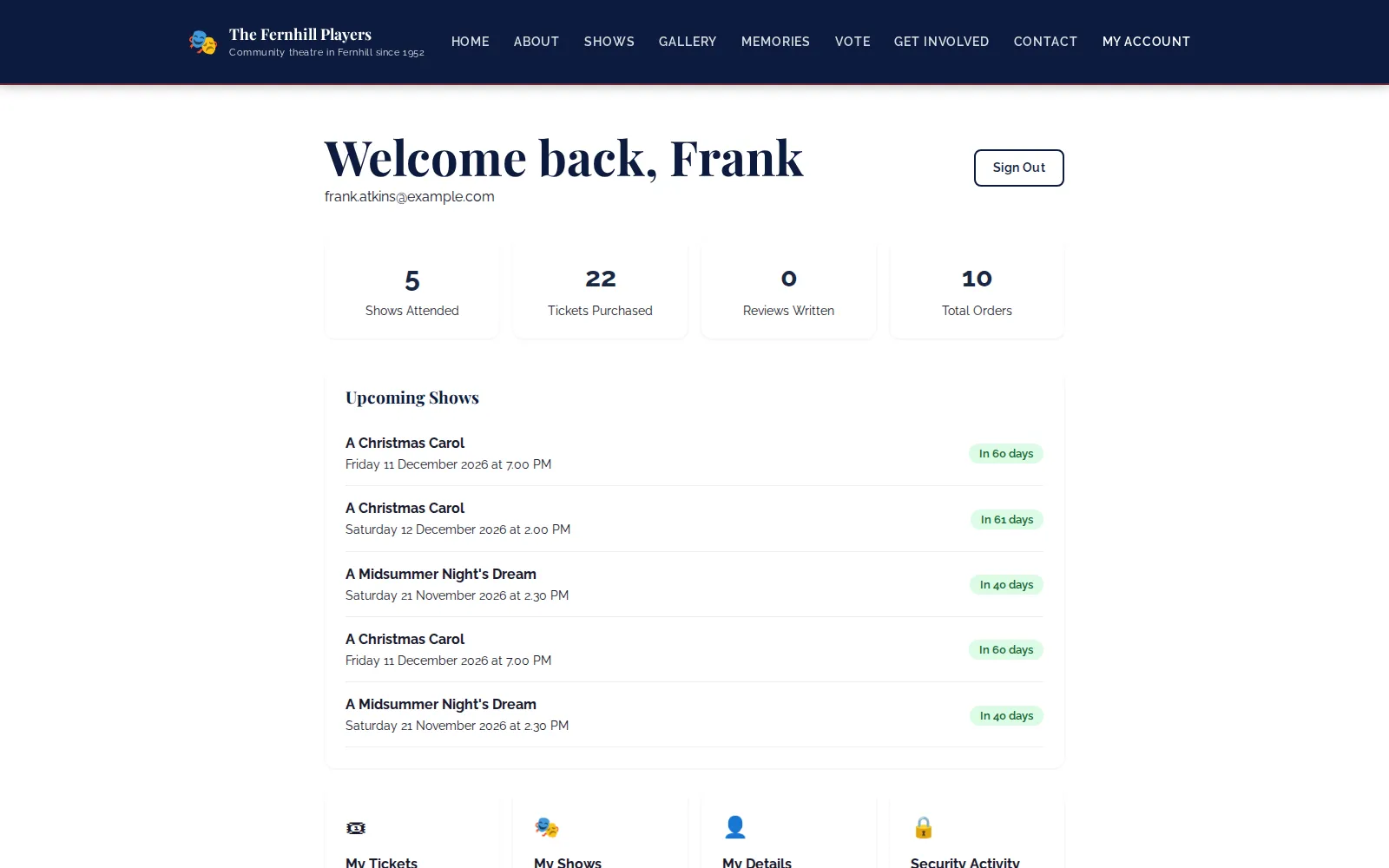
The account home greets the patron by name and shows how many shows they have attended, tickets purchased, reviews written and total orders. Upcoming Shows lists each performance they have booked with its date, time and a countdown, from “In 40 days” down to “Tomorrow” and “Today!”. Quick links lead to My Tickets, My Shows, My Details and Security Activity.
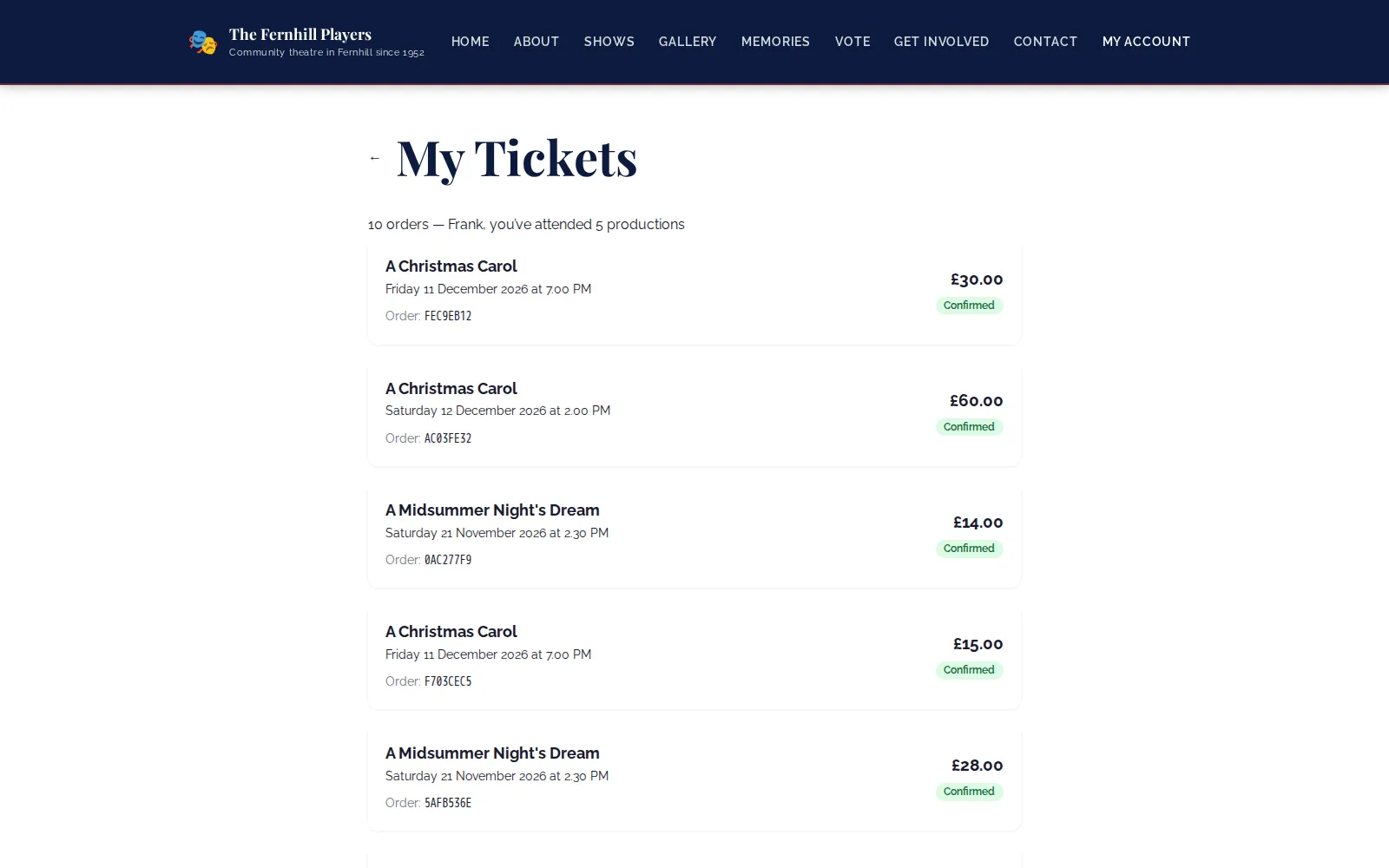
My Tickets lists every order with the show, performance date and time, order reference, amount and status. My Shows is a poster wall of every production they have been to, which regulars tend to enjoy scrolling back through.
Details and preferences they manage
Under My Details patrons keep their phone number and address current and can add a date of birth, which lets you send a birthday greeting. They can tell you about volunteer interests, accessibility needs such as a wheelchair space or hearing loop, seating preferences like an aisle seat, and whether they are eligible for Gift Aid. Everything they enter appears on their profile in your audience records, so your box office sees it too.
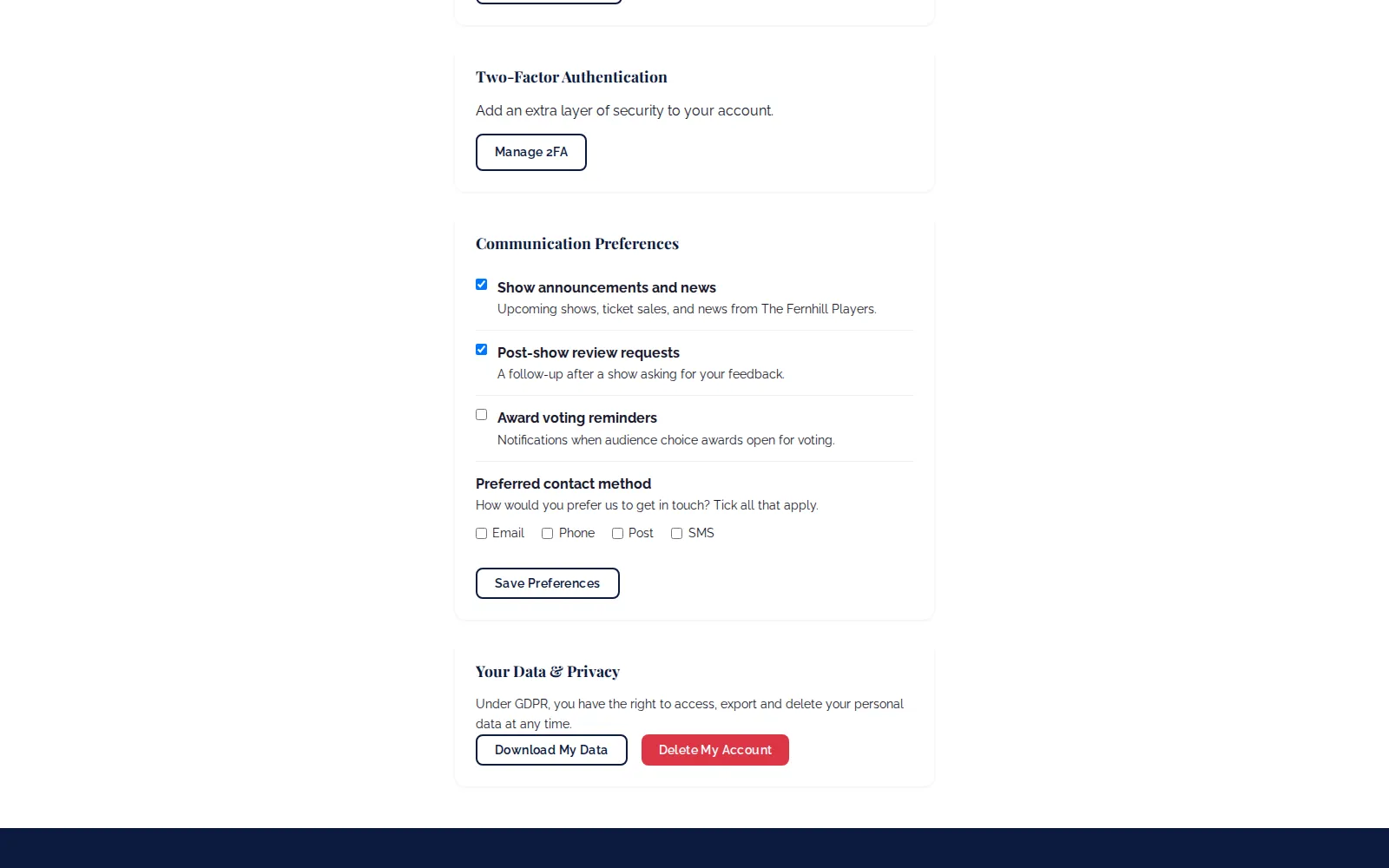
Communication Preferences gives separate switches for show announcements and news, post-show review requests and award voting reminders, plus their preferred contact method. Under Your Data & Privacy they can download their data or delete their account, which anonymises their records.
Sign-in they can trust
Patrons can turn on two-factor authentication with an authenticator app such as Google Authenticator or Microsoft Authenticator. They scan a QR code, confirm a six-digit code and receive recovery codes to copy or download. The Security Activity page lists password resets and two-factor events, such as 2FA being switched on or a recovery code being used.
Frequently asked questions
Ready to get started?
Join groups across the UK already on TheatreHQ. No card, no commitment.
Start your trial →