AGM motions and voting: a show of hands or a vote on phones
Add motions to your AGM and record the results from a show of hands, or let members vote secretly on their phones.
If motions are voted on at the meeting, add them to the activity and record the results as you go. Switch on Motions are voted on at it in the activity's details first. This guide is part of the free course Running membership in TheatreHQ.
1. Adding a motion
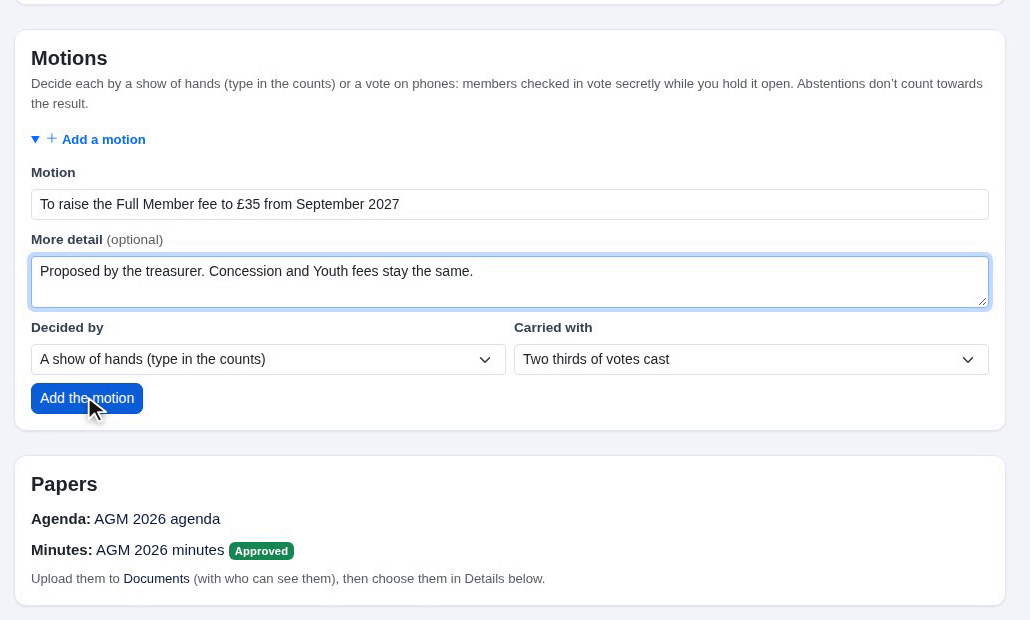
Under Motions, open Add a motion. Write the Motion and any More detail, then choose Decided by: A show of hands (type in the counts) or A vote on members' phones.
Choose what it's Carried with: More for than against, Two thirds of votes cast or Three quarters of votes cast. Abstentions don't count towards the result. Click Add the motion.
2. A show of hands
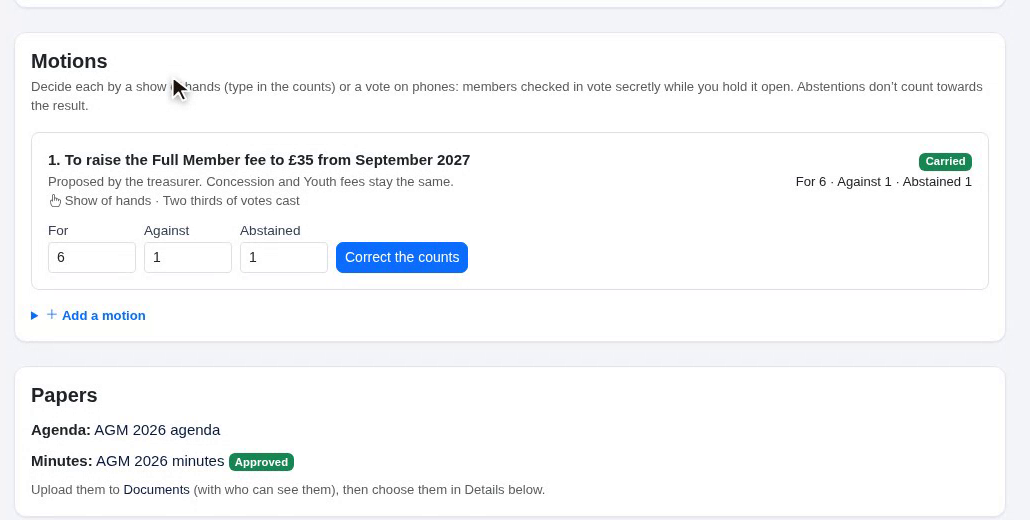
Type in the counts for For, Against and Abstained, and click Record the vote. If the counts add up to more than the people present, it tells you. Correct the counts lets you fix a mistake afterwards.
3. A vote on phones
Click Open voting. Members who've checked in see the motion on their phone and tap For, Against or Abstain. The vote is secret: only the totals are kept, and the activity shows how many have voted so far.
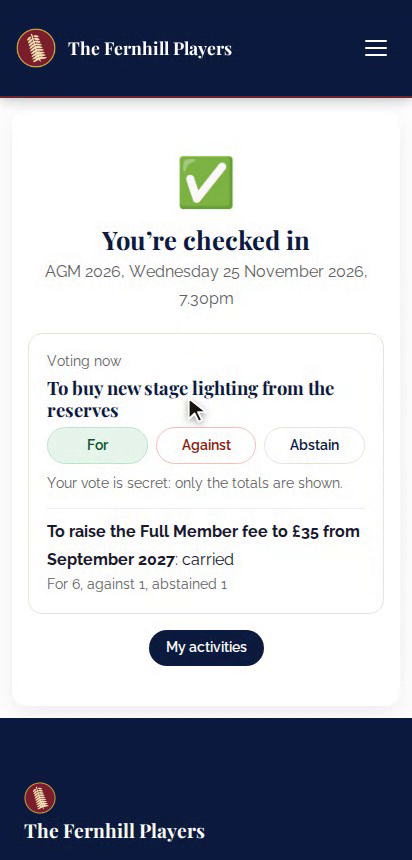
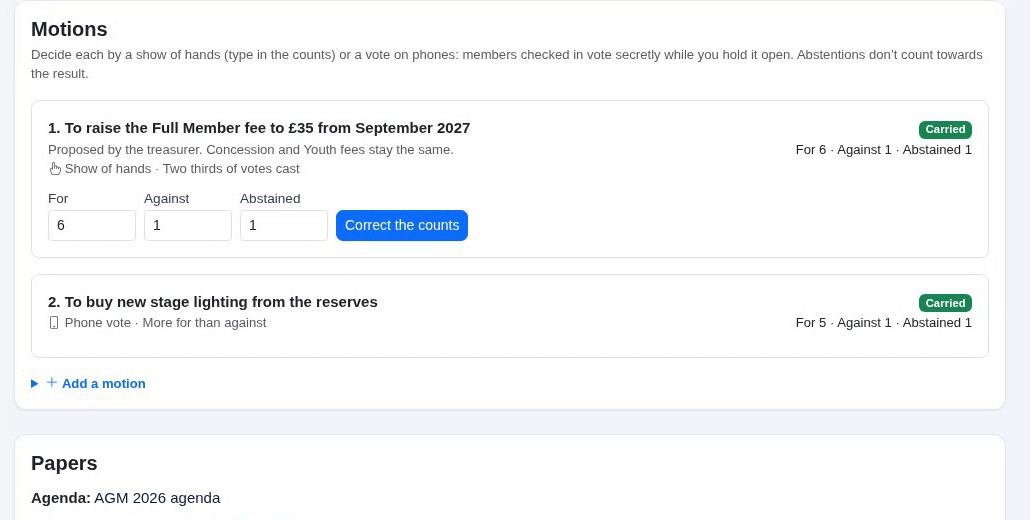
Click Close voting and count, and the result is recorded on the activity: Carried or Not carried, with the totals. Members see the result on their phone too.
Track your progress
Make a free account to take the quick quiz after each guide, keep your place in the course and get a certificate when you finish.