Video guides
Short videos showing how to do the most common jobs in TheatreHQ. Each one has a step-by-step written guide to go with it.
 1:42
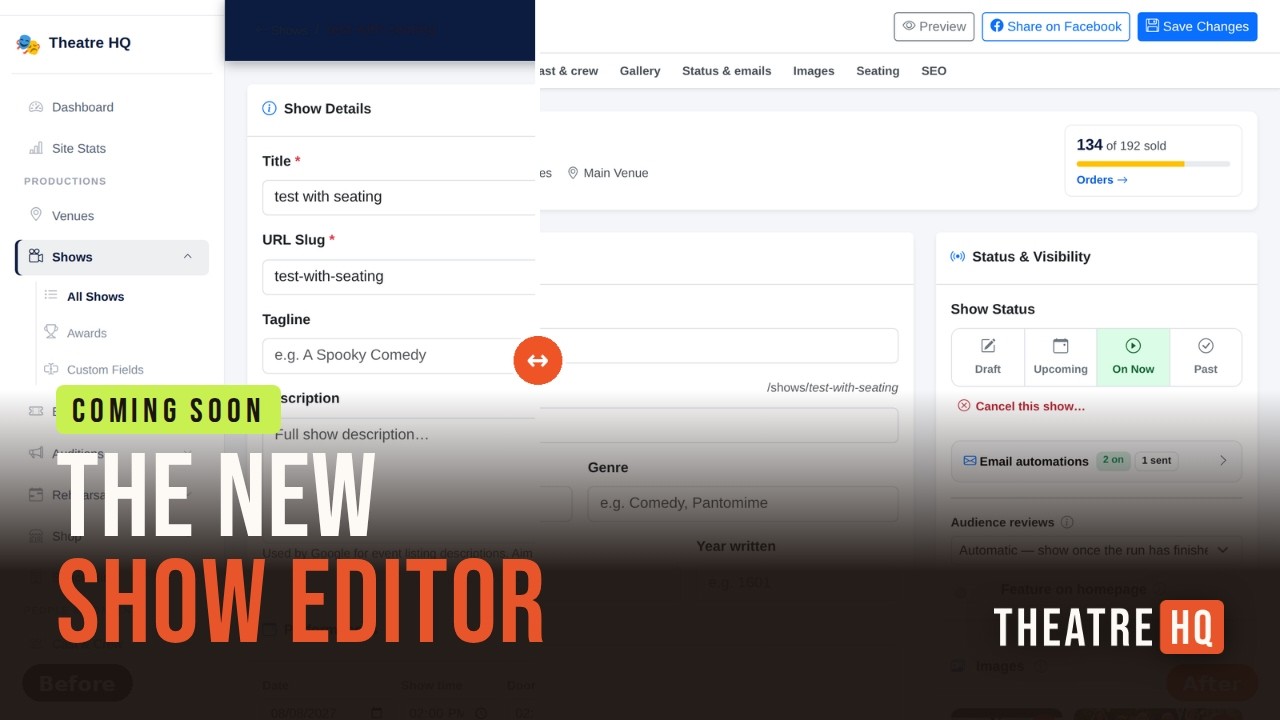
The New TheatreHQ Show Editor: Coming Soon (Before & After)
Set up a production in the show editor: details, performances, venue and tickets, cast and crew, photos, status, audience emails, images and how your show looks on Google.
 2:35
Getting Started with TheatreHQ: Put Your First Show on Sale
From an empty account to tickets on sale in one sitting: add your show, set up performances, the venue and tickets, choose when booking opens and publish.
 0:58
Theatre HQ Tutorial - How to Sign in
When you sign up for TheatreHQ, you receive a subdomain such as yourtheatre.theatrehq.com. This article explains how to find the admin login from your public site and sign in to the TheatreHQ admin panel.
 5:17
How to setup a box office in Theatre HQ
This guide shows how to configure a box office checkout for a show in TheatreHQ. It covers adding performances, choosing a box office mode, setting pricing and ticket types, and testing the public booking flow.
 3:49
How to Edit Your TheatreHQ Website
Once you are logged in, TheatreHQ adds edit pencils to your public site so you can update content and styling in place. This walkthrough covers the main front-end editing panels, from navigation and hero settings to page sections, footer, and show-page layouts.
 1:45
How to Create a Seating Plan for Your Venue in TheatreHQ
Build a seating plan for your venue with the row generator, price bands, aisles and accessible seats, then attach it to a show.
 2:33
How to Set Up Membership Types and Renewals | TheatreHQ Tutorial
Create membership types with their own fee, renewal period, renewal date and payment options, and see which members belong to each.
 1:59
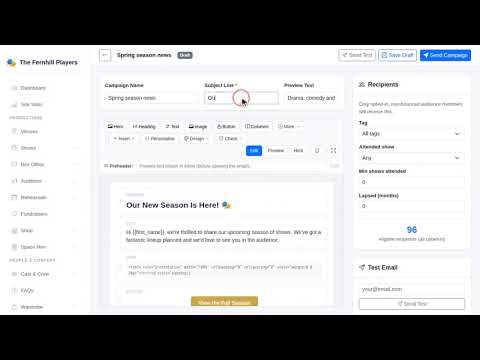
How to Send an Email Campaign to Your Audience in TheatreHQ
Create an email campaign from a ready-made template, edit it, choose who receives it and check it before you send.
 1:27
How to Set Up an Online Shop for Your Theatre Group in TheatreHQ
Switch on the shop, set up collection and delivery, add products with sizes and stock, and sell from your website.
 2:16
How to Scan Tickets at the Door on Any Phone | TheatreHQ Tutorial
Use the Door Scanner on any phone to check tickets in by QR code or name, and watch arrivals live.
 1:38
How to Set Up Automated Emails in TheatreHQ
Choose which emails send themselves — booking confirmations, welcomes, reminders — and edit what each one says.
 1:51
How to Change Your Theatre Website's Design (No Code) | TheatreHQ Tutorial
Choose a theme, set your colours and banner, and make your society's website look like yours.
 2:23
Cash Sales, Pay at the Door and Free Tickets in TheatreHQ
How to record tickets sold in person, hold seats for people who will pay at the door, give away tickets as free complimentary comps with a reason, and credit a sale to a cast member.
 1:25
How to Run Audition Day from One Screen | TheatreHQ Tutorial
Run audition day from one screen: check people in as they arrive, take notes, vote on roles and keep the whole panel in step with a live activity feed.
 1:22
Track Rehearsal Attendance and Notes | TheatreHQ Tutorial
See who has confirmed or sent apologies for a rehearsal, mark attendance on the night, and keep notes from each rehearsal for the production team.
 1:26
Share Scripts, Scores and Rehearsal Tracks with Your Cast | TheatreHQ Tutorial
Upload scripts, scores, rehearsal tracks and notes for a production, choose who can see each file, and upload new versions when things change.
 1:27
How to Record Donations with Gift Aid for Your Theatre Group | TheatreHQ Tutorial
Turn on Gift Aid for a fundraiser, record cash donations with the donor's declaration, and export what you need for your HMRC claim.
 1:27
Table Seating Plans for a Fundraising Dinner or Gala | TheatreHQ Tutorial
Set up tables and seats for a dinner or gala, see who is sitting where, give free seats to guests, hold tables back and move people around.
 1:17
Book Your Hall for a Show and Its Rehearsals in One Go | TheatreHQ Tutorial
Put a production's performances and weekly rehearsals into your hall's diary in one go, without double booking anyone who already hires the space.
 1:14
Set Up Weekly Hall Hire Bookings for a Whole Term | TheatreHQ Tutorial
Book a regular hirer, like a weekly class or toddler group, for a whole term at once, skipping holidays and any dates that are already taken.
 1:29
Get Your Theatre Website Found on Google: SEO Settings | TheatreHQ Tutorial
Control how your website appears in Google and when it is shared on Facebook or WhatsApp, and connect Google Analytics, Search Console, Clarity and the Meta Pixel.
 1:59
How to Edit Your Contact Form and Send Each Subject to the Right People | TheatreHQ Tutorial
Change the wording of your contact form, send each subject to its own email addresses, add your own questions and make the form match your website.
 2:07
How to Add Your Own HTML and CSS to Your Home Page (Custom Code Blocks) | TheatreHQ Tutorial
Add up to three blocks of your own HTML and CSS to your home page, switch them on and drag them into place from the Homepage Sections menu.
 1:20
Run Your Auditions Online, Start to Finish | TheatreHQ
From the first application to the cast list, in one place. A quick tour of auditions in TheatreHQ: applying on a phone, the audition day on a tablet, the casting board and the welcome pack.
 4:54
Setting Up an Audition: Step by Step | TheatreHQ
Switch on auditions, see who can see what, then set up an audition: the show, status and type, location, slots and booking, rehearsal dates, roles and sides, and your audition days.
 3:26
Audition Fees, Offers and Going Live | TheatreHQ
Shape the candidate's journey: the audition fee, offers and the welcome pack, the emailed code, what to prepare, self-tapes, feedback, scoring and data. Then open your audition and tell people.
 2:05
Your Casting Panel: Who Sees What | TheatreHQ
Put your director and panel on an audition, choose who can make offers, and see what a panel member sees, including declaring an interest.
 3:20
How Candidates Apply, and Their Audition Page | TheatreHQ
What your candidates see, on a computer and on a phone: finding your auditions, applying, and their own audition page with slots, fees, pieces, the On the day guide, a lost link, the emailed code and the guardian view.
 2:04
Audition Day and Offers: What Candidates See | TheatreHQ
On the day: people ahead, the expected time, I'm here, Running late? and the check-in code. Afterwards: answering an offer, joining as a member, the welcome pack, feedback and the survey. On a computer and on a phone.
 2:25
Managing Audition Applicants and Self-Tapes | TheatreHQ
The applicants pipeline and table, everything in a candidate's drawer (fees, access needs, guardians, notes and slots), bulk emails, and watching and scoring self-tapes.
 1:53
Running Audition Day on a Tablet | TheatreHQ
The audition day page: the schedule, checking people in with their code, telling candidates you're running late, scoring with a tap, votes, notes, Mark as seen and the live activity feed.
 2:44
The Casting Board, Offers and the Cast List | TheatreHQ
Make offers and email them, sign off a director's offer, see answers arrive, share feedback and publish the cast list. Then rehearsal clashes, analytics, removing candidates' details and your privacy policy.