AGM register: QR check-in, the sign-in sheet and quorum
Take the register at your AGM, let members check in with a QR code, print a sign-in sheet and see when the meeting is quorate.
On the night, TheatreHQ keeps the register for you and tells you when the meeting is quorate. This guide is part of the free course Running membership in TheatreHQ.
1. The register
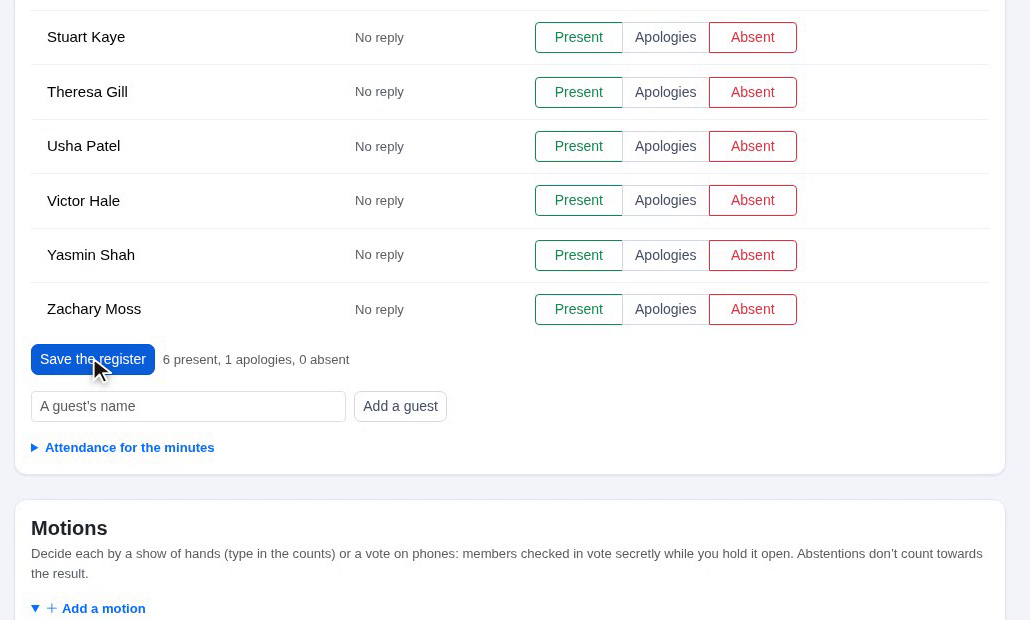
Open the activity. The Register lists everyone it's for, with their reply. Mark people Present, Apologies or Absent and click Save the register.
2. Quorum
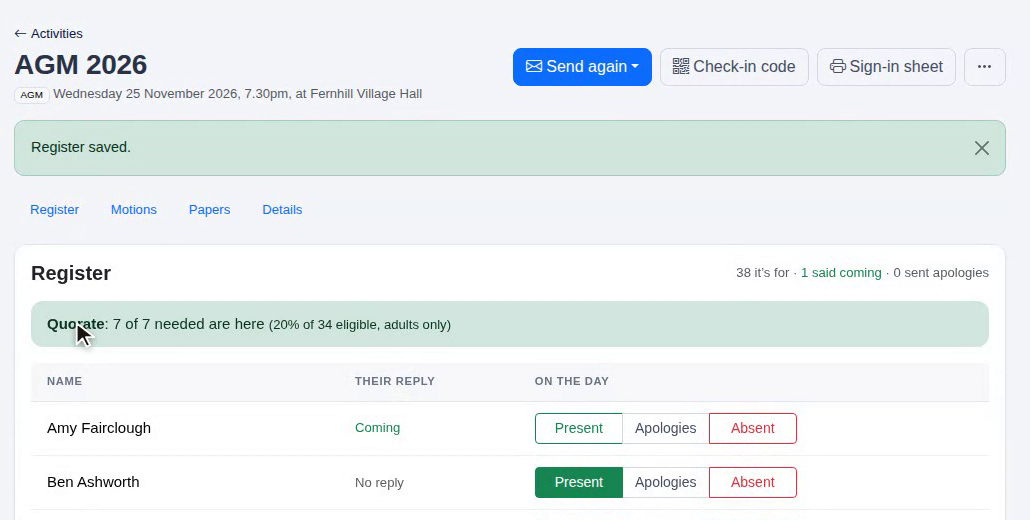
The quorum line shows how many are needed and how many are here. As soon as there are enough, it says Quorate.
3. Checking in with a QR code
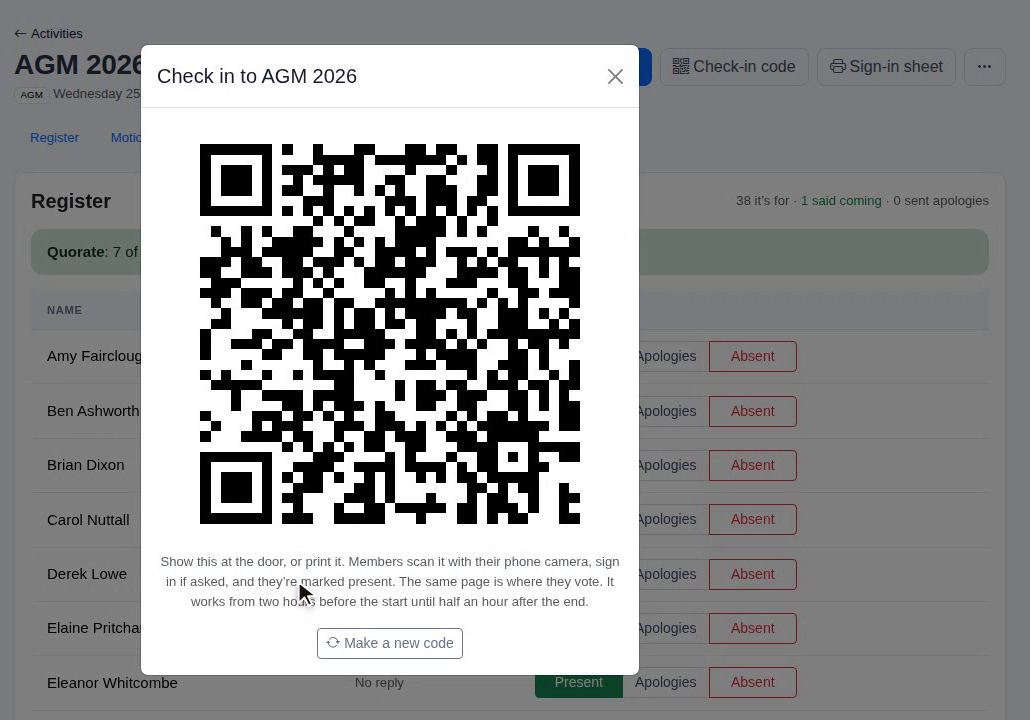
Click Check-in code and show the QR code at the door, or print it. Members scan it with their phone camera and they're marked present. The code works from two hours before the start until half an hour after the end, and Make a new code stops the old one working.
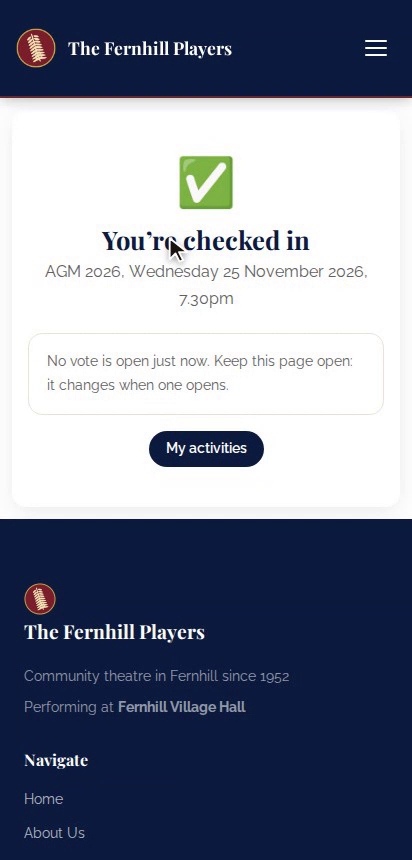
On their phone, members see You're checked in, and they appear on the register straight away.
4. The sign-in sheet and guests
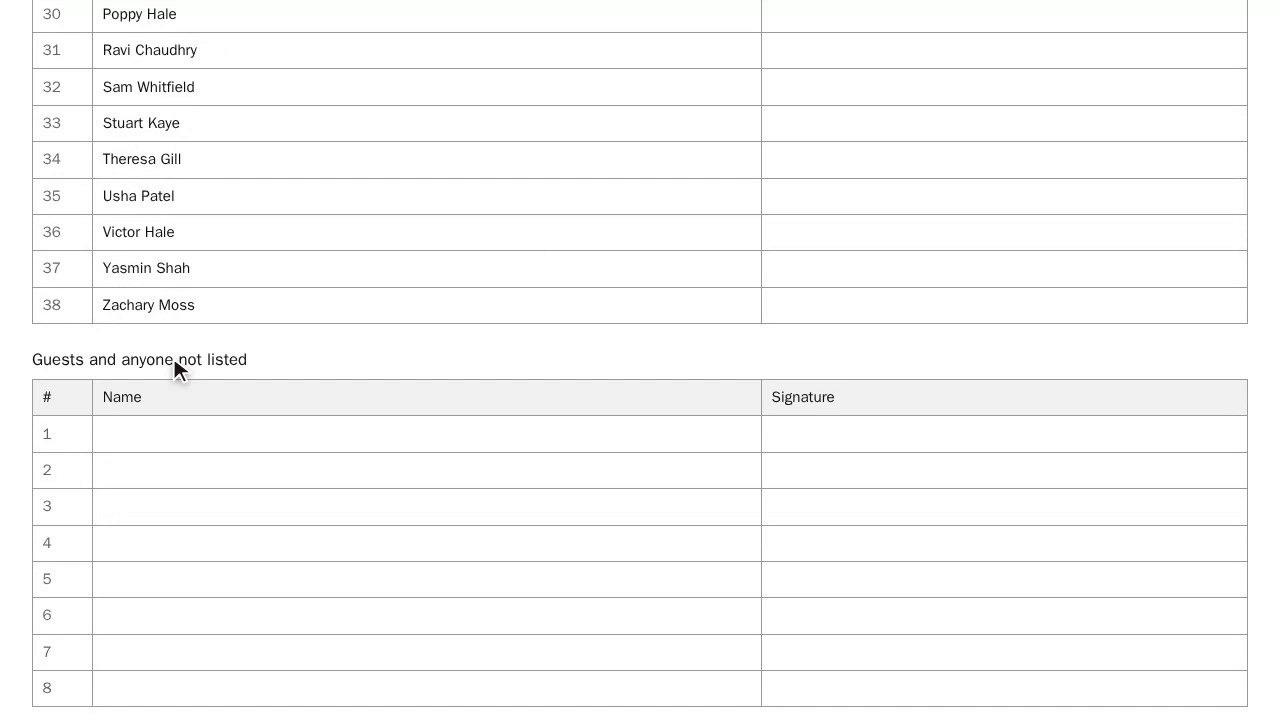
For anyone without a phone, Sign-in sheet prints a list to sign, with room for guests. Add a guest puts a visitor on the register.
5. After the meeting
Once the meeting's over, the register is frozen, with who was a member on the day, so it stays right even after renewals.
Track your progress
Make a free account to take the quick quiz after each guide, keep your place in the course and get a certificate when you finish.