Auditions in TheatreHQ: a quick tour
From the first application to the cast list, in one place. A quick tour of auditions in TheatreHQ: applying on a phone, the audition day on a tablet, the casting board and the welcome pack.
From the first application to the cast list, in one place. No spreadsheets, and no lost emails. This is auditions in TheatreHQ. This short tour shows the whole journey; the rest of the course goes through each part step by step.
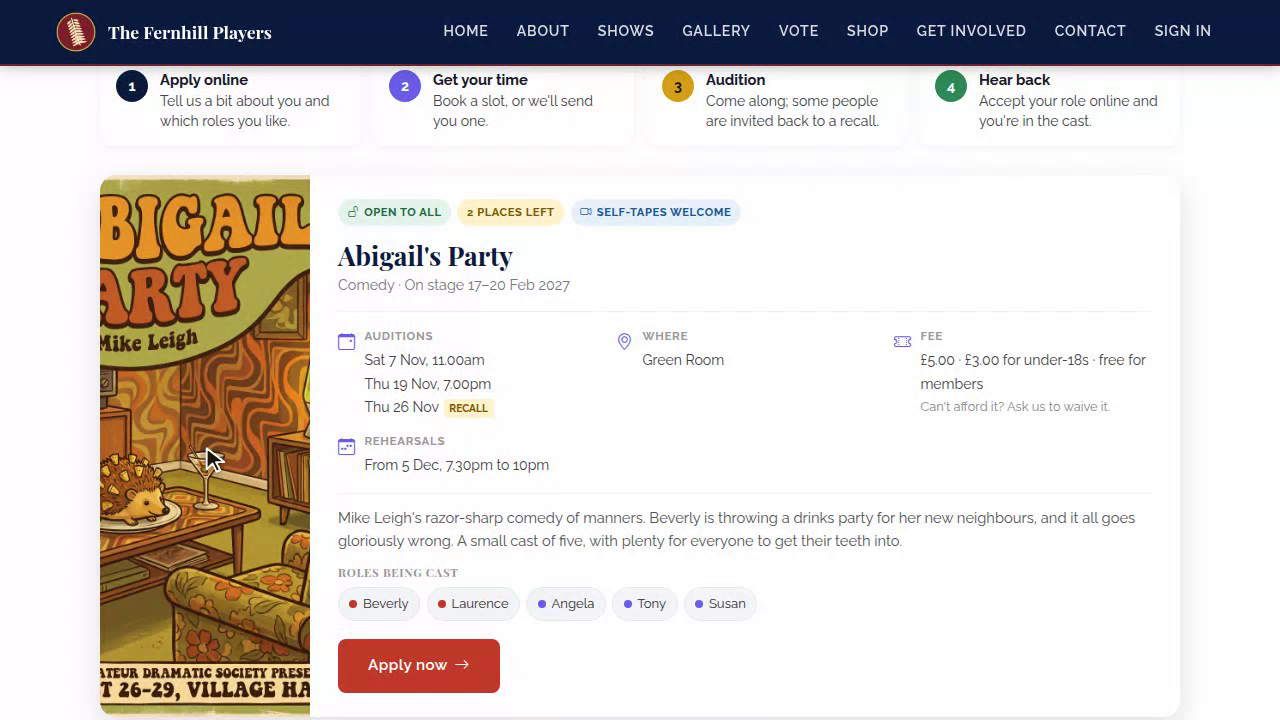
1. Apply
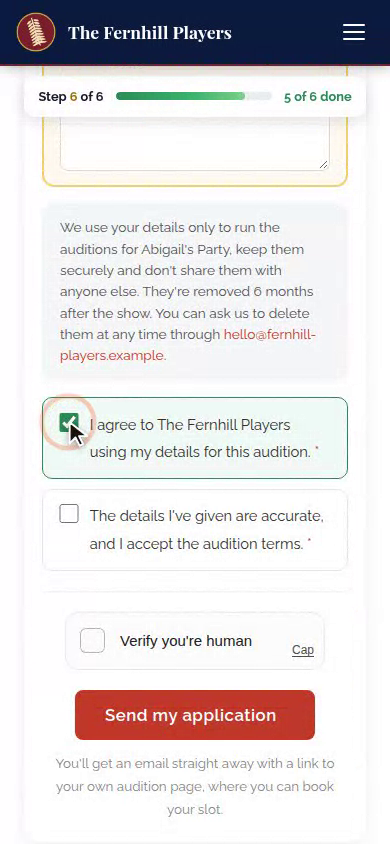
Candidates find your auditions on your website and apply on their phone in a few minutes. They pick their roles, tick the rehearsals they can't make, and send it off, with a round of applause at the end.
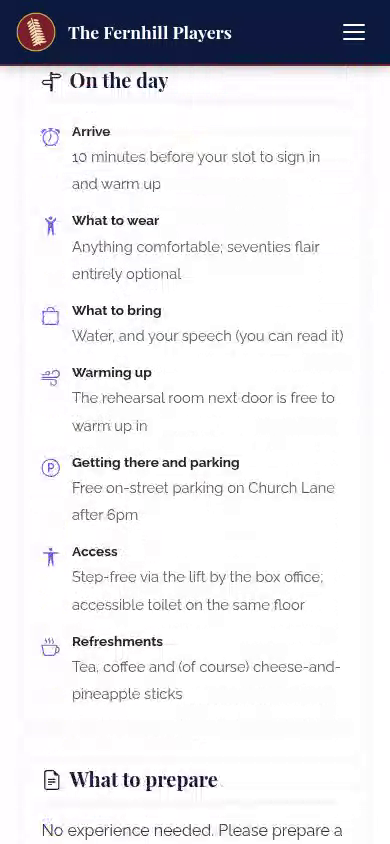
2. Their page
Every candidate gets their own audition page. They book a slot, pay the fee, send their song and speech, and see what to prepare. No passwords, just the link in their emails.
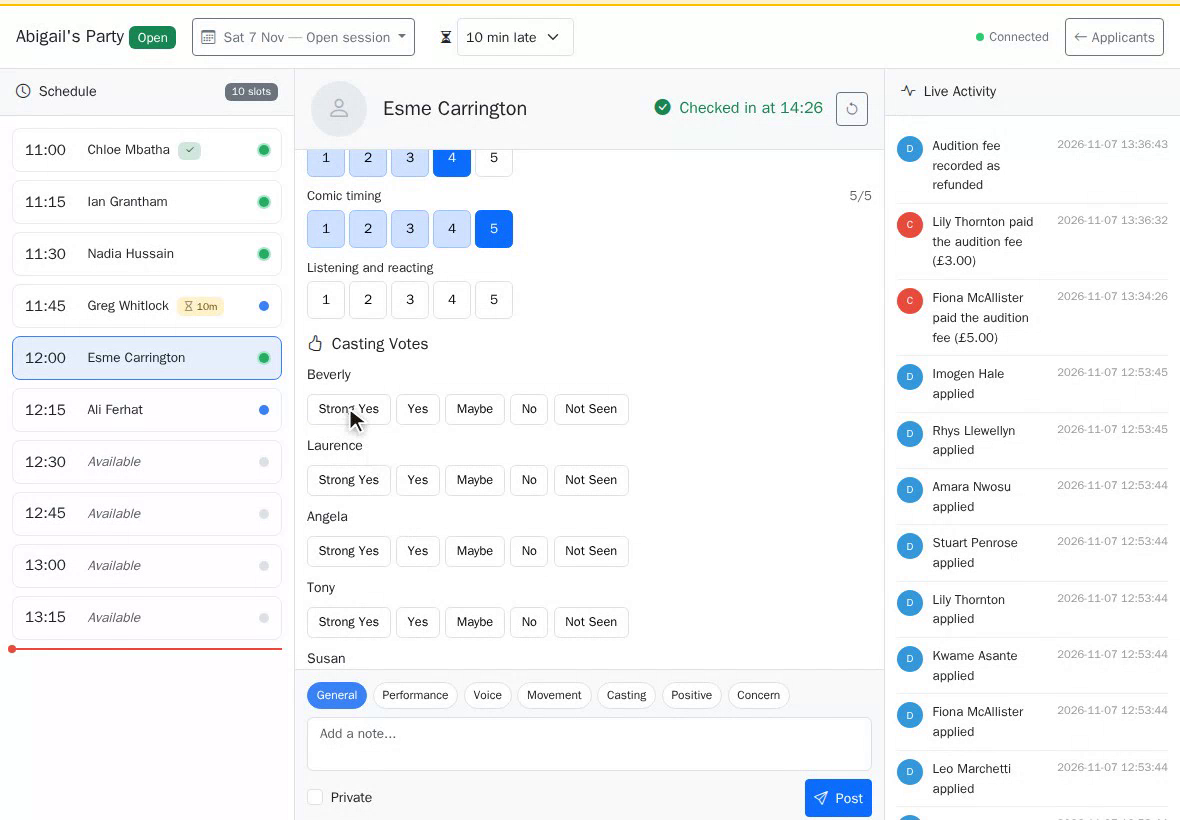
3. Audition day
On the day, your panel works from a tablet. See who's checked in, score each candidate with a tap, vote for roles and make notes, while everyone waiting sees the queue move on their phone.
4. Casting
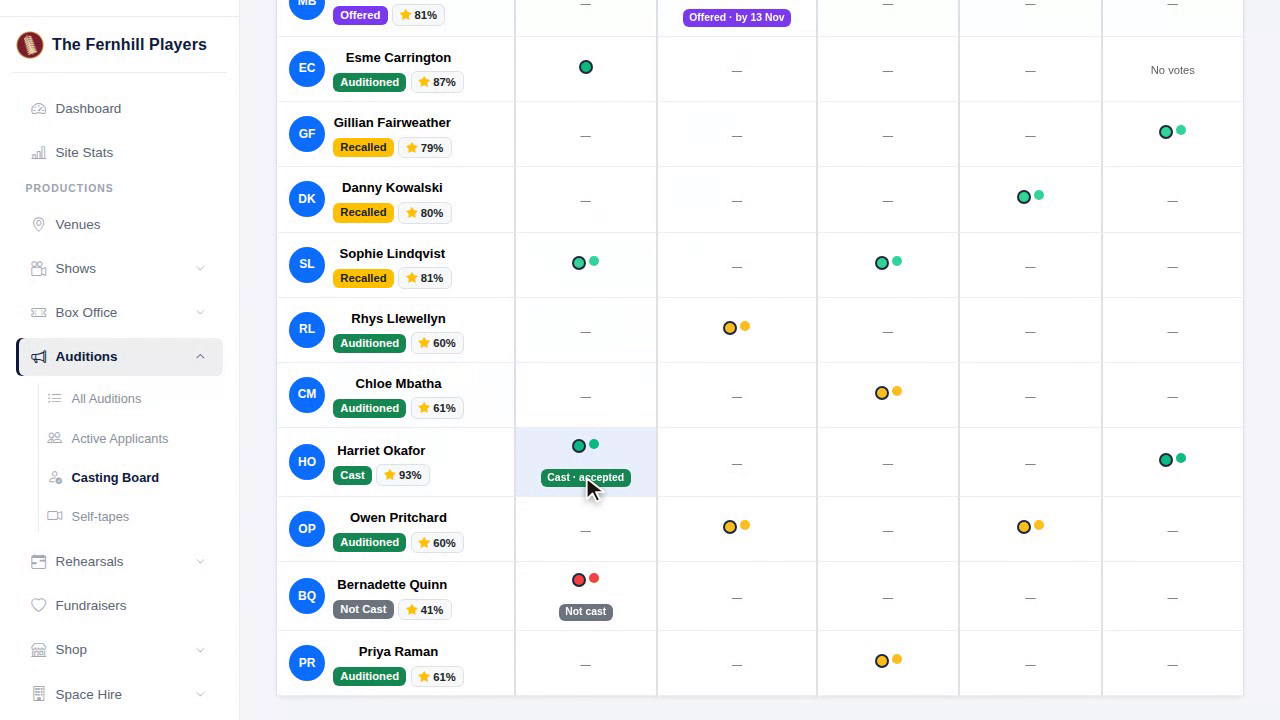
Then the casting board brings every vote and score together, role by role. Make your offers, and they go out by email in one go.
5. Offer and welcome
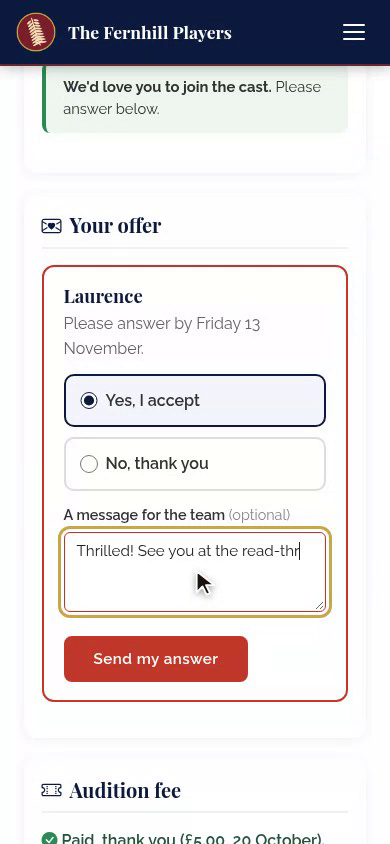
Candidates answer on their page, and your new cast get a welcome pack, with every rehearsal and performance ready to add to their calendar.
That's auditions in TheatreHQ, from first application to cast list. Next in the course: Setting up an audition.
This guide is part 1 of 9 in the Running auditions in TheatreHQ course.
Track your progress
Make a free account to take the quick quiz after each guide, keep your place in the course and get a certificate when you finish.