For members: replying to a meeting, checking in and voting on your phone
What members see when you call a meeting: replying, checking in with their phone camera, and voting in secret.
When you call a meeting, like an AGM, members reply, check in and vote from their phone. This guide shows what they see. This guide is part of the free course Running membership in TheatreHQ.
1. Replying
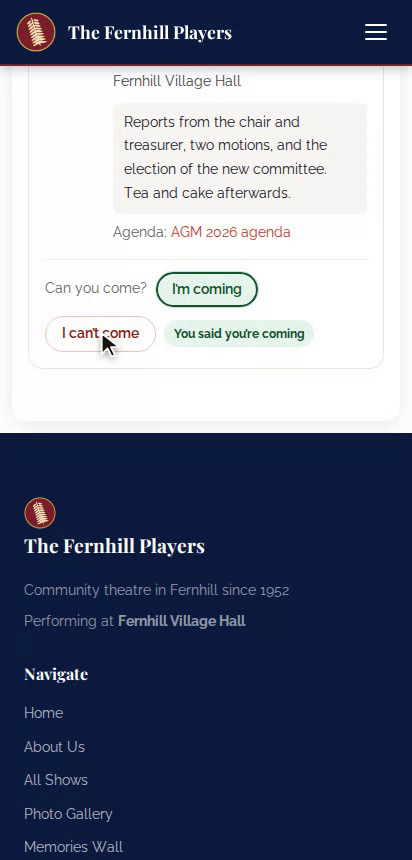
In My membership, Meetings and activities you're called to opens My activities (the notice email has the same buttons). Each meeting shows the day, the place and the agenda. They tap I'm coming or I can't come, and can change their mind later.
2. Checking in
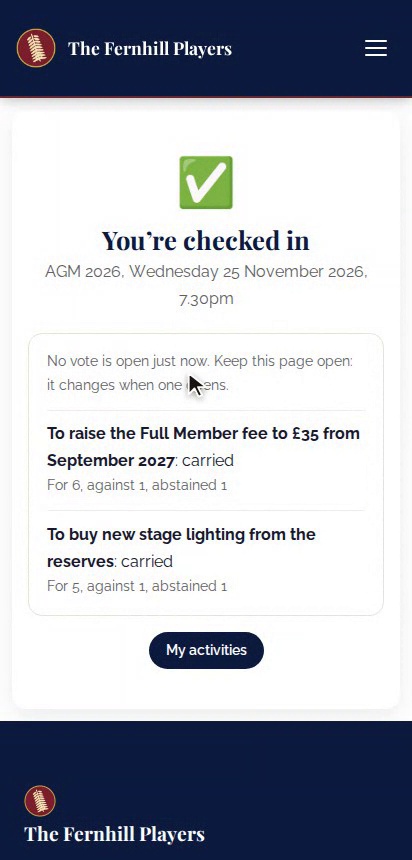
On the night, they scan the check-in code with their phone camera and see You're checked in. They're marked present on your register straight away. If no vote is open, the page says so, and changes by itself when one opens.
3. Voting
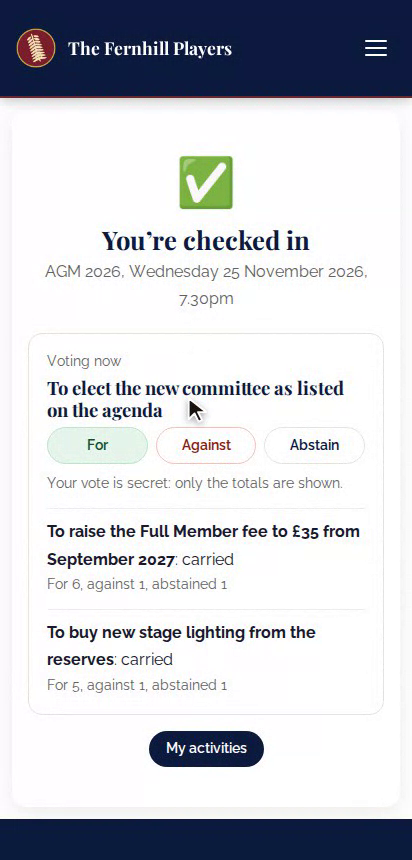
When you open a vote, the motion appears on the same page. They tap For, Against or Abstain. Their vote is secret: only the totals are kept.
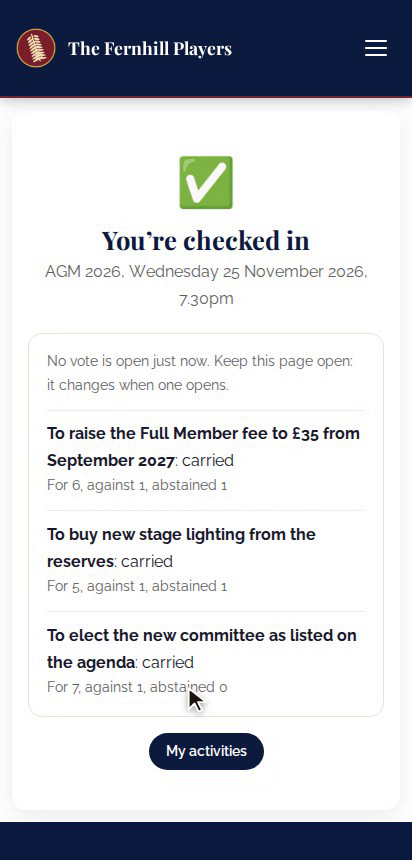
When voting closes, the result shows on their phone: carried or not carried, with the totals.
Track your progress
Make a free account to take the quick quiz after each guide, keep your place in the course and get a certificate when you finish.