GDPR for membership: data requests, erasing members and data retention
Answer a subject access request, erase a member who asks, and set how long you keep old member records.
TheatreHQ helps you look after members' data the way GDPR expects: answering requests, erasing people who ask, and not keeping data for longer than you need. This guide is part of the free course Running membership in TheatreHQ.
1. Subject access requests
If a member asks what you hold about them, open their profile and the GDPR tab. Download member data gives you everything in one file: their details, contacts, guardians, medical, consents, DBS, theatre details, memberships and payments.
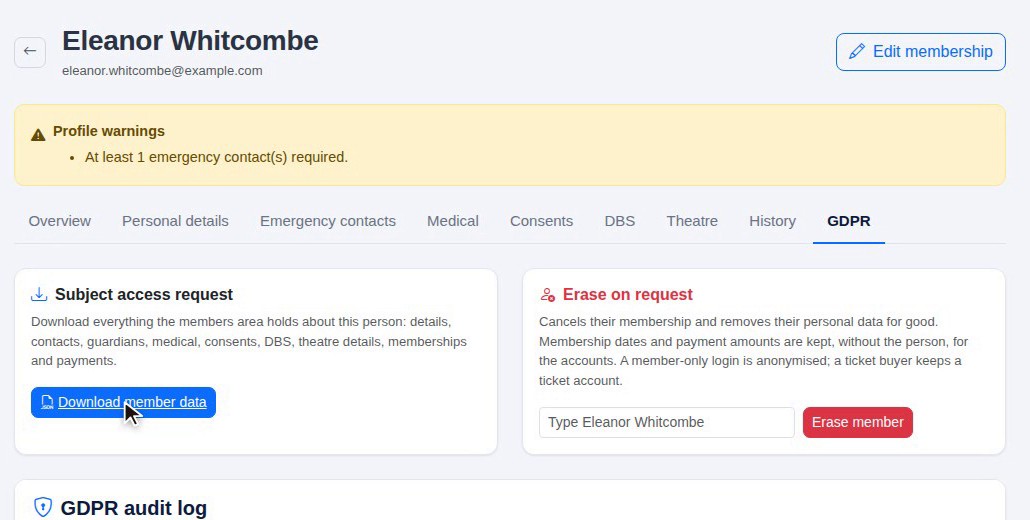
The GDPR audit log underneath shows every time someone viewed or downloaded their data, and who it was.
2. Erasing on request
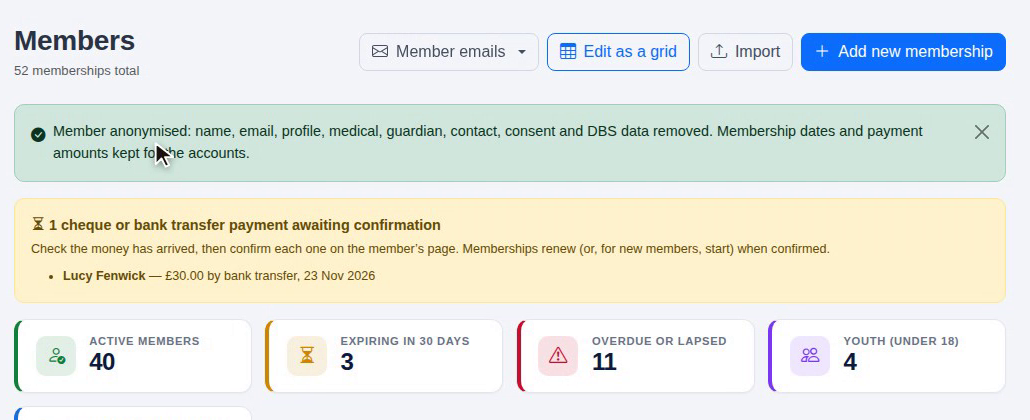
If someone asks to be erased, type their name in Erase on request and click Erase member, then confirm. Their membership is cancelled and their personal data removed for good. Membership dates and payment amounts are kept for the accounts, without the person; a ticket buyer keeps their ticket account. Only an admin can do this, and it can't be undone.
3. Data retention
Data retention, under Membership, sets how long you keep each kind of record: Lapsed members, Safeguarding records, DBS records and Medical information. Change the months and click Save settings.
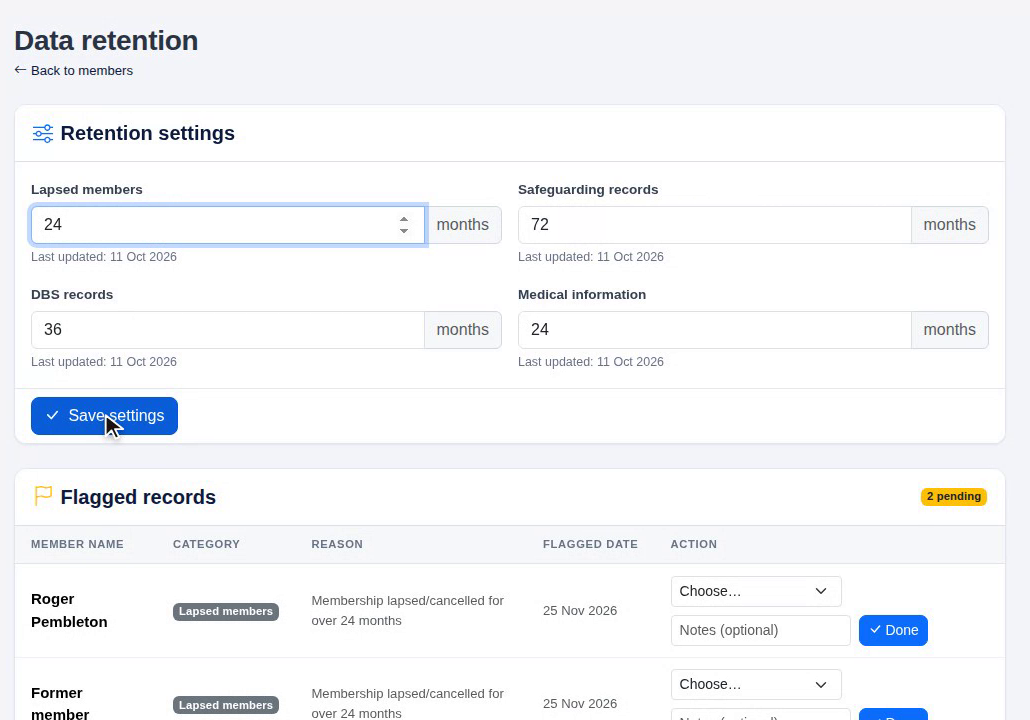
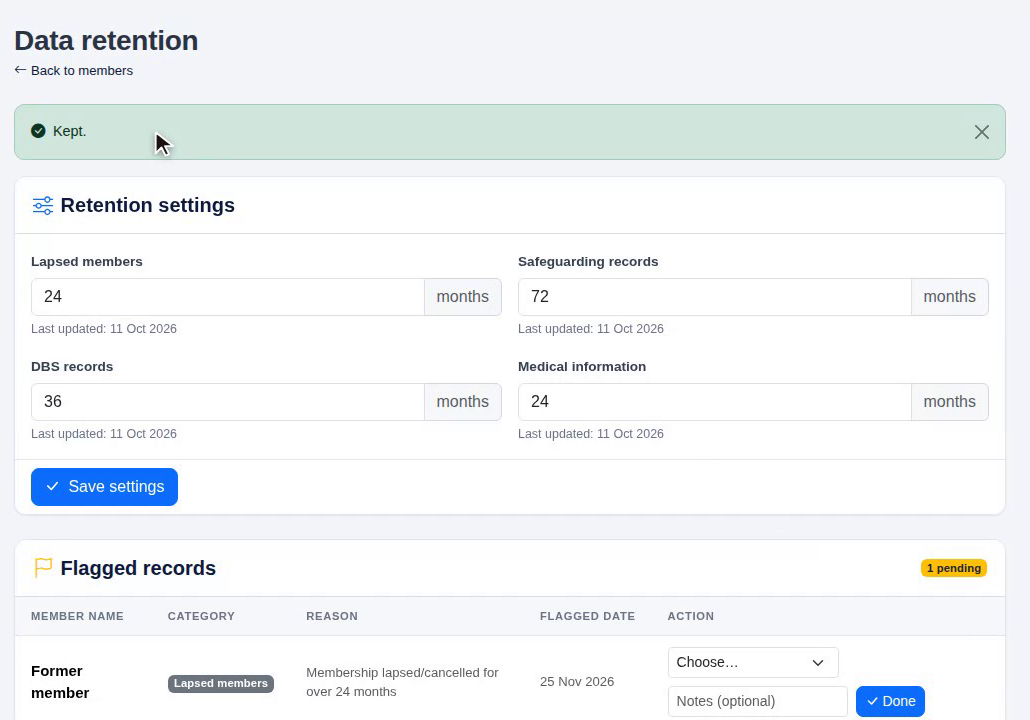
Every night, TheatreHQ flags records that are past their time. Under Flagged records, choose Keep for now, Anonymise member (or Delete the data, for medical and safeguarding records), add a note if you like, and click Done. A record you keep isn't flagged again for another retention period.
Track your progress
Make a free account to take the quick quiz after each guide, keep your place in the course and get a certificate when you finish.