Designing your membership card, and checking cards at the door
Give every member a card on their phone, design it with your colours and logo, and check it at the door by scanning its QR code.
Every member can have a membership card on their phone, with a QR code your door team can check in seconds. This guide is part of the free course Running membership in TheatreHQ.
1. Switch cards on
On Membership types, click Membership card and switch on Members have a membership card.
2. Design it
Choose the Layout (classic, or centred), a Title and a Font. Under Background, set the colours, or upload a Background picture and use Darken so the writing stands out. Choose the Logo and name. The preview updates as you go.
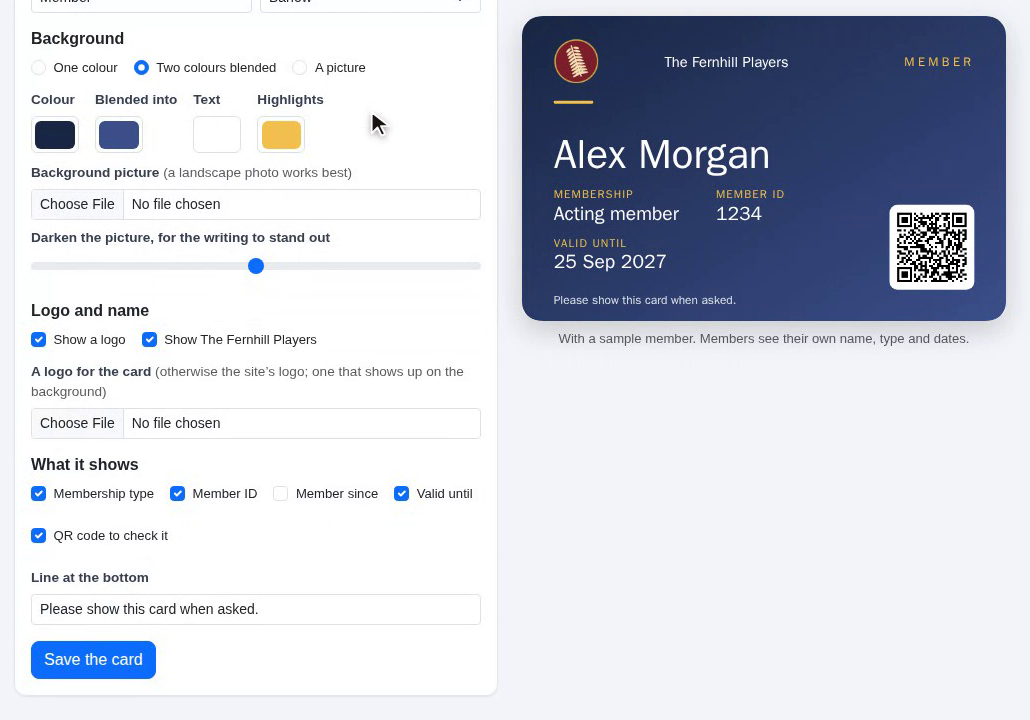
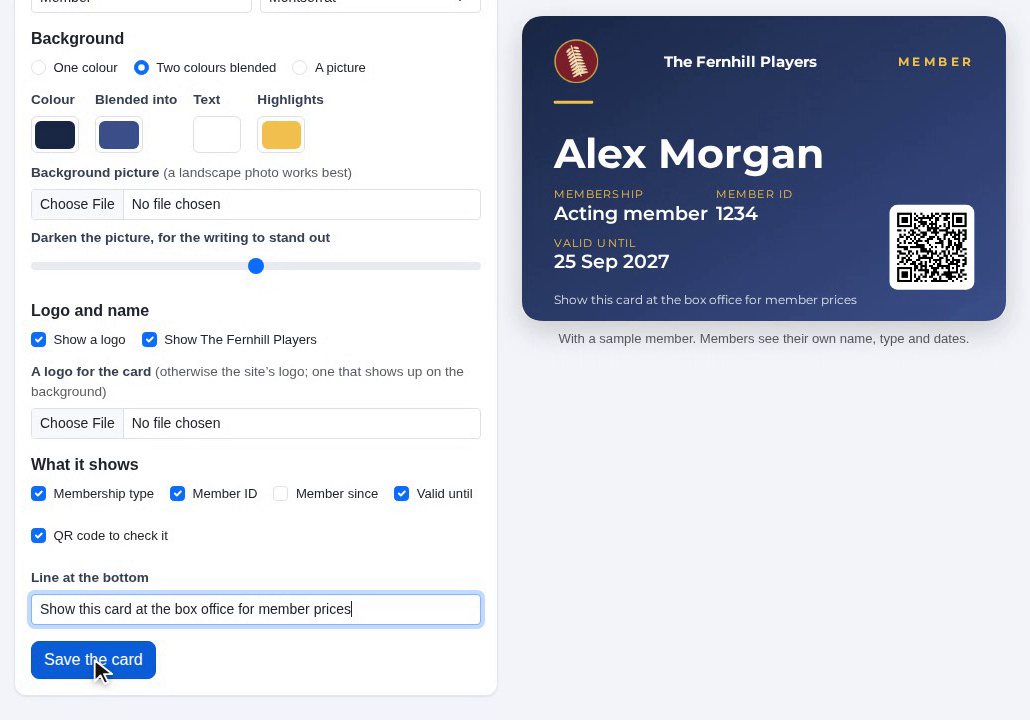
Under What it shows, tick Membership type, Member ID, Member since, Valid until and QR code to check it, add a Line at the bottom, and click Save the card.
3. Members' cards
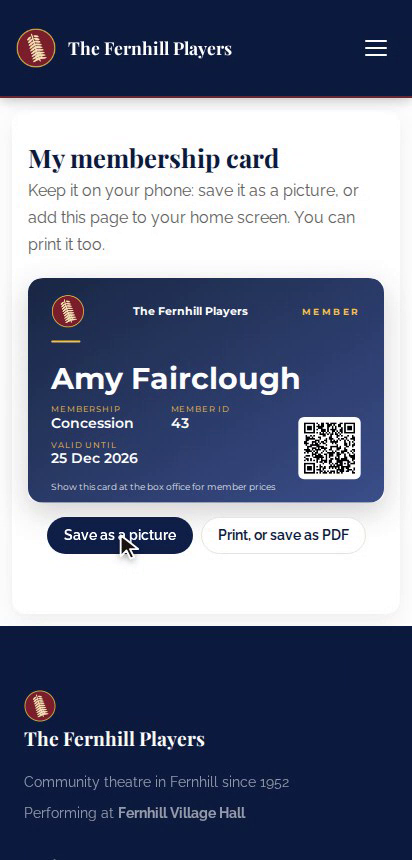
Members find their card from My membership (Your membership card), or at /my-card. They can Save as a picture, Print, or save as PDF, or add the page to their phone's home screen. Staff can open a member's card with Card on their membership page.
4. Check a card at the door
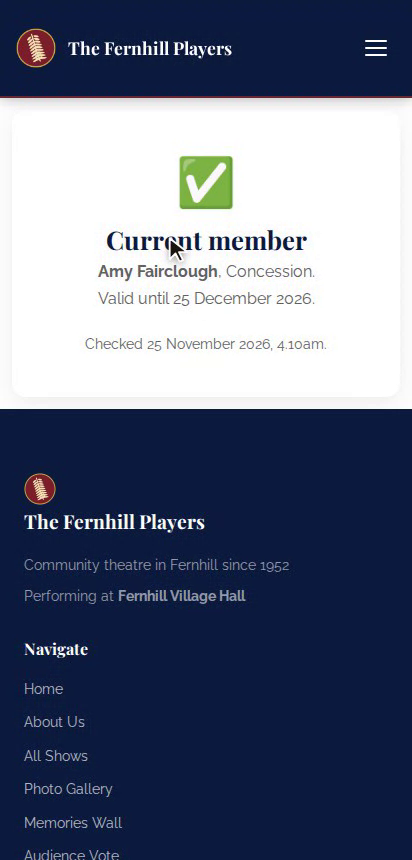
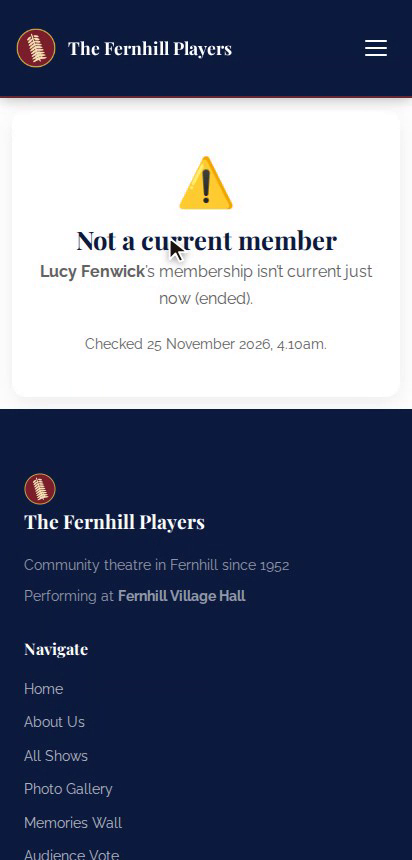
Scan the card's QR code with any phone camera. It opens a page that says Current member, Not a current member or Card not recognised, so there's no list to check and no app to install.
Track your progress
Make a free account to take the quick quiz after each guide, keep your place in the course and get a certificate when you finish.