Showing your shows on other websites (widgets and feeds)
Put a live list of your shows on another website, and give people RSS and calendar feeds that update by themselves.
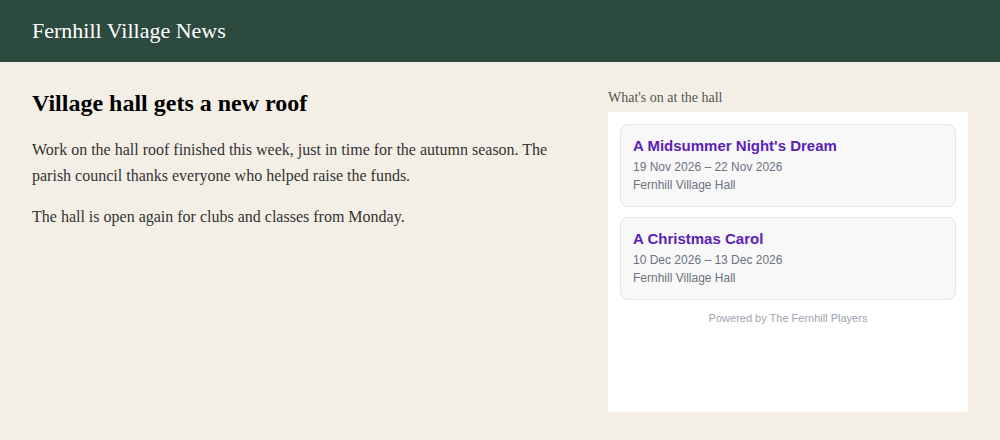
Your shows don't have to stay on your own website. The village website, the local what's on page, your venue's site or a partner group can all show a live list of your shows that updates by itself. Calendar feeds go one step further and put your dates straight into people's phone calendars.
1. Choose a widget
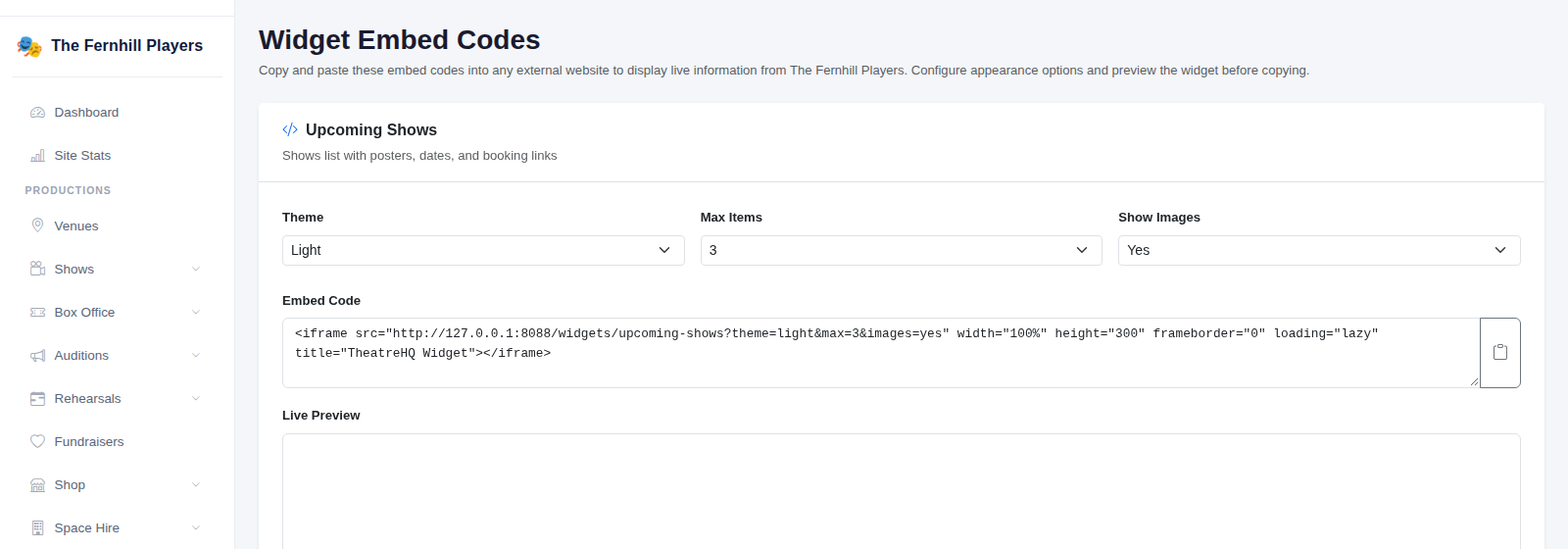
Go to Integrations > Embed Widgets. There are three to choose from:
- Upcoming Shows: a list of your shows with dates and booking links.
- What's On: your shows and events together.
- Next Show: a small card for your next show, which fits nicely in a sidebar.
For each one you can pick a Theme (light or dark, to suit the site it's going on), how many items to show, and whether to include images.
2. Copy the embed code
When you change the options, the Embed Code box updates. Click the copy button beside it and send the code to whoever looks after the other website. It's a single line that they paste into their page where they want the list to appear. Most website builders have an "embed" or "HTML" block for exactly this.
That's the only time anyone needs to touch it. When you add a show or change its dates, the widget changes on its own.
3. Share your RSS feeds
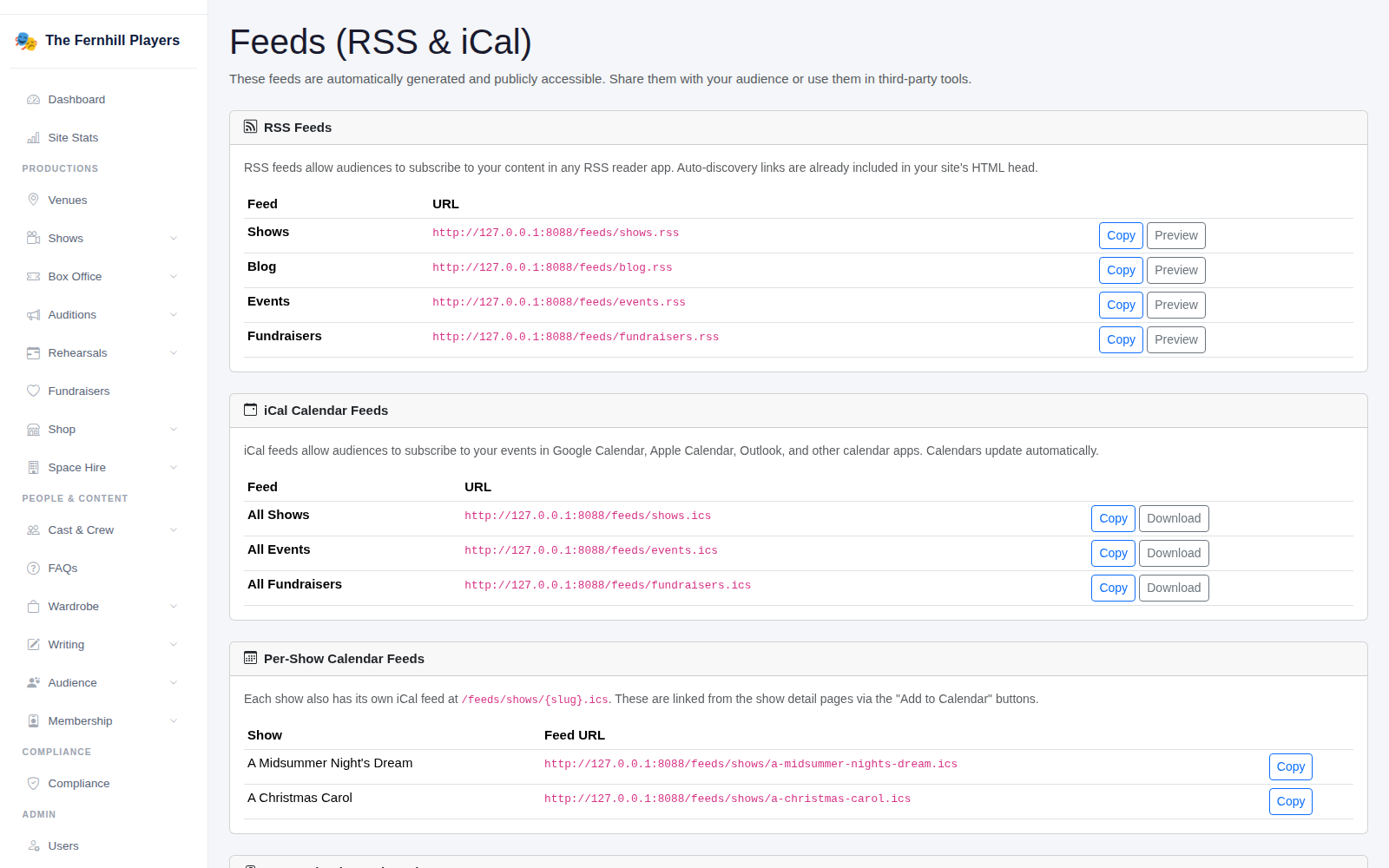
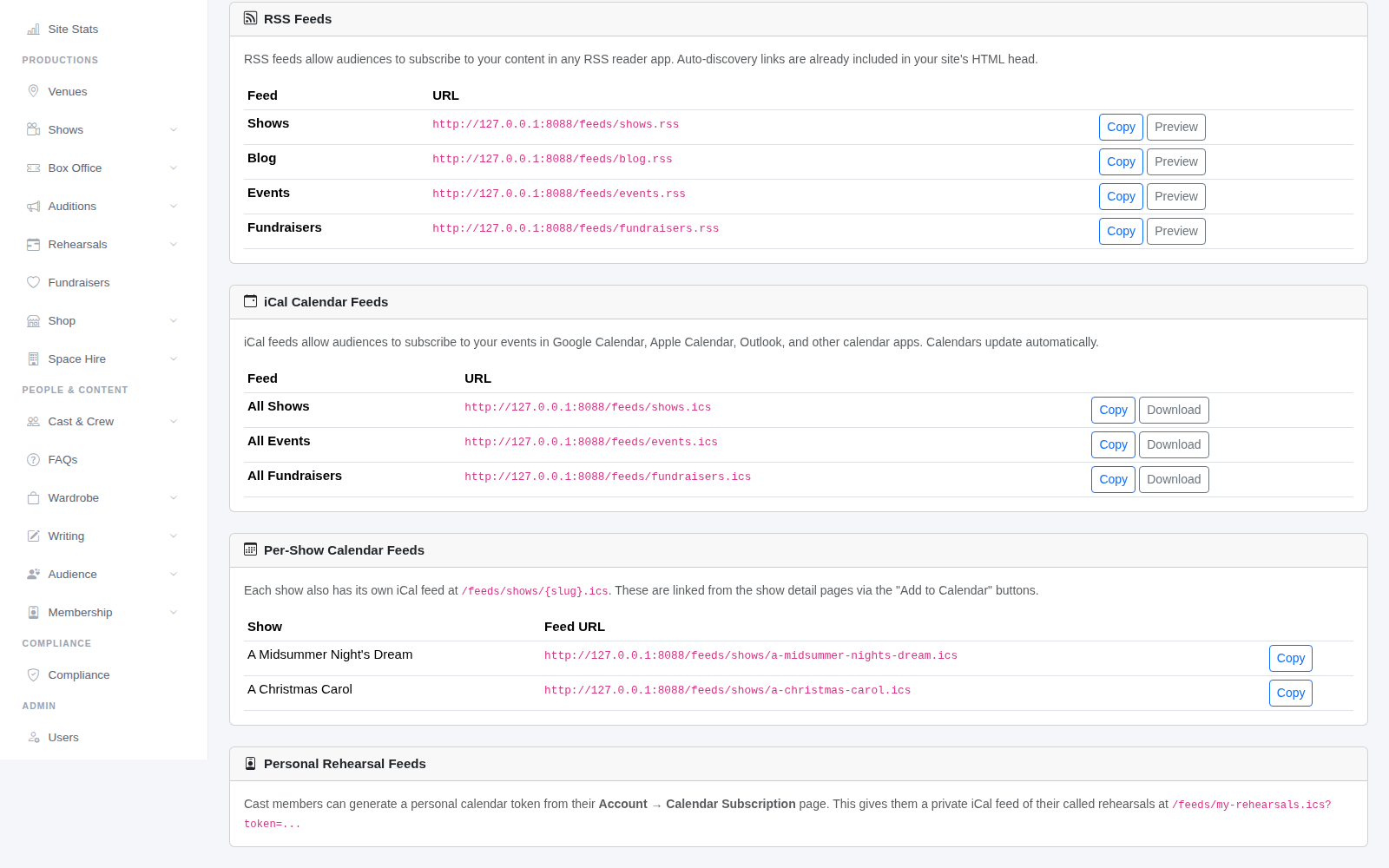
Go to Integrations > Feeds (RSS & iCal). RSS feeds are lists of your latest Shows, Blog posts, Events and Fundraisers that other tools can read. People can follow them in a feed reader, and many website and newsletter tools can show an RSS feed automatically. Click Copy to get the address, or Preview to see what's in it.
4. Calendar feeds
The iCal Calendar Feeds let people subscribe to all your shows, events or fundraisers in Google Calendar, Apple Calendar or Outlook. Once they've subscribed, new dates appear in their calendar without them doing anything.
Every show also has its own calendar feed, listed under Per-Show Calendar Feeds. These are what the Add to Calendar buttons on your show pages use, so audiences can save the dates with one tap.
Tip: ask your venue and your local council or village website if they'll add the What's On widget. It's free advertising that never goes out of date.