The member directory: helping members find each other
Switch on a member directory so members can find each other, choose who's listed, and let members control their own listing.
The member directory is a page in the members' area where current members can find each other, if you switch it on. This guide is part of the free course Running membership in TheatreHQ.
1. Switch it on
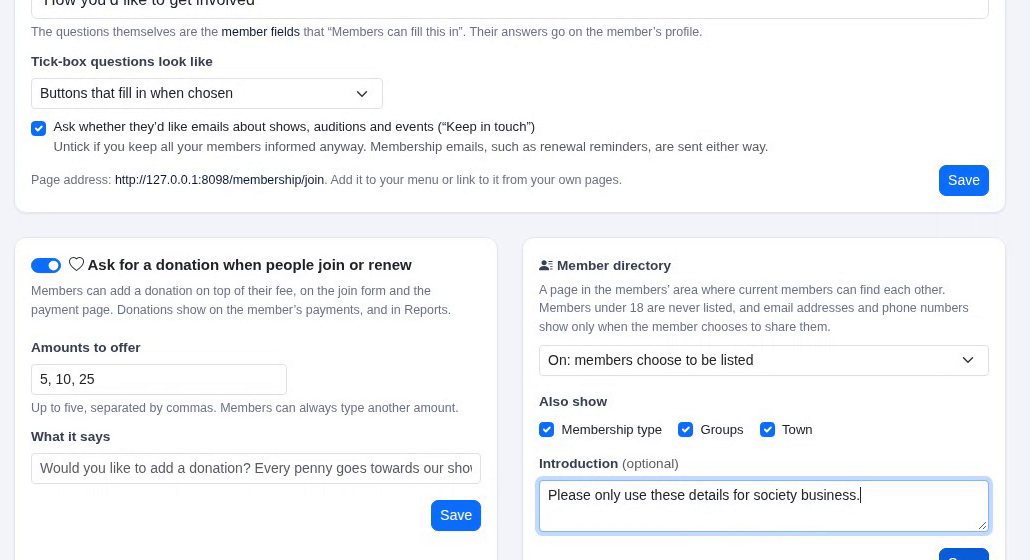
On Membership types, under Member directory, choose Off, On: members choose to be listed, or On: everyone is listed, unless they opt out. Members under 18 are never listed, and email addresses and phone numbers only show when a member chooses to share them.
Under Also show, tick Membership type, Groups or Town, add an Introduction if you like, and click Save.
2. Finding members
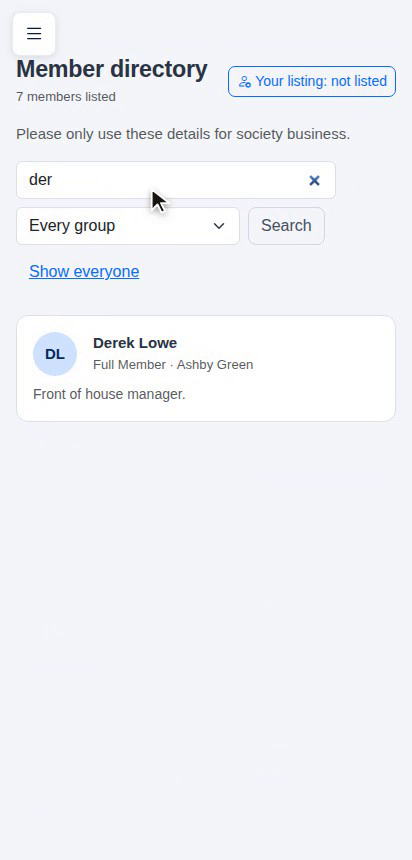
Members open it from My membership (Member directory and your listing). They can search by name, or pick a group, and click Search.
3. Your listing
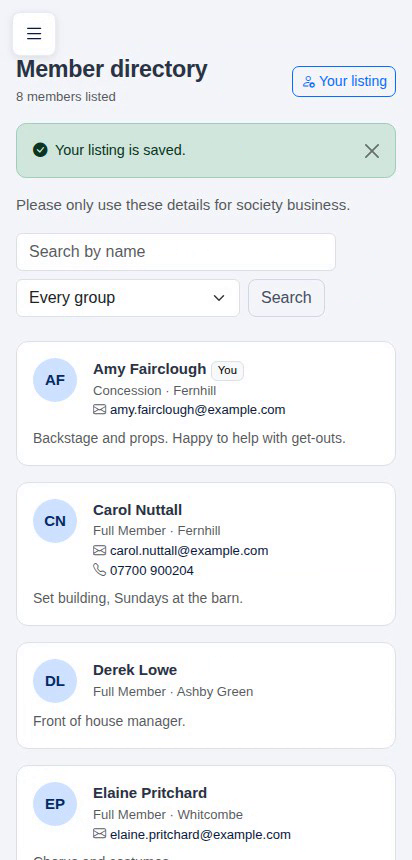
Your listing lets each member choose List me in the directory, Show my email address, Show my phone number and A line about you, then Save my listing.
Track your progress
Make a free account to take the quick quiz after each guide, keep your place in the course and get a certificate when you finish.