Adding FAQs to your website
Answer the questions you're asked most — parking, access, food and drink — and choose which pages they appear on.
Where do I park? Is there step-free access? Can I bring a drink in? Answering common questions on your website saves your box office a lot of phone calls and emails. TheatreHQ lets you write each question once and choose where it appears.
1. Open FAQs
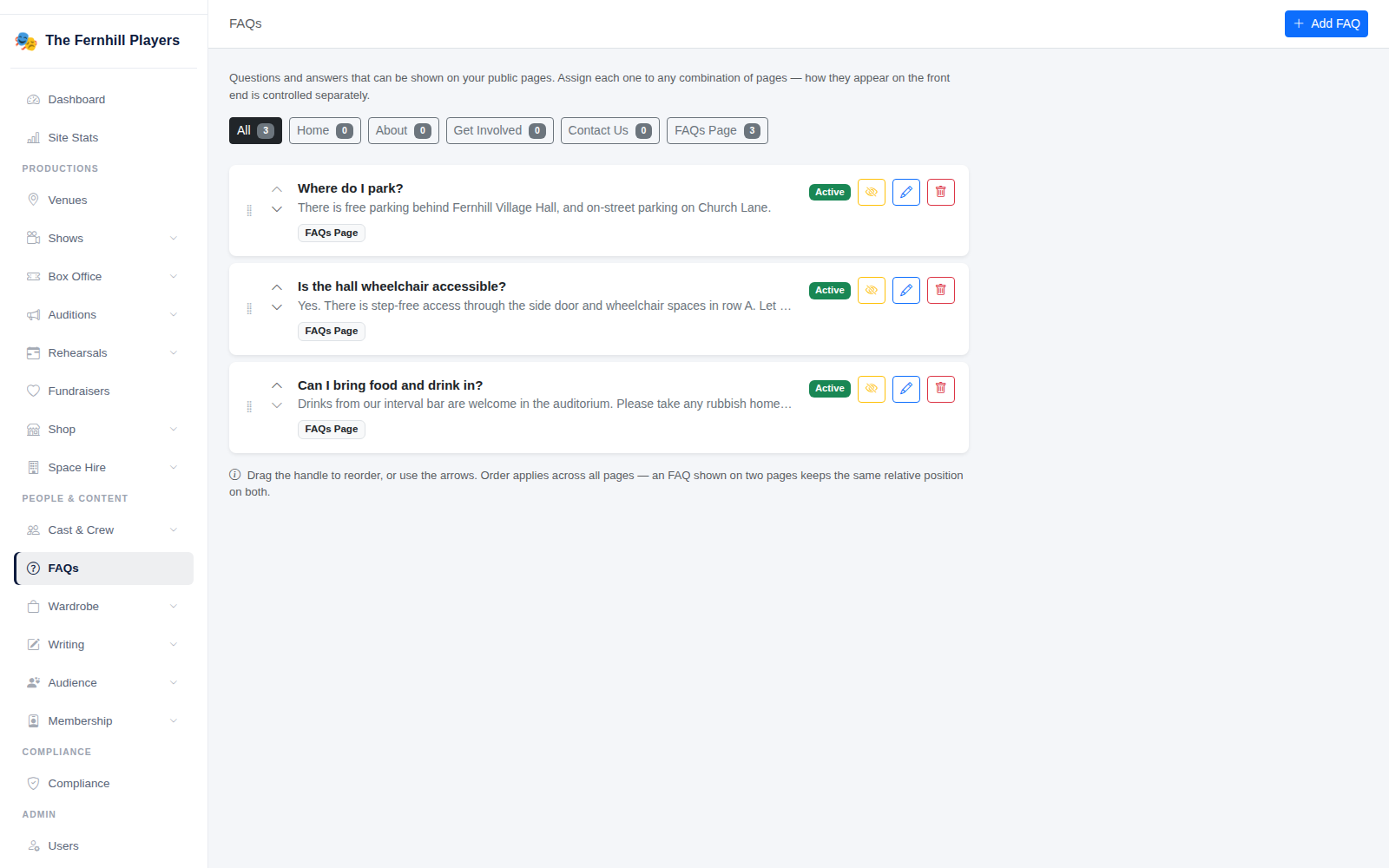
Go to FAQs in the admin menu. Your questions are listed with the pages they appear on, and you can filter by page. Click Add FAQ.
2. Write the question and answer
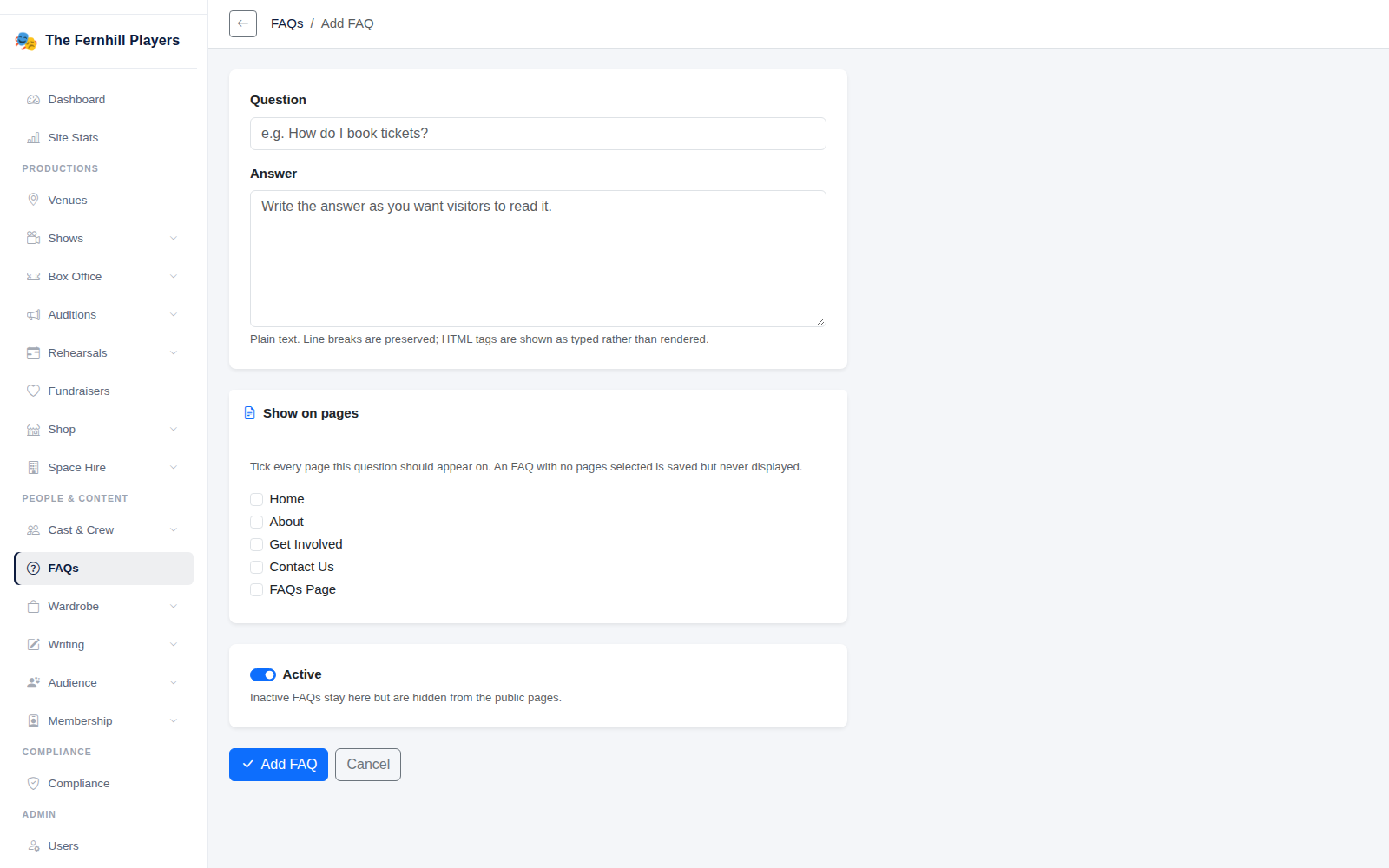
Type the Question as your audience would ask it, and the Answer. Answers are plain text, and line breaks are kept.
Under Show on pages, tick every page this question should appear on — Home, About, Get Involved, Contact Us or the FAQs Page. A question with no pages ticked is saved but not shown anywhere. Leave Active on and click Add FAQ.
3. See them on your website
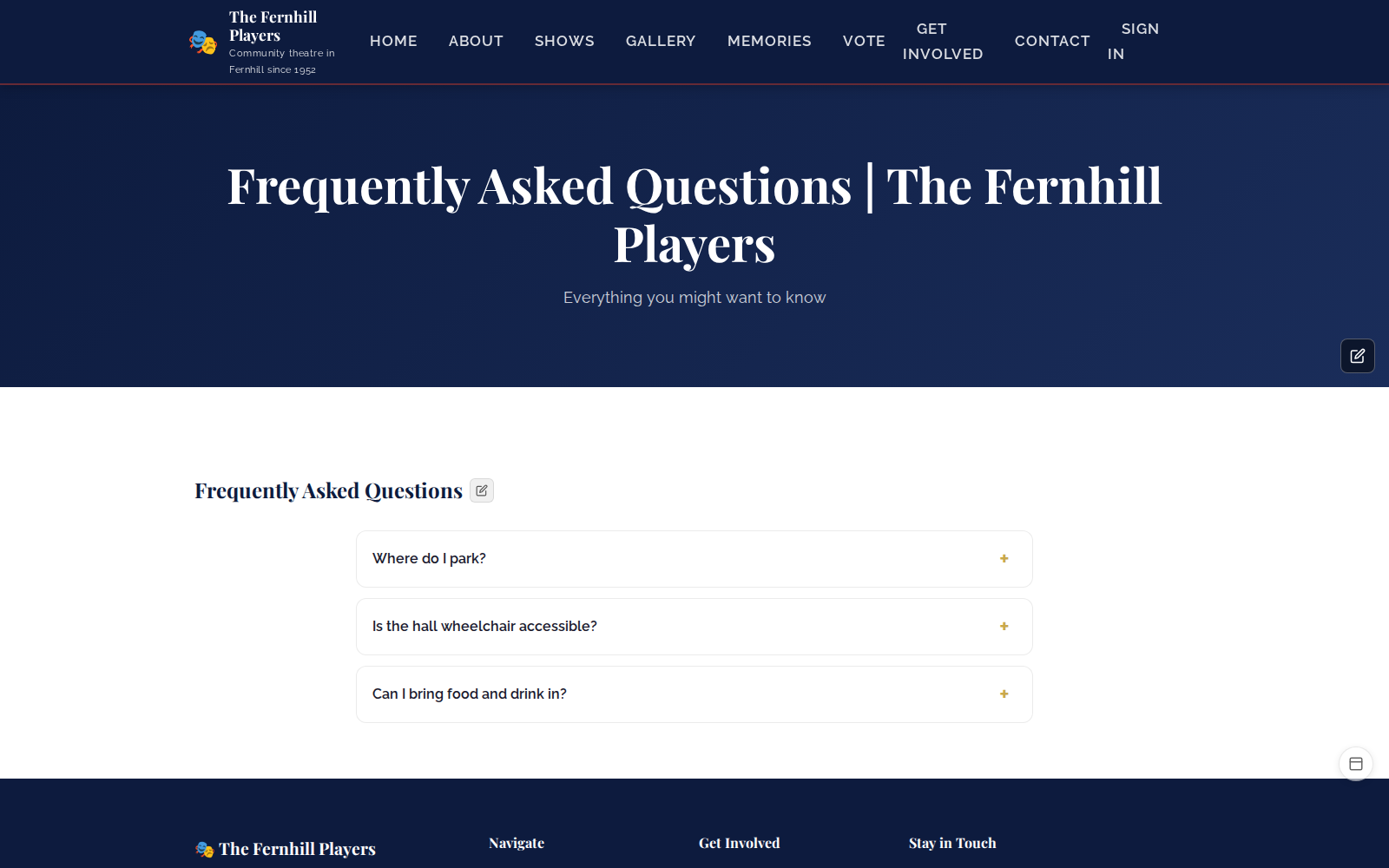
Your questions appear on the pages you chose, with each answer opening when it's clicked.
Good questions to answer
- Parking and how to get to the venue.
- Accessibility: step-free access, wheelchair spaces, hearing loops.
- Running times and when the interval is.
- Whether the show is suitable for children.
- How to join, audition or volunteer.
Tip: to hide a question for a while — say, seasonal parking arrangements — switch it to inactive rather than deleting it.