Checking who has done what: audit and security logs
See who changed what in your admin, check sign in problems and locked out addresses, and require two factor sign in for each role.
When several committee members can edit your site, it helps to be able to see who changed what and when. TheatreHQ keeps a record of every change in the admin, and of sign in problems, so you can answer "who deleted that page?" or "why can't I log in?" without guessing.
1. The audit log
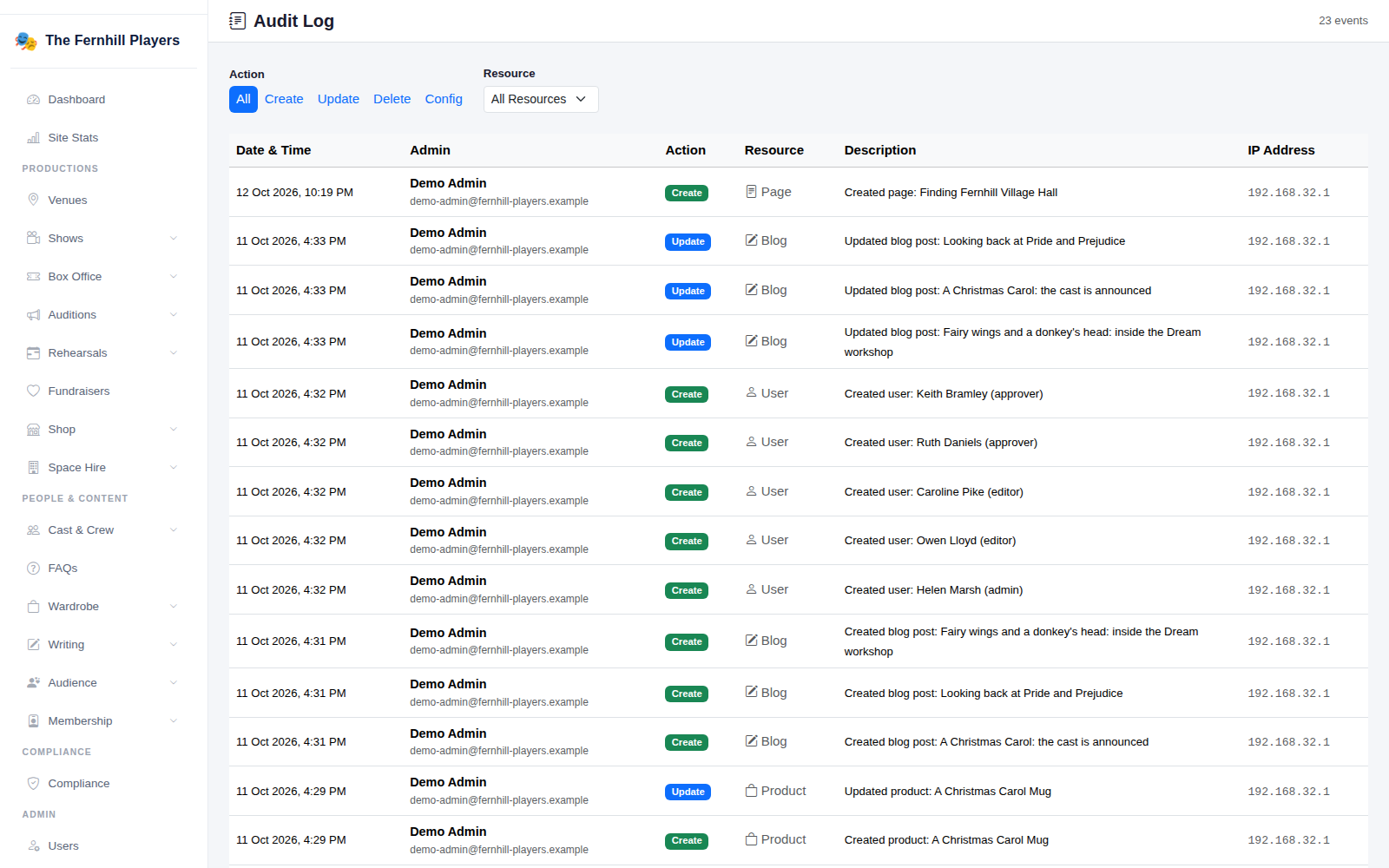
Go to Settings > Audit Log. Every change made in the admin is listed with the date and time, who made it, what they did (Create, Update, Delete or Config for settings), what it was done to, a short description and the internet address it came from.
Use the Action buttons and the Resource menu to narrow it down, for example to every deleted page, or everything changed in your shows.
2. Login locks
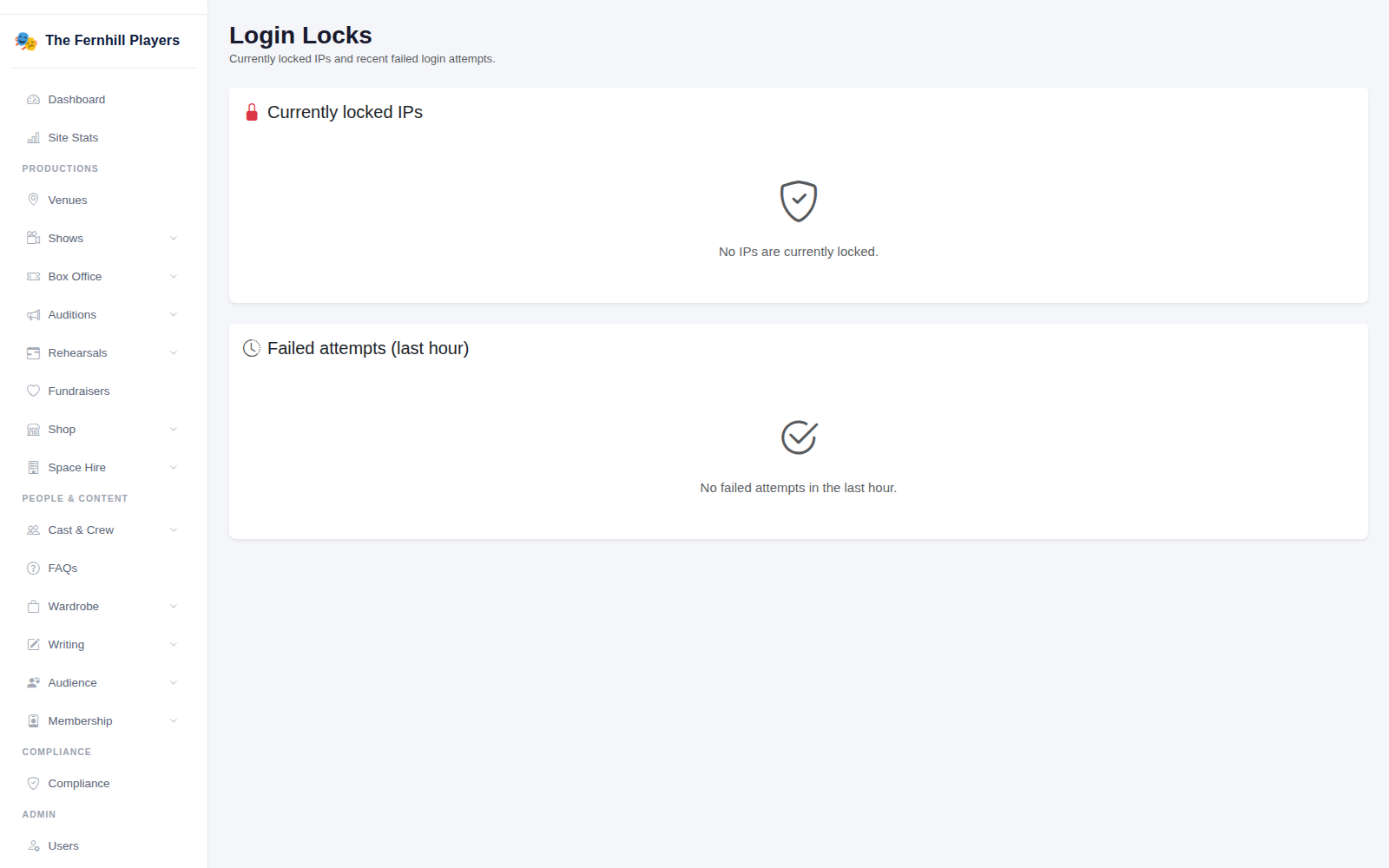
To stop people guessing passwords, TheatreHQ temporarily locks out an internet address after too many failed sign in attempts. Settings > Login Locks shows any addresses that are currently locked and the failed attempts in the last hour.
If a committee member says they can't sign in, look here first. Lots of failed attempts from their address usually means a mistyped or forgotten password; ask them to use the Forgotten password link rather than keep trying. Lots of attempts from addresses you don't recognise means someone is trying their luck, which is exactly what the lock is for.
3. Require two factor sign in
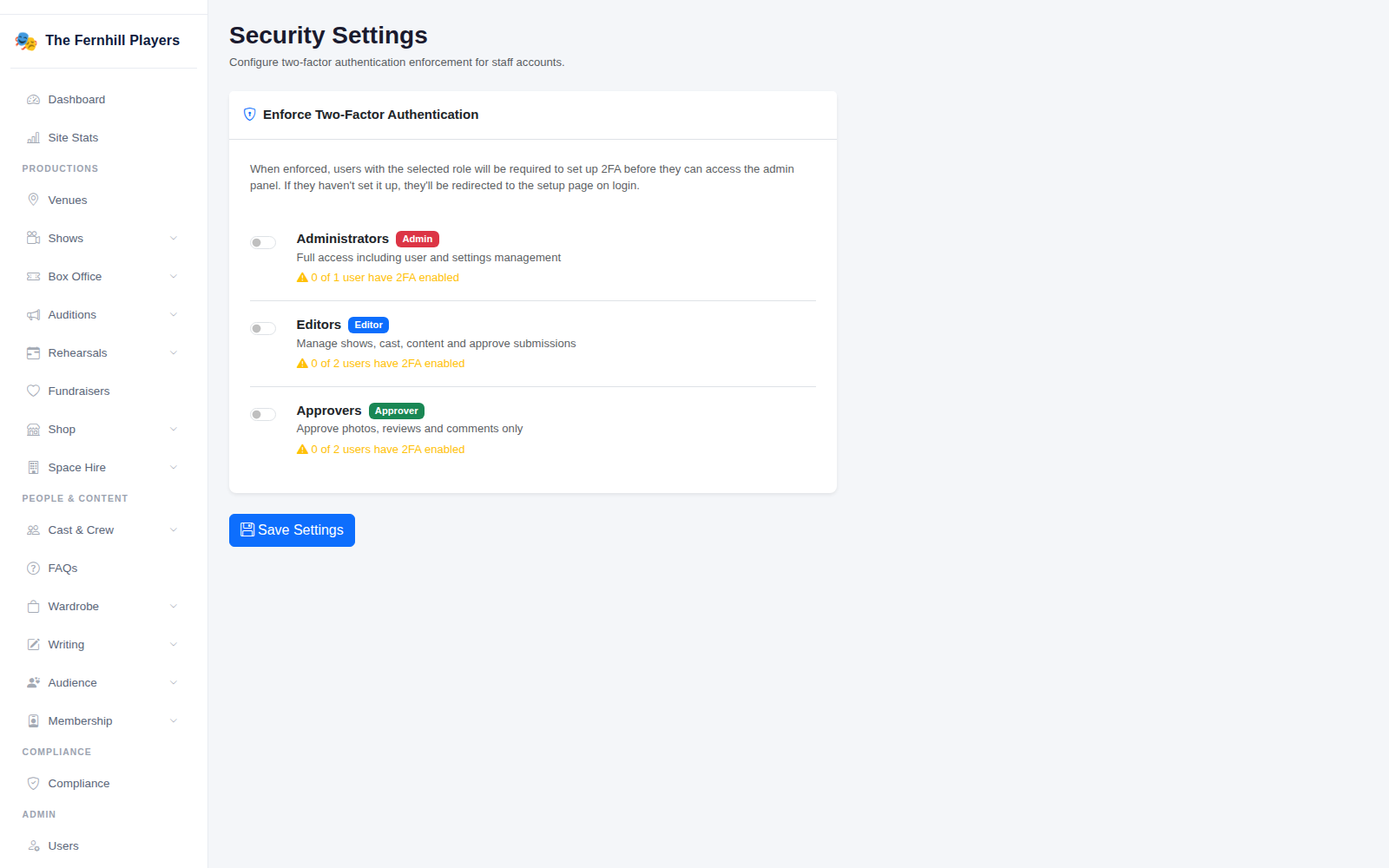
The Security settings page lets you require two factor sign in for each role: Administrators, Editors and Approvers. Once it's switched on for a role, everyone with that role has to set it up the next time they sign in. It shows how many people in each role already have it.
At the very least, switch it on for administrators. See Turning on two factor sign in for how each person sets it up.
Good habits
- Give everyone their own login. Shared logins make the audit log useless, because you can't tell who did what.
- When someone leaves the committee, remove their account the same week. See Adding committee members.
- Glance at the audit log after your AGM or any handover, to check nothing unexpected has changed.
Tip: if something has been deleted by mistake, the audit log tells you exactly what it was and when, which makes it much quicker to put back.