Family memberships: one fee for the whole household
Set up family memberships, add and take off family members, and see how families join online or come in from a spreadsheet.
A family membership covers a whole household. One person leads and pays, and everyone else is on their membership. This guide is part of the free course Running membership in TheatreHQ.
1. A family type
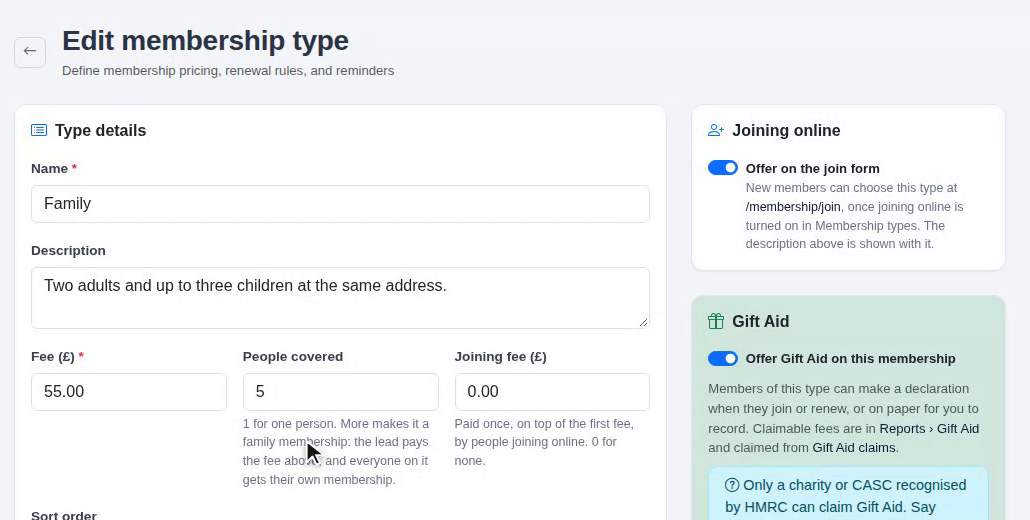
Any membership type with People covered more than 1 is a family type: the lead pays the fee, and everyone on it gets their own membership. See Creating your membership types.
2. Add someone
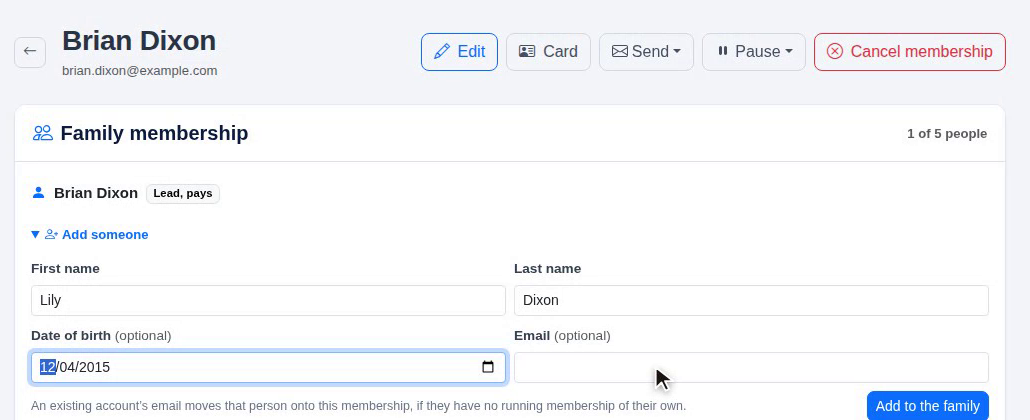
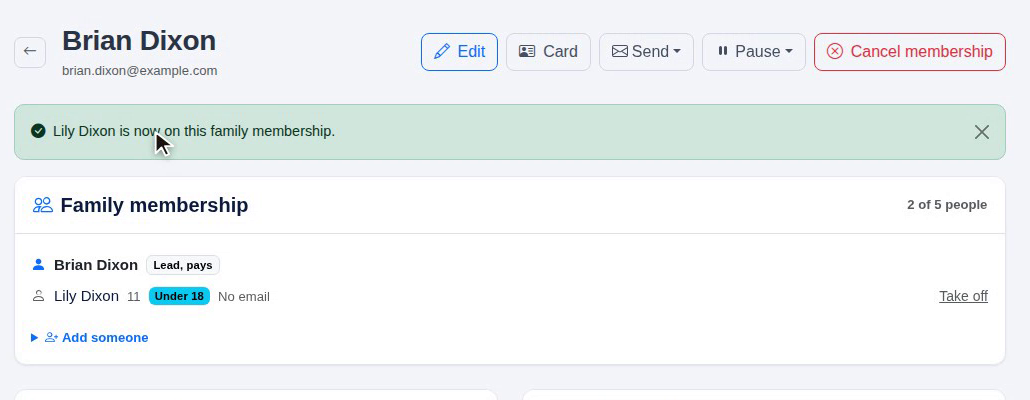
On the lead's membership page, Family membership shows how many people are on it (for example, 2 of 5) and who: the lead is marked Lead, pays. Click Add someone, fill in First name, Last name, Date of birth and, if they have one, Email, and click Add to the family.
Each person gets their own membership whose dates and status follow the lead's, so when the lead renews, everyone does. A child under 18 gets the lead as their parent or guardian.
3. Take someone off
Click Take off beside them. If the lead leaves or their data is erased, the first adult with an email of their own becomes the new lead, and the society is told.
4. Families joining and importing
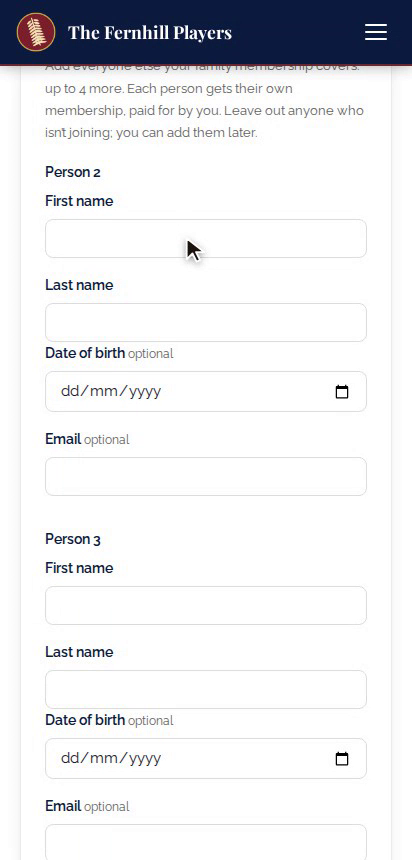
On the join form, choosing a family type asks Who else is on your membership?, where the lead adds the others. In an import, rows that share a Family or household value, or an email address, become one family membership (see Importing members).
Track your progress
Make a free account to take the quick quiz after each guide, keep your place in the course and get a certificate when you finish.