Running a front of house volunteer rota
Plan usher, bar and raffle shifts for every performance, let members sign themselves up, and print the rota for the night.
Every performance needs ushers, someone on the bar, someone selling raffle tickets and someone looking after the box office. The front of house rota puts all those shifts in one place, shows at a glance which still need people, and lets your members sign themselves up.
1. Open the rota
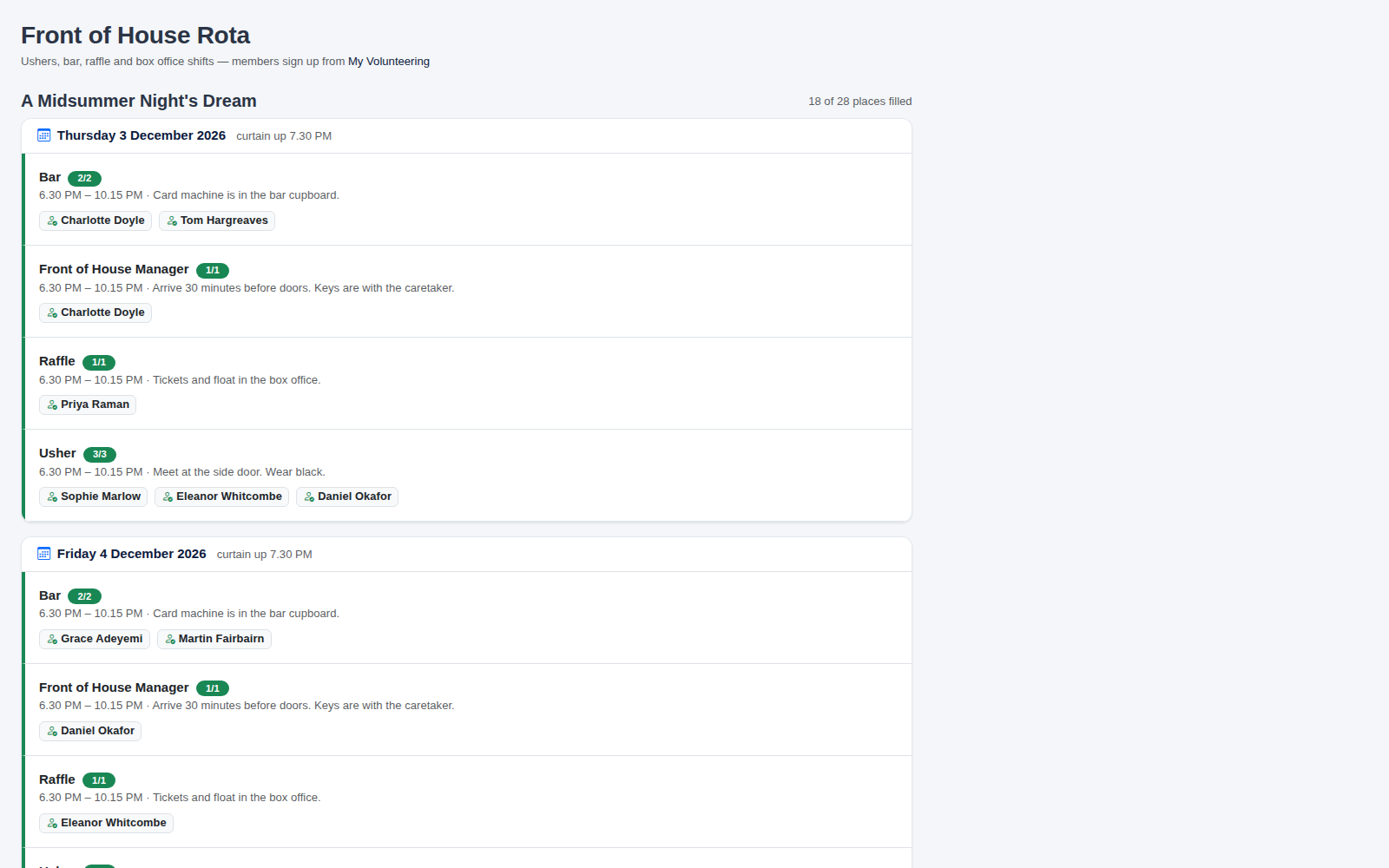
In the admin menu, go to Sales > Box Office > FOH Rota, and choose the show at the top right. Each performance has its own list of shifts, and the total number of places filled for the show is shown at the top.
2. Add shifts
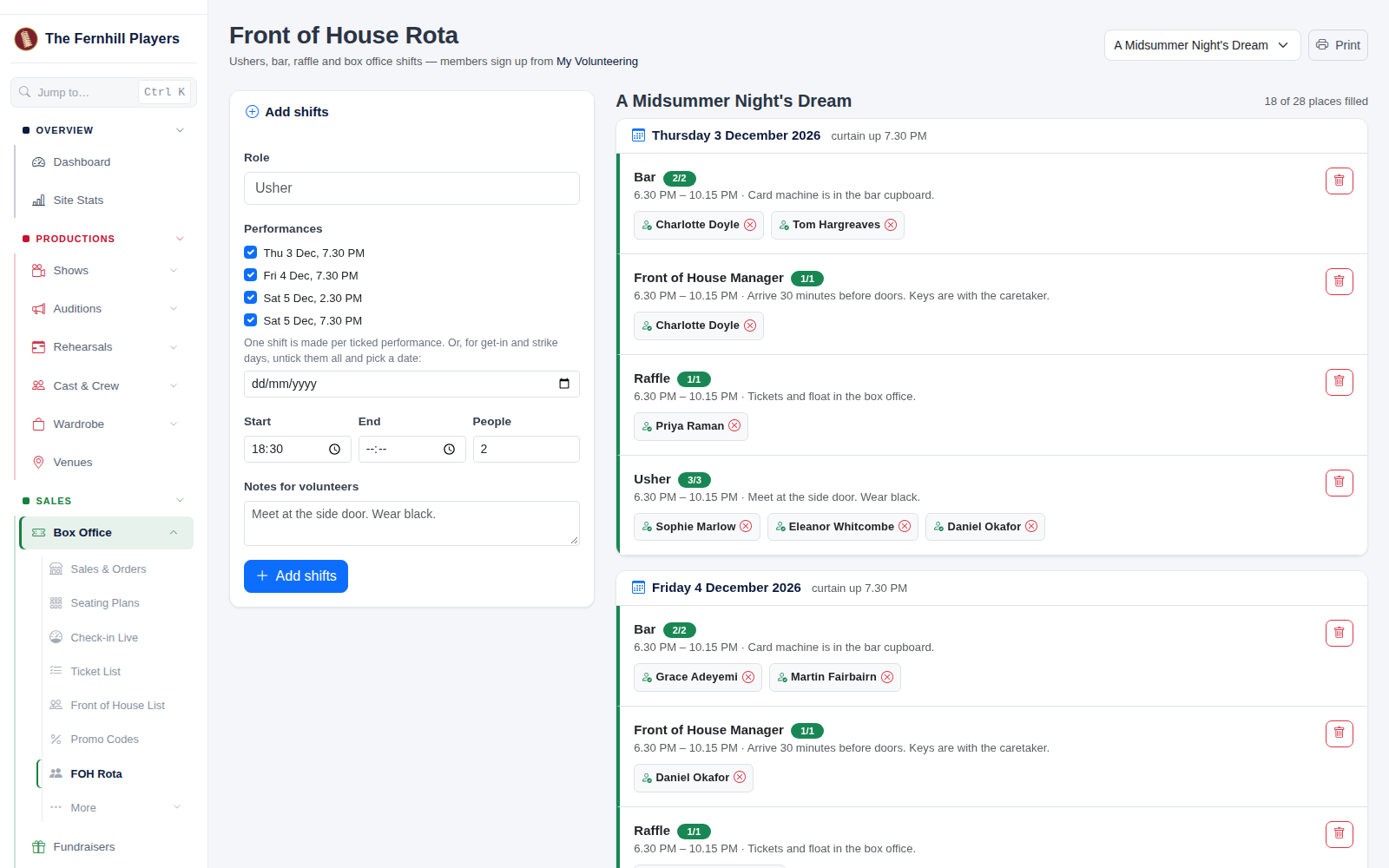
- Role: type it, or pick one from the list: Usher, Front of House Manager, Bar, Raffle, Box Office, Programmes, Car Park or Interval Refreshments.
- Performances: tick each performance the shift is for. One shift is made for each one you tick. For a get-in or strike day, untick them all and pick a date instead.
- Start and End: when the shift starts and finishes.
- People: how many you need.
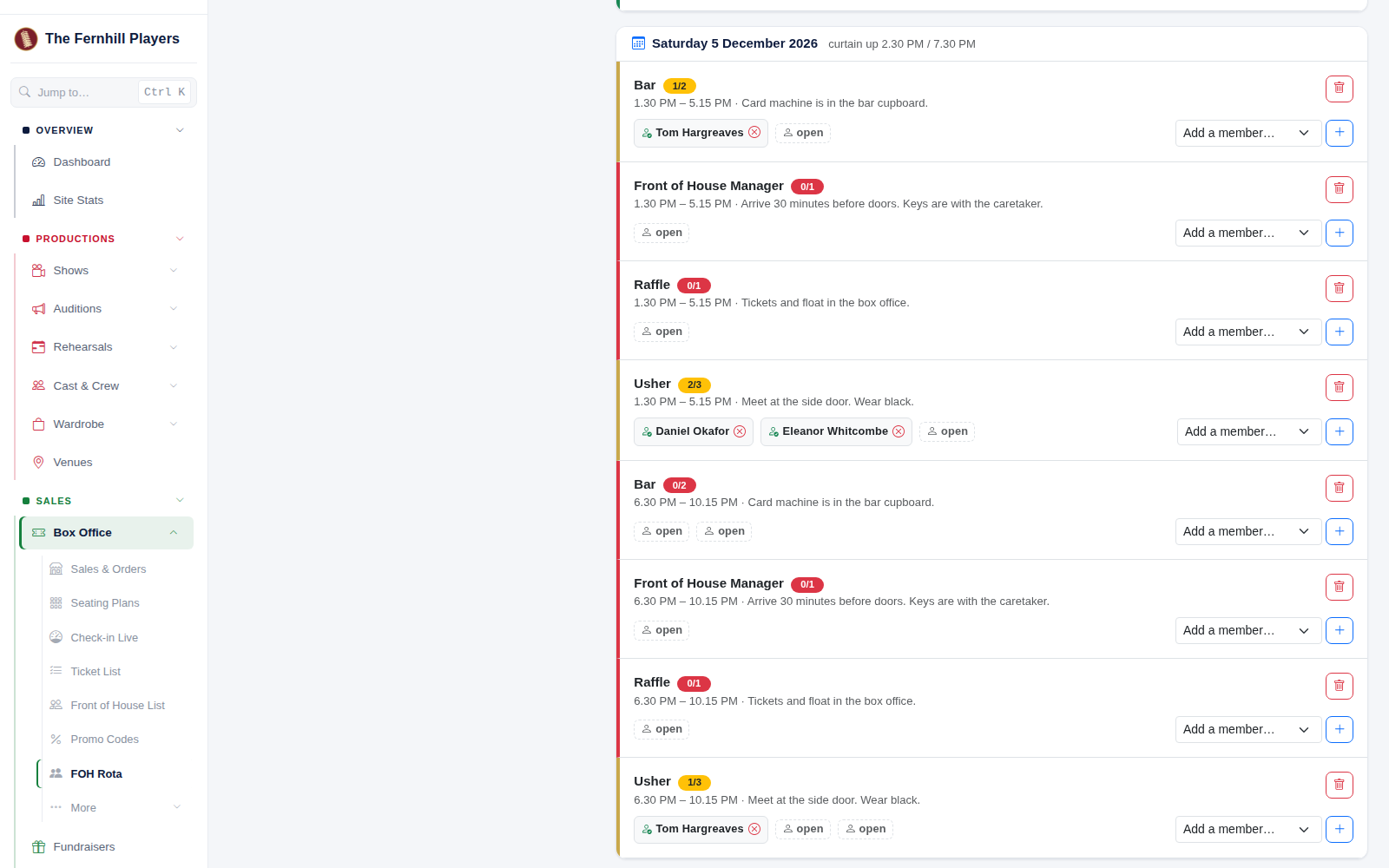
- Notes for volunteers: where to meet, what to wear, where the float is.
Then click Add shifts.
3. See who's needed
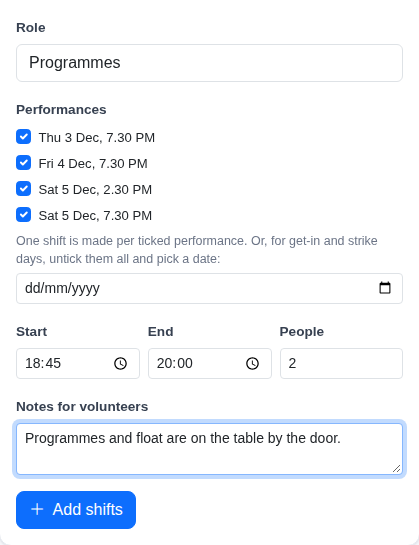
Each shift is colour-coded: green when it's full, amber when it's part filled, and red when nobody has signed up yet. Empty places show as open.
To put someone on a shift yourself, choose them under Add a member… and click +. To take someone off, click the cross by their name. The bin removes the whole shift.
4. Members sign themselves up
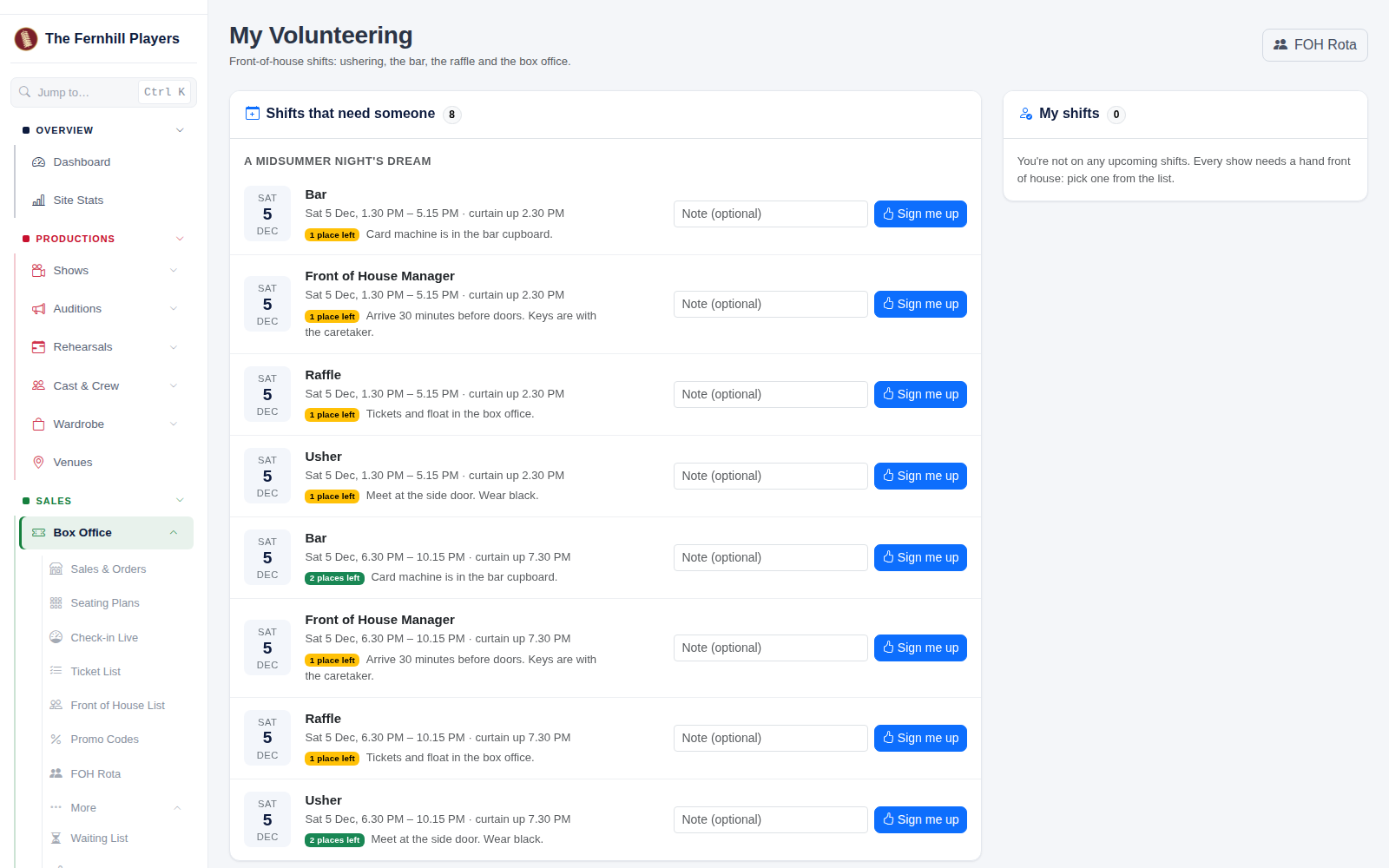
Anyone in your society with a TheatreHQ login can sign up from My Volunteering. It lists every shift that still needs someone, and they can filter it by show. They can add a note for the organiser, then click Sign me up, and they're emailed the details. Their shifts appear under My shifts, and if they can't make it after all, Can't make it opens the place up again.
You'll find My Volunteering in the admin menu under Sales > Box Office > More. Members who don't have box office access see it as its own item in the menu.
5. Reminders and show night
- Everyone on the rota gets a reminder email 48 hours before their shift.
- Click Print for a clean copy of the rota, without the menus, to pin up backstage or by the door.