Publishing news and photo galleries
Write news posts tagged with shows and cast, and add production photos to your website's gallery.
News posts and photos keep your website lively between shows — cast announcements, behind-the-scenes stories, a look back at your last production. This guide shows how to publish both.
1. Write a news post
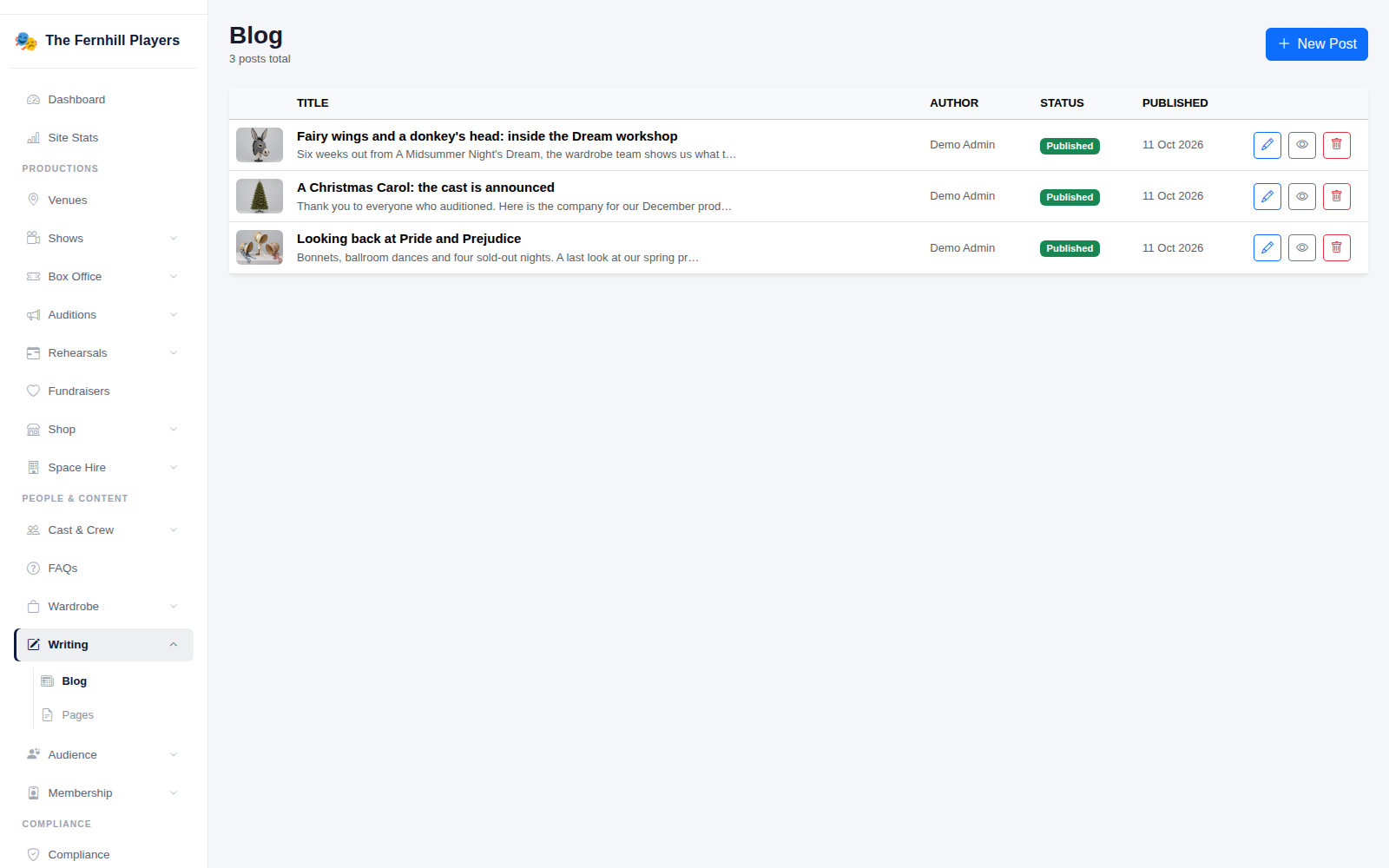
Go to Writing > Blog. You'll see your posts with their author, status and date. Click New Post.
2. Add your content and tag the show
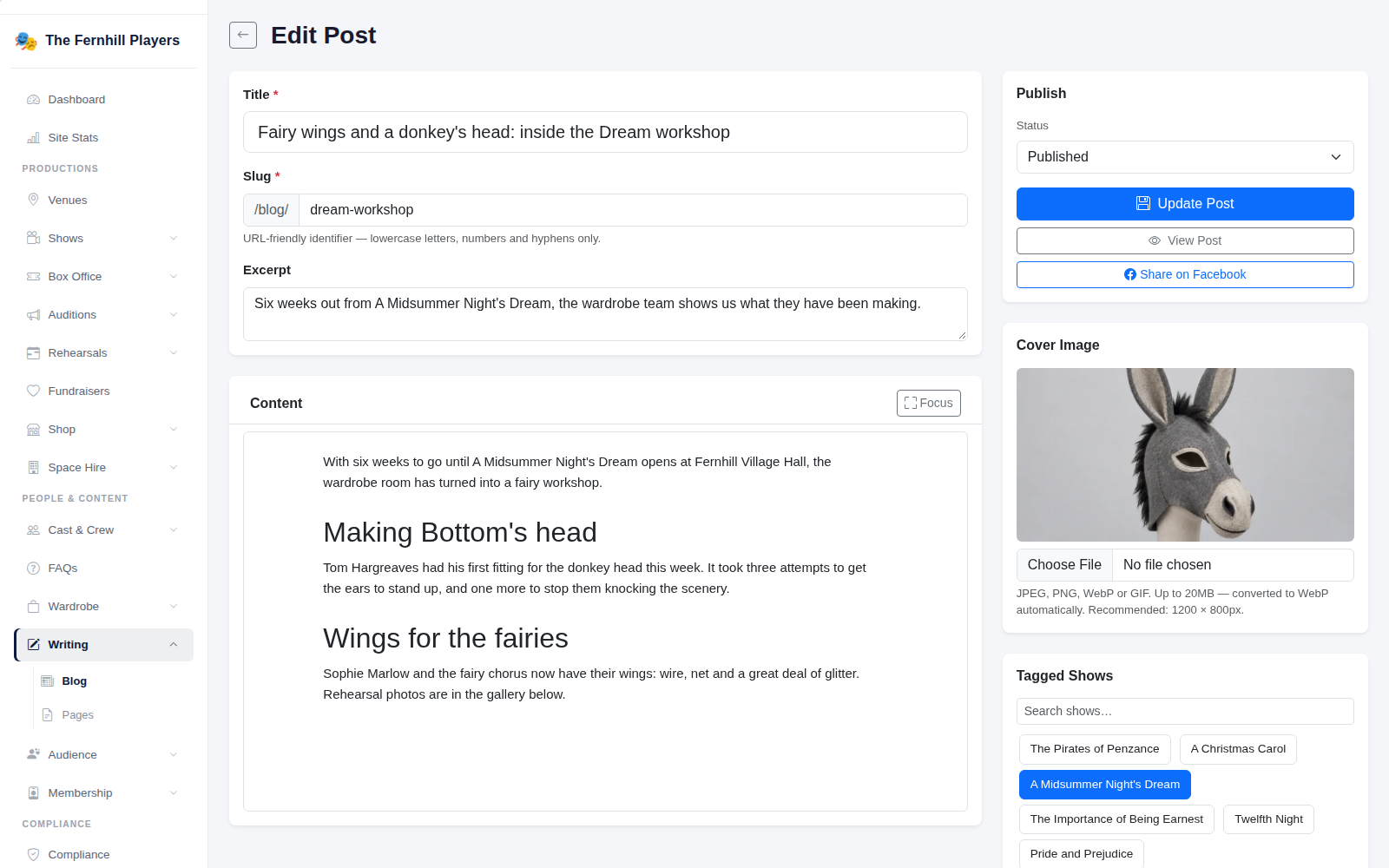
Give the post a Title and a short Excerpt, then write it in the Content editor, adding headings and images as you go. Add a Cover image. Under Tagged Shows and Tagged Cast & Crew, link the post to the production and people it's about so it appears alongside them on your website. Set the status to Published and click Update Post.
3. Add photos to a production
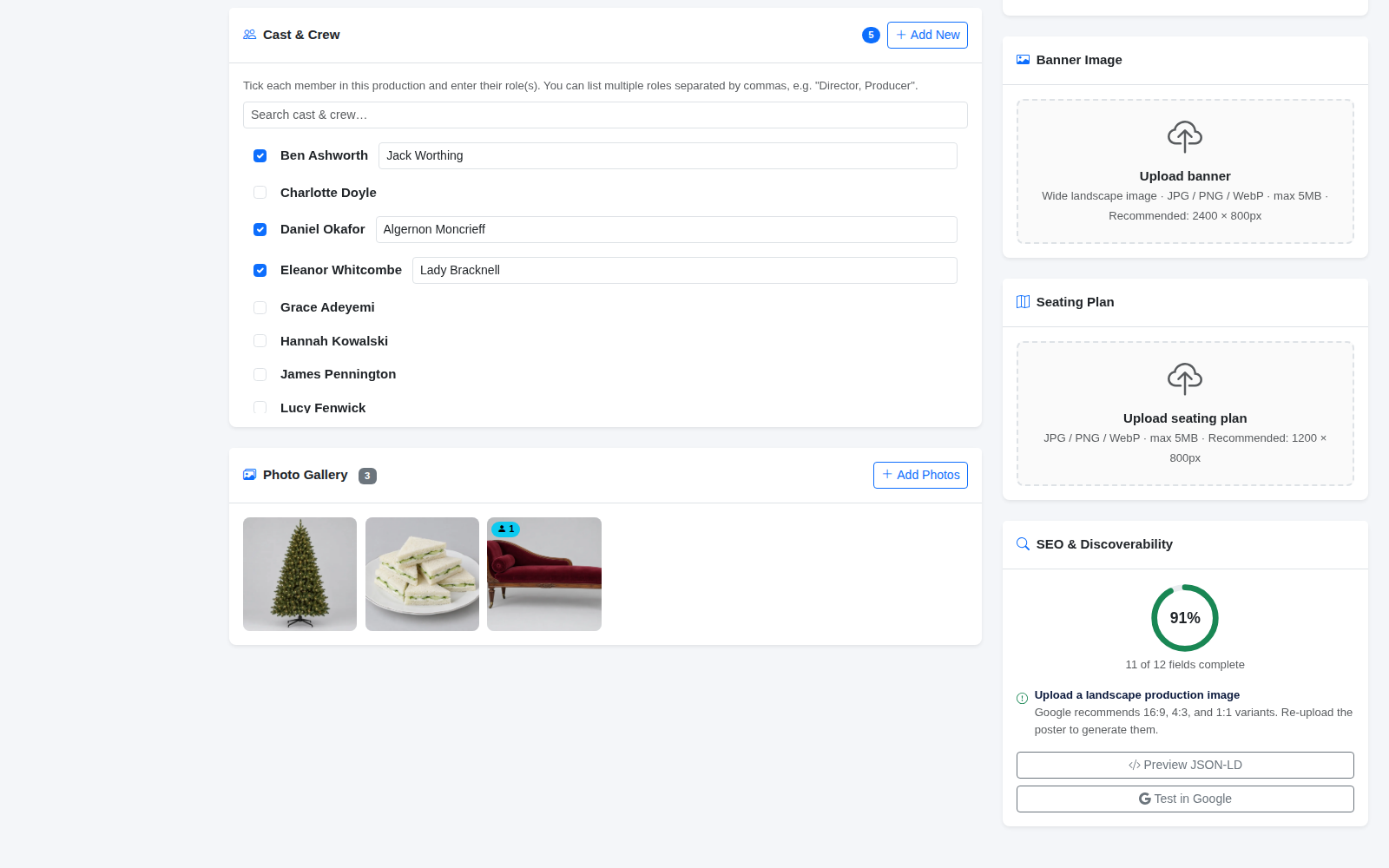
Production photos live with the show. Open the show from Shows, scroll to Photo Gallery and click Add Photos. Drag photos to change their order.
4. See your gallery
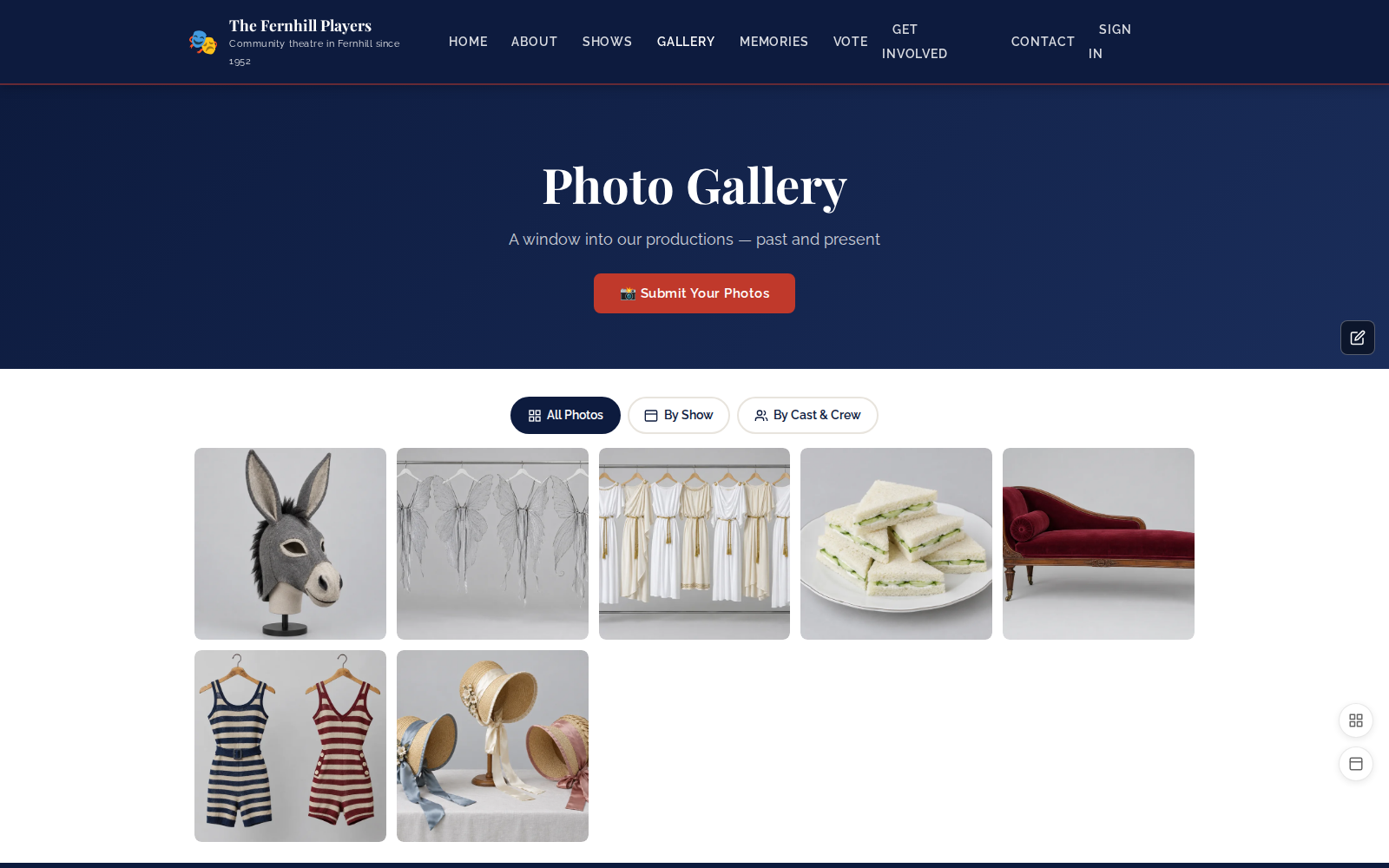
Your website's Photo Gallery page collects photos from all your productions, with filters so visitors can browse by show.
Tip: a short post when the cast list is announced gets shared widely by the cast's friends and family — a good early push for ticket sales.