Showing your sponsors on your website
Add your sponsors with logos, tiers and links, and thank them on your website.
Local businesses and supporters help keep the curtain going up, and they appreciate being thanked publicly. TheatreHQ keeps a list of your sponsors with their logos and tiers, and shows them on your website. This guide shows how to add one.
1. Add a sponsor
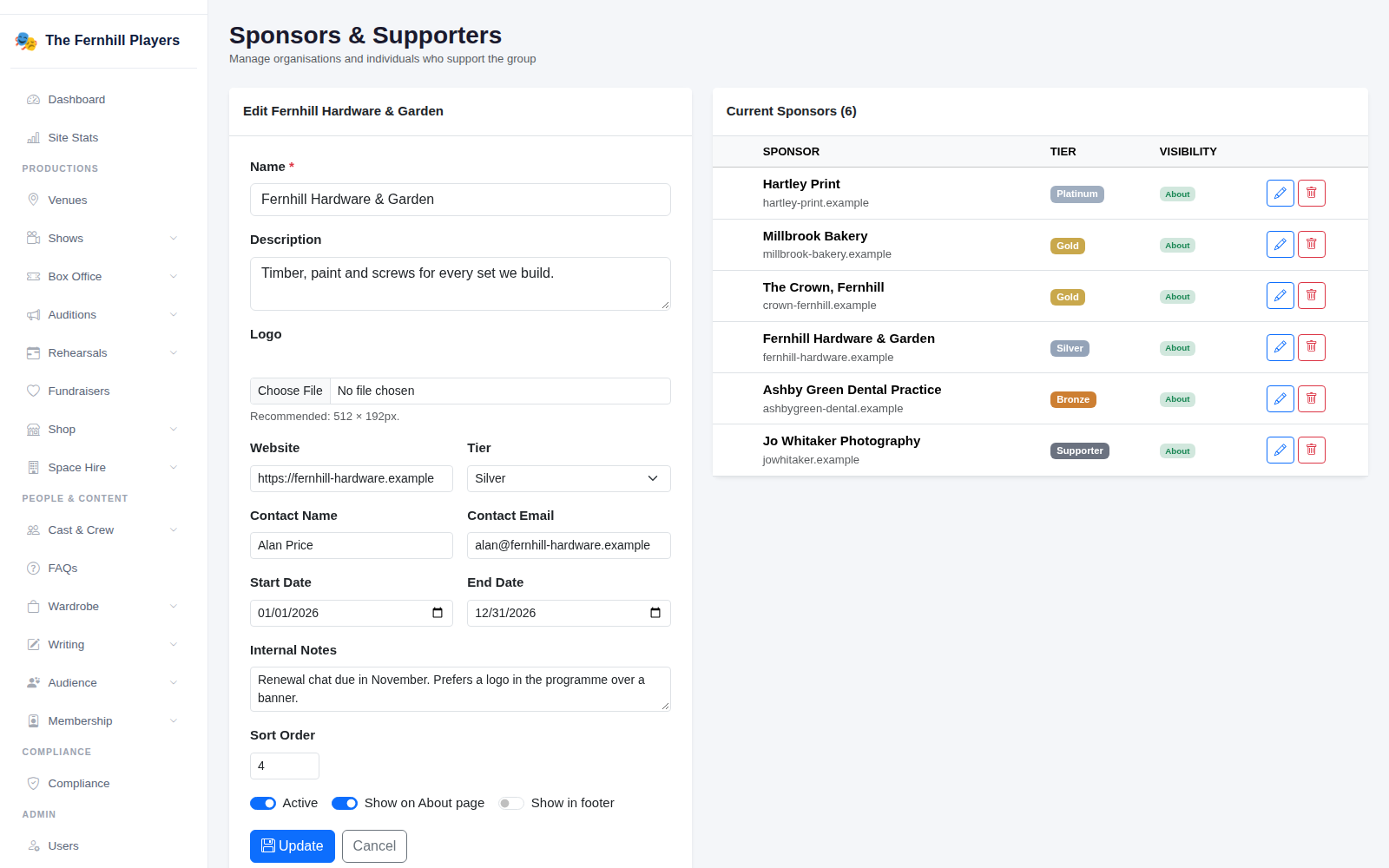
Go to Settings > Sponsors. The form is on the left and your current sponsors are listed on the right. Enter the sponsor's Name and a short Description, upload their Logo (512 × 192 pixels works best) and add their Website.
Choose a Tier — Platinum, Gold, Silver, Bronze or Supporter — and add a contact name and email. You can also record start and end dates, internal notes only the committee sees, a sort order, and where they should appear. Click Update or Add Sponsor to save.
2. See them on your website
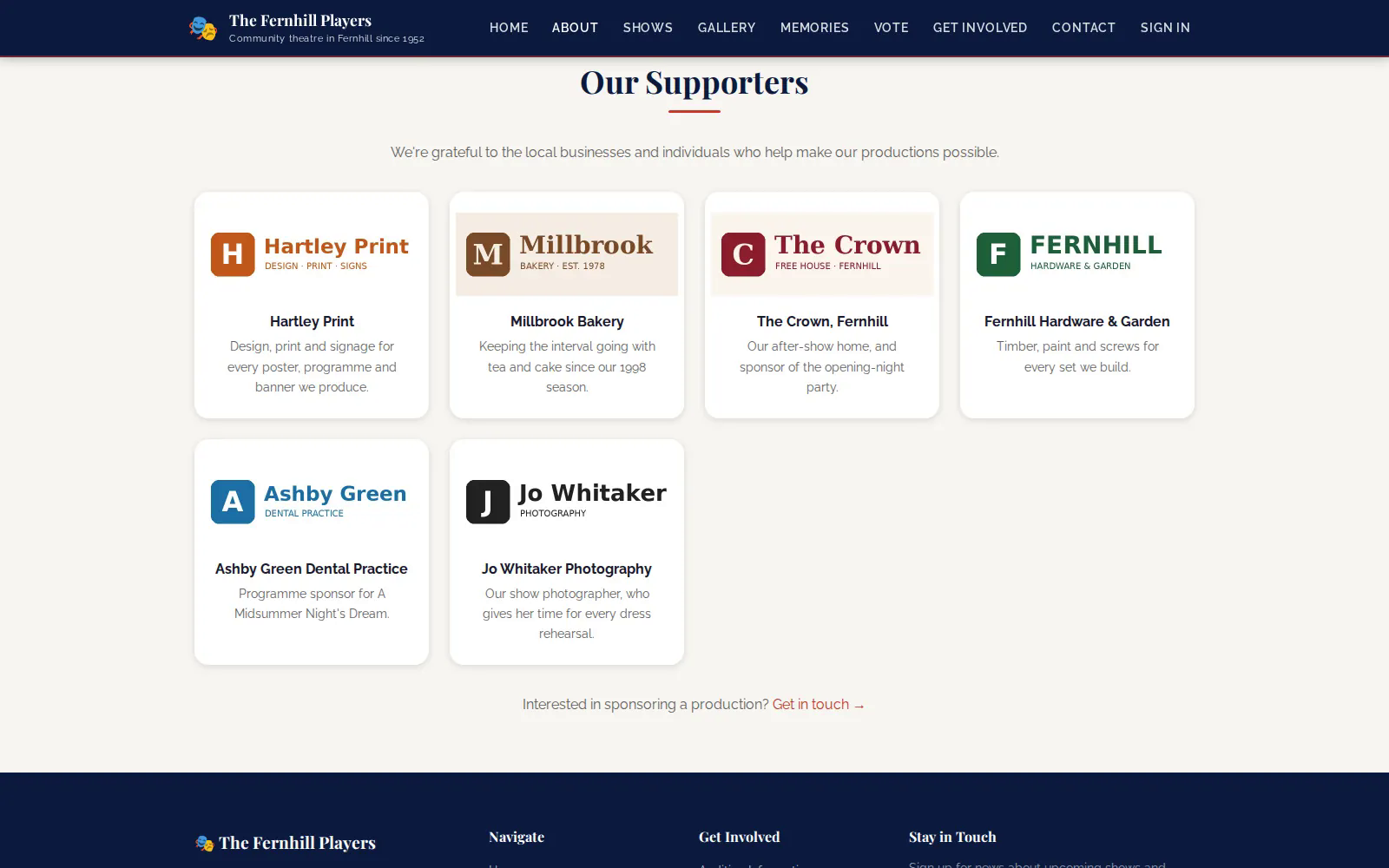
Sponsors set to show on the About page appear there with their logos, linked to their websites, along with an invitation for other businesses to get in touch about sponsoring a production.
3. When a sponsorship ends
Rather than deleting a sponsor, switch them off. They disappear from your website but stay on your list with their notes, ready for next season.
Tip: use the tiers to match what each sponsor contributes — it makes the page look organised and gives others something to aim for.