Audition day and offers: what candidates see
On the day: people ahead, the expected time, I'm here, Running late? and the check-in code. Afterwards: answering an offer, joining as a member, the welcome pack, feedback and the survey. On a computer and on a phone.
This guide shows how to see what candidates see on the day of their audition, and afterwards: their offer, the welcome pack and feedback. On their phone, or their computer. The video above shows the same steps, using the demo audition for Abigail's Party.
1. Your audition is today
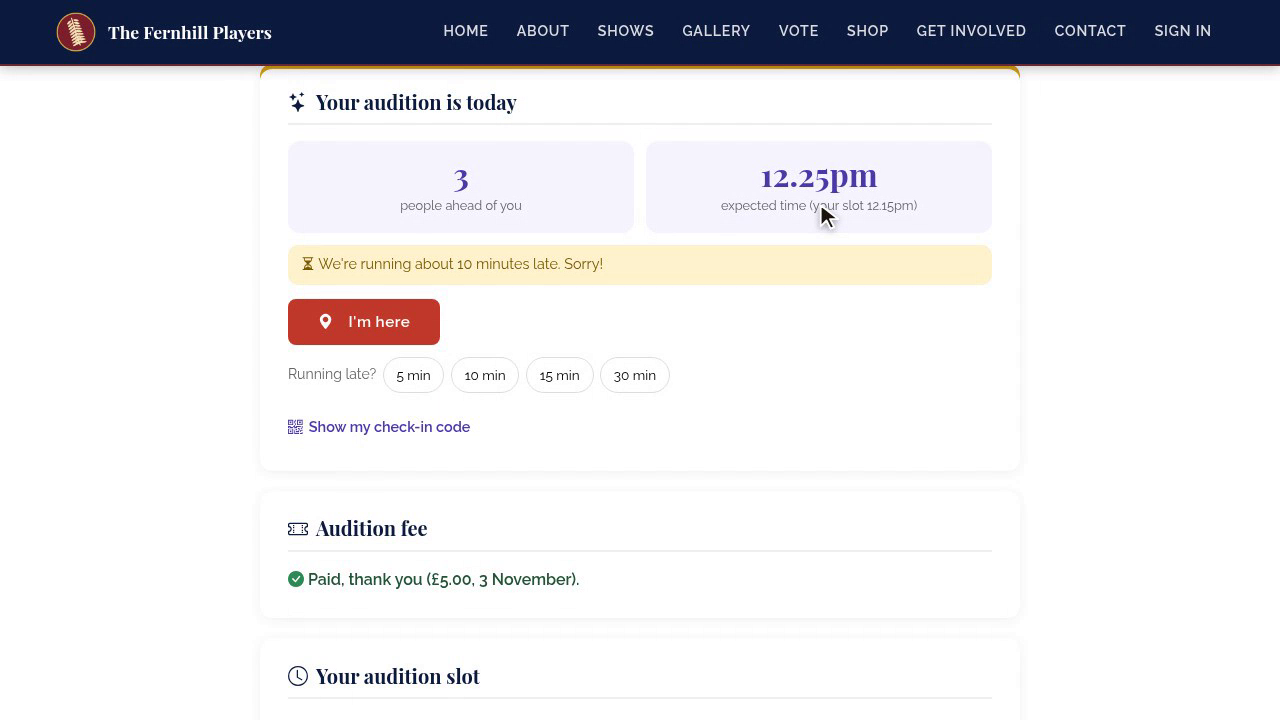
On the day, their page says Your audition is today. It shows how many people are ahead of them, and their expected time, which updates by itself as the panel works through the list.
2. Delays
If the panel is running late, they see it straight away, so nobody's left wondering in the corridor.
3. Running late
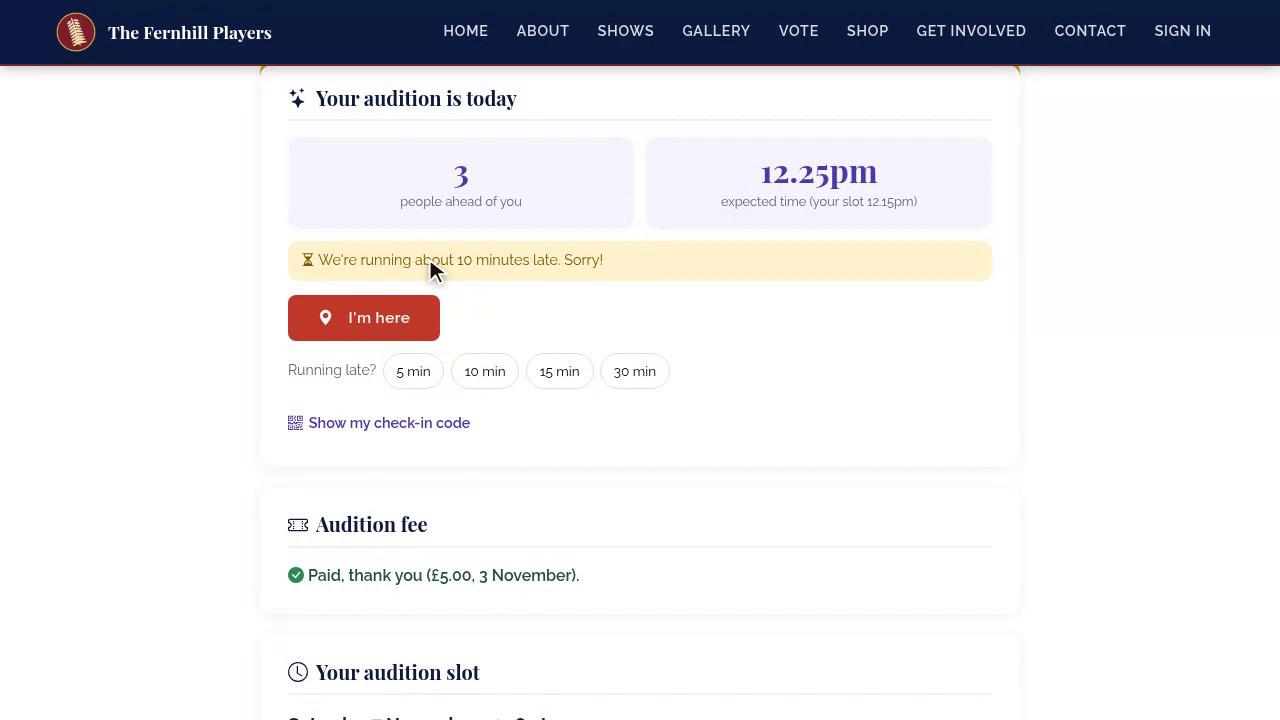
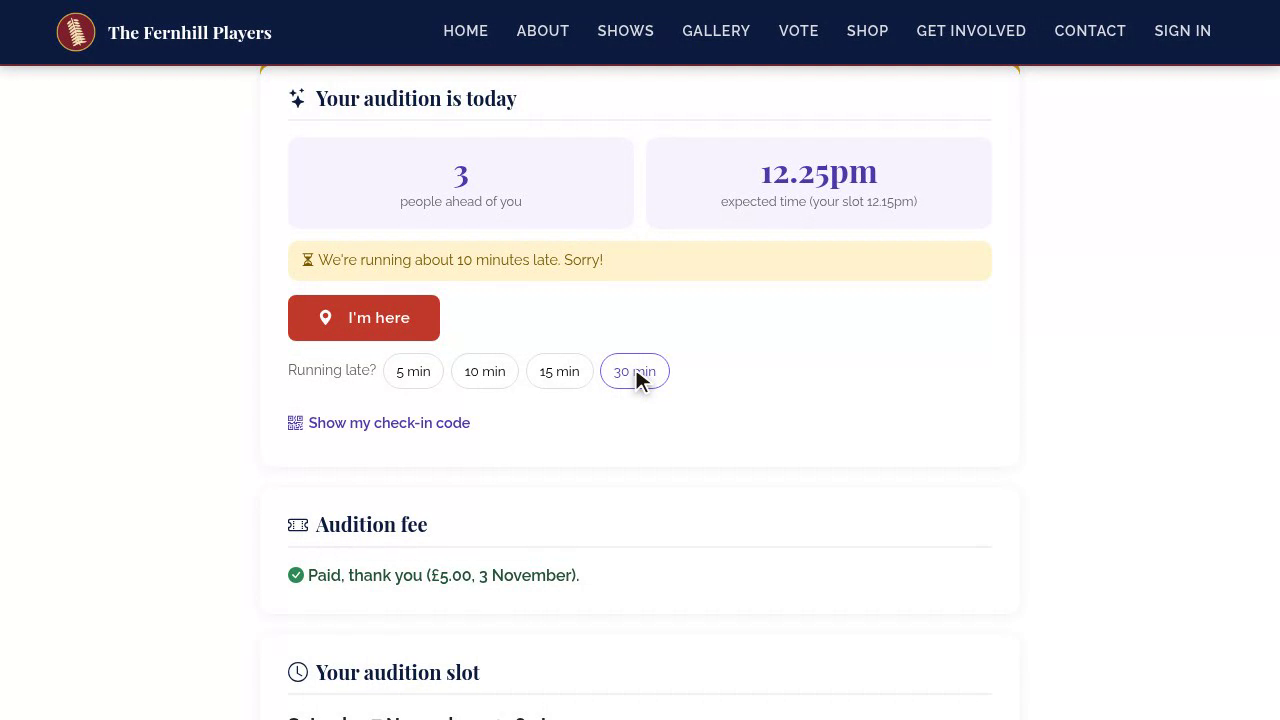
And if they're the one running late, they tap Running late, and choose five, ten, fifteen or thirty minutes. The panel sees it on their tablet.
4. I'm here and the check-in code
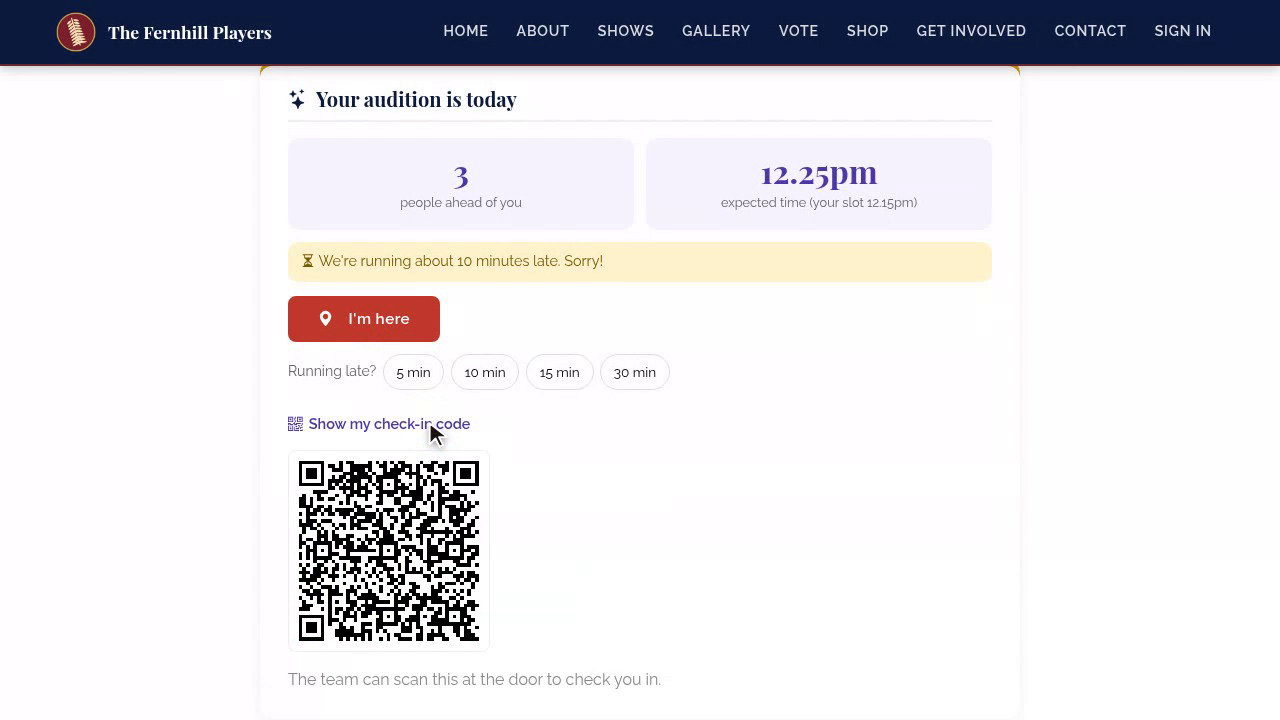
When they arrive, they tap I'm here, or show their check-in code at the door, and the panel knows they've arrived.
5. Seen
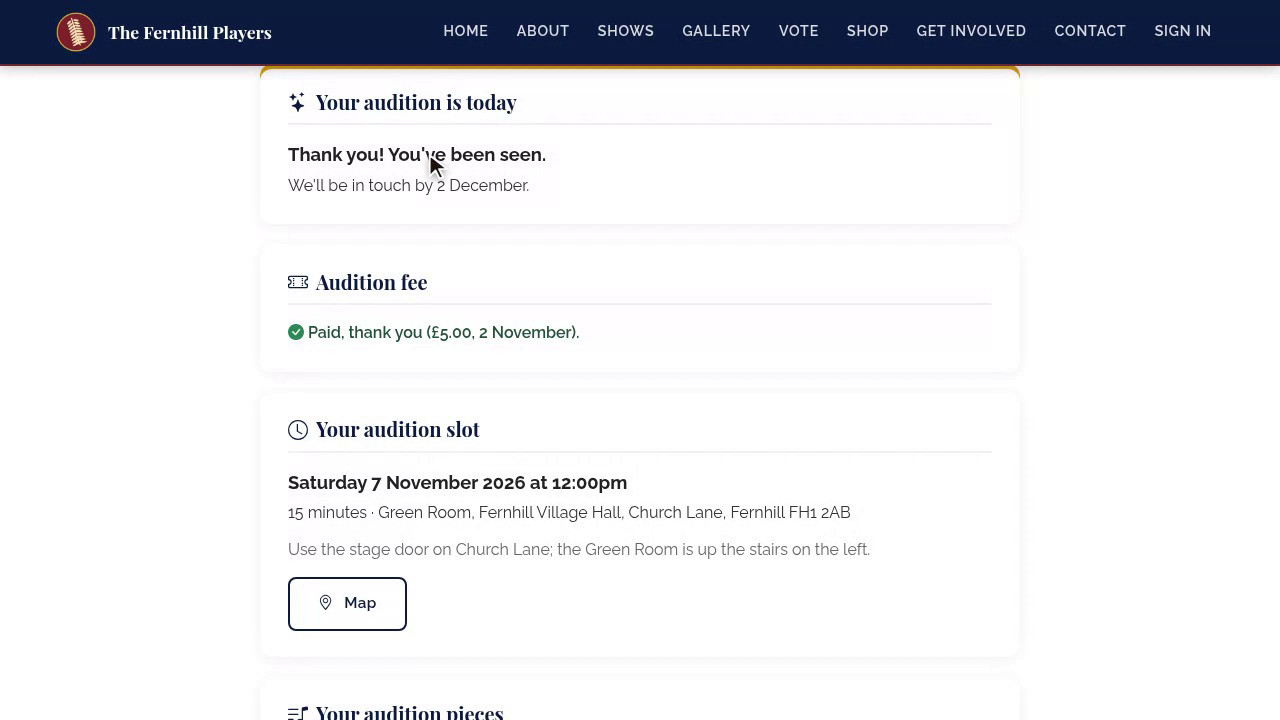
Once they've been seen, their page says thank you, and the queue moves on for everyone behind them.
6. Self-tapes
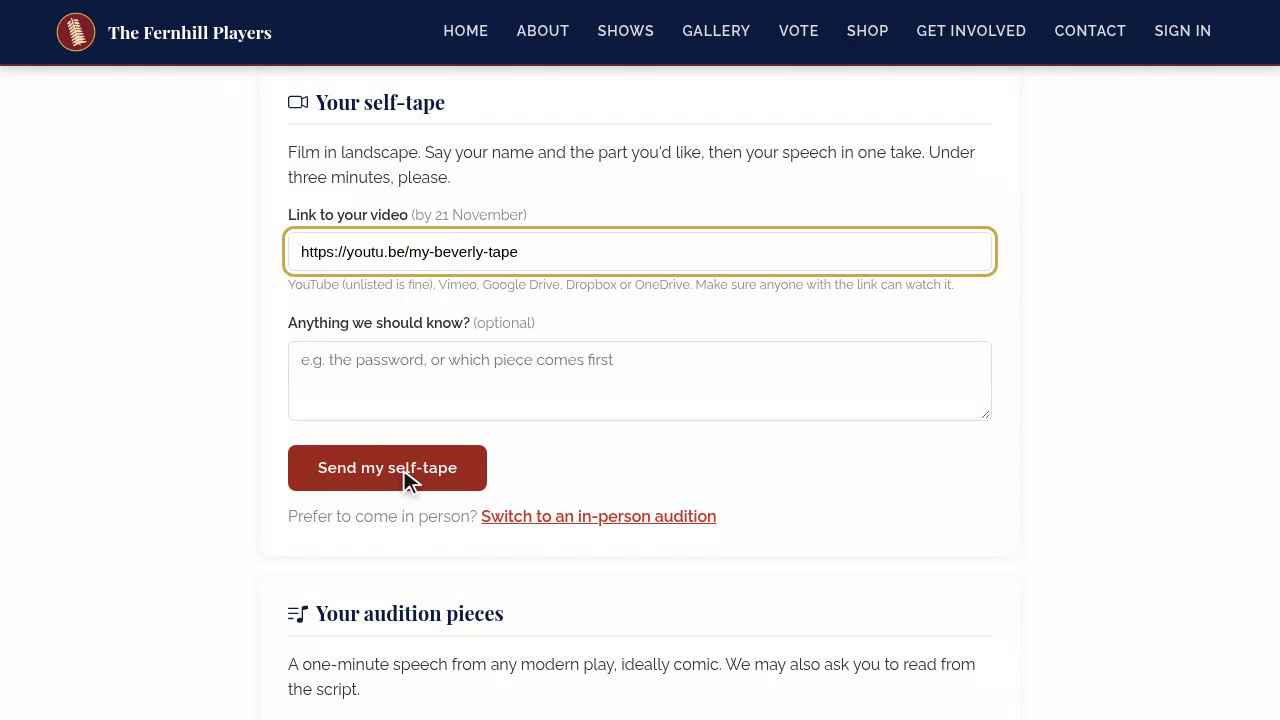
If self-tapes are allowed and they can't come in person, they can send a video link instead, and switch back to an in-person audition if plans change.
7. The offer
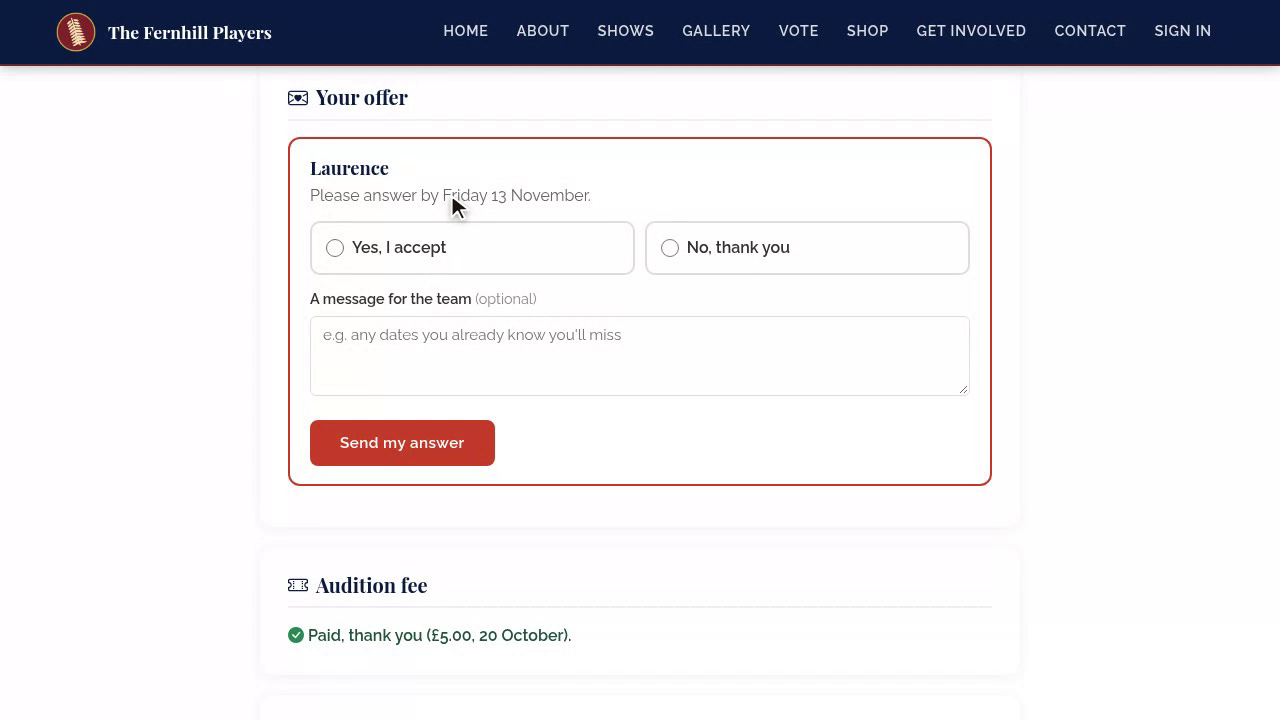
When you make an offer, they're emailed, and their page shows the role, and the date to answer by.
8. Accepting
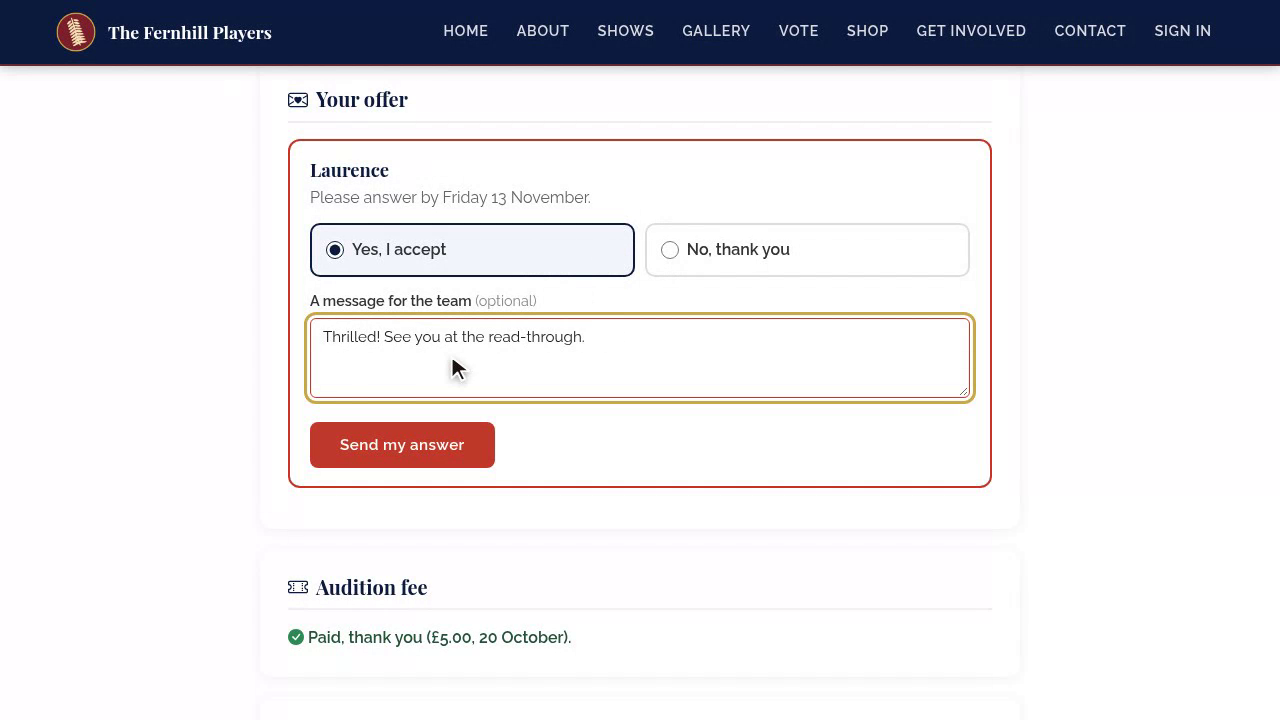
They press Yes, I accept, or No, thank you, add a message if they like, and send their answer. You see it straight away on your casting board.
9. Membership
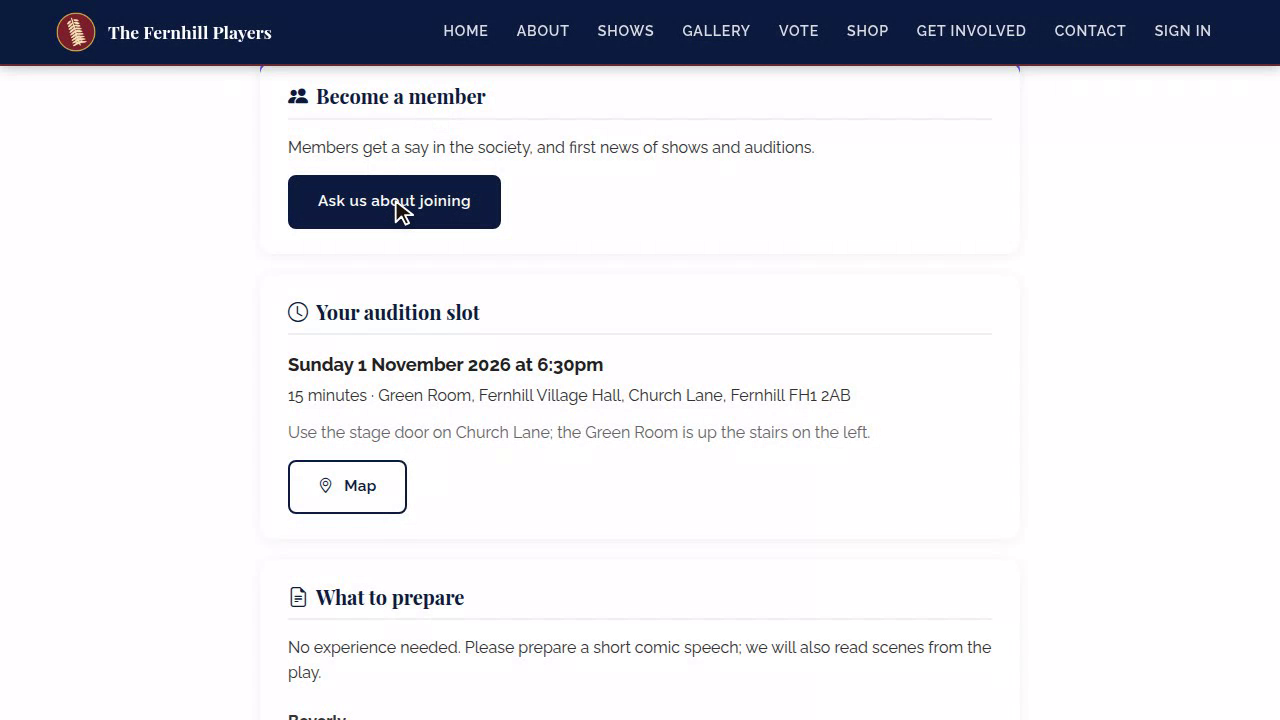
If your cast must be members, they're invited to join or renew, with the form already filled in from their application.
10. Welcome pack
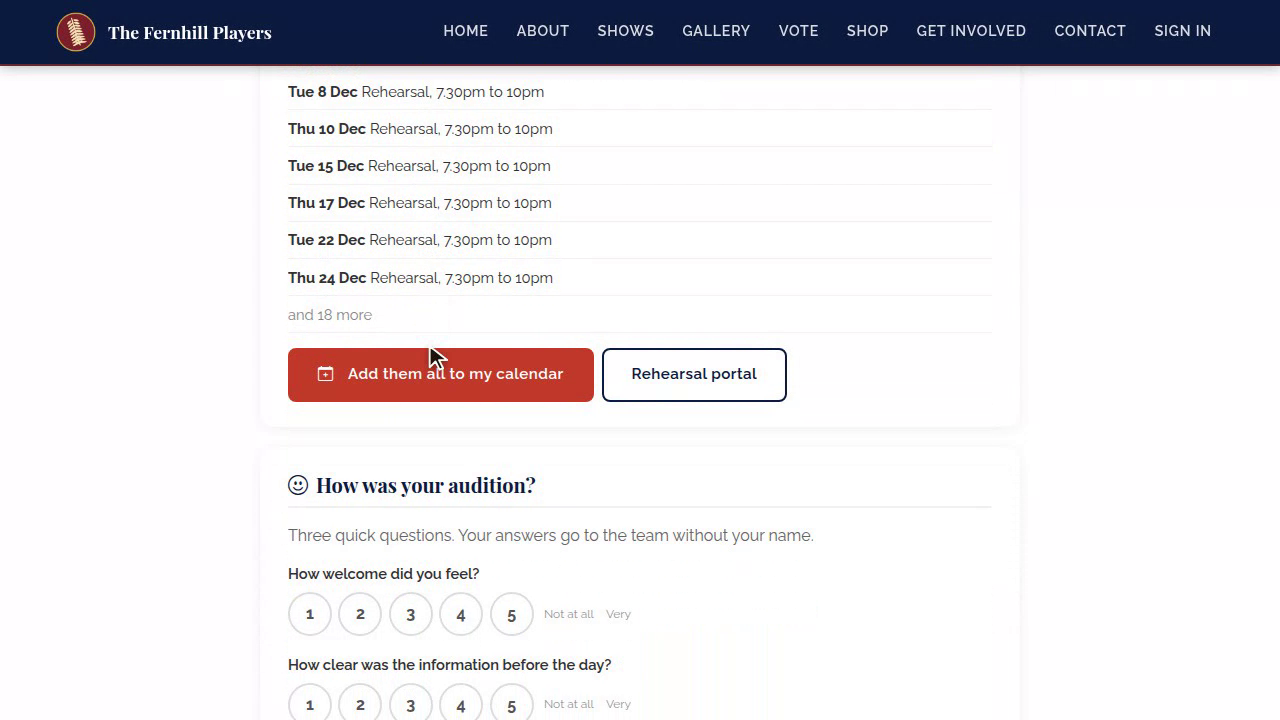
Then the welcome pack: a message from the director, the read-through, and every rehearsal and performance date, with one button to add them all to their calendar.
11. Feedback
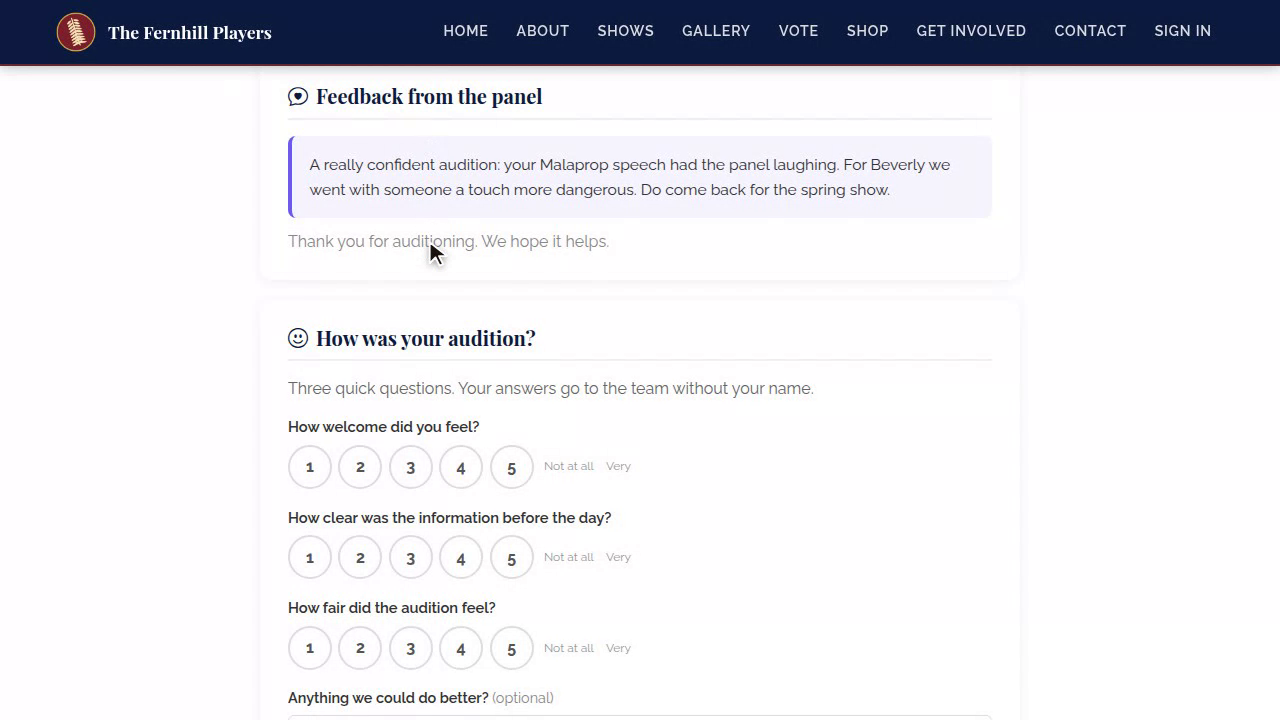
Candidates who weren't cast this time can read feedback from the panel, when you share it, which means a lot to people who'll audition for you again.
12. Survey
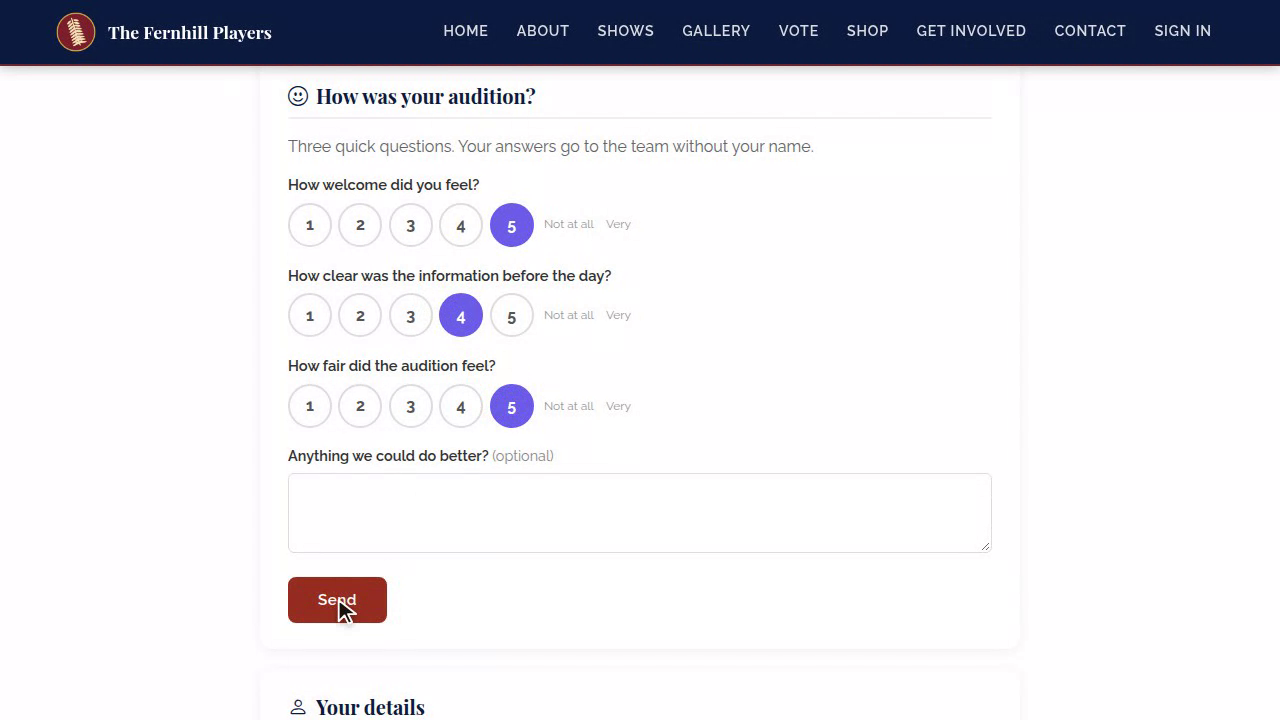
And there's a short survey on how their audition went. You see the answers together, without names.
That's the candidate's side. Next in the course: Managing applicants and self-tapes.
This guide is part 6 of 9 in the Running auditions in TheatreHQ course.
Track your progress
Make a free account to take the quick quiz after each guide, keep your place in the course and get a certificate when you finish.