Running Audience Choice Awards
Let your audience vote for their favourite performers and reveal the winners when you choose.
Audience Choice Awards give your audience a say and your cast a lift. You set up categories from the production, open voting for a set period, and announce the winners when you're ready. This guide shows how.
1. See your award campaigns
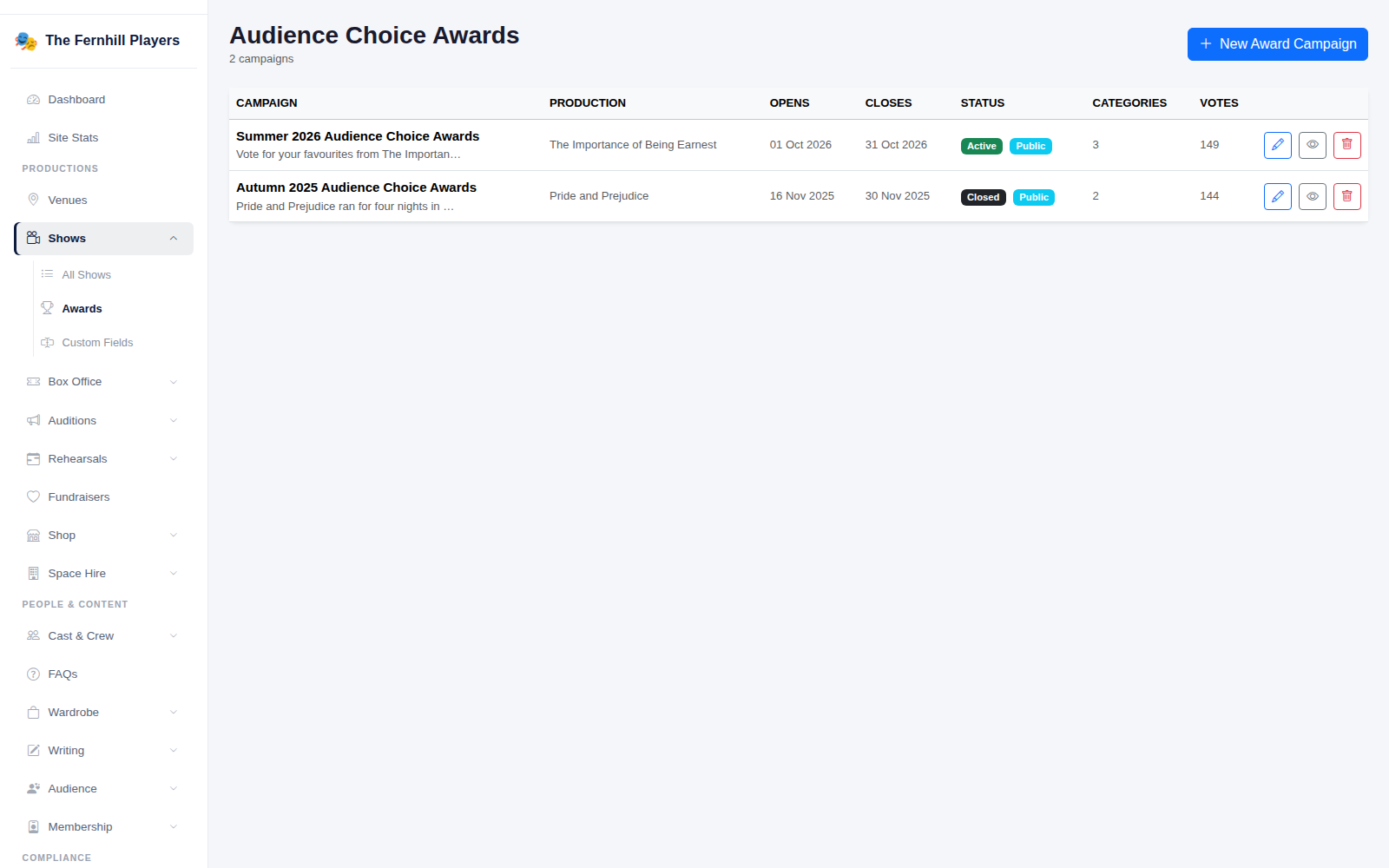
Go to Shows > Awards. Each campaign shows its production, when voting opens and closes, its status, the number of categories and the votes cast. Click New Award Campaign to create one.
2. Set up the campaign
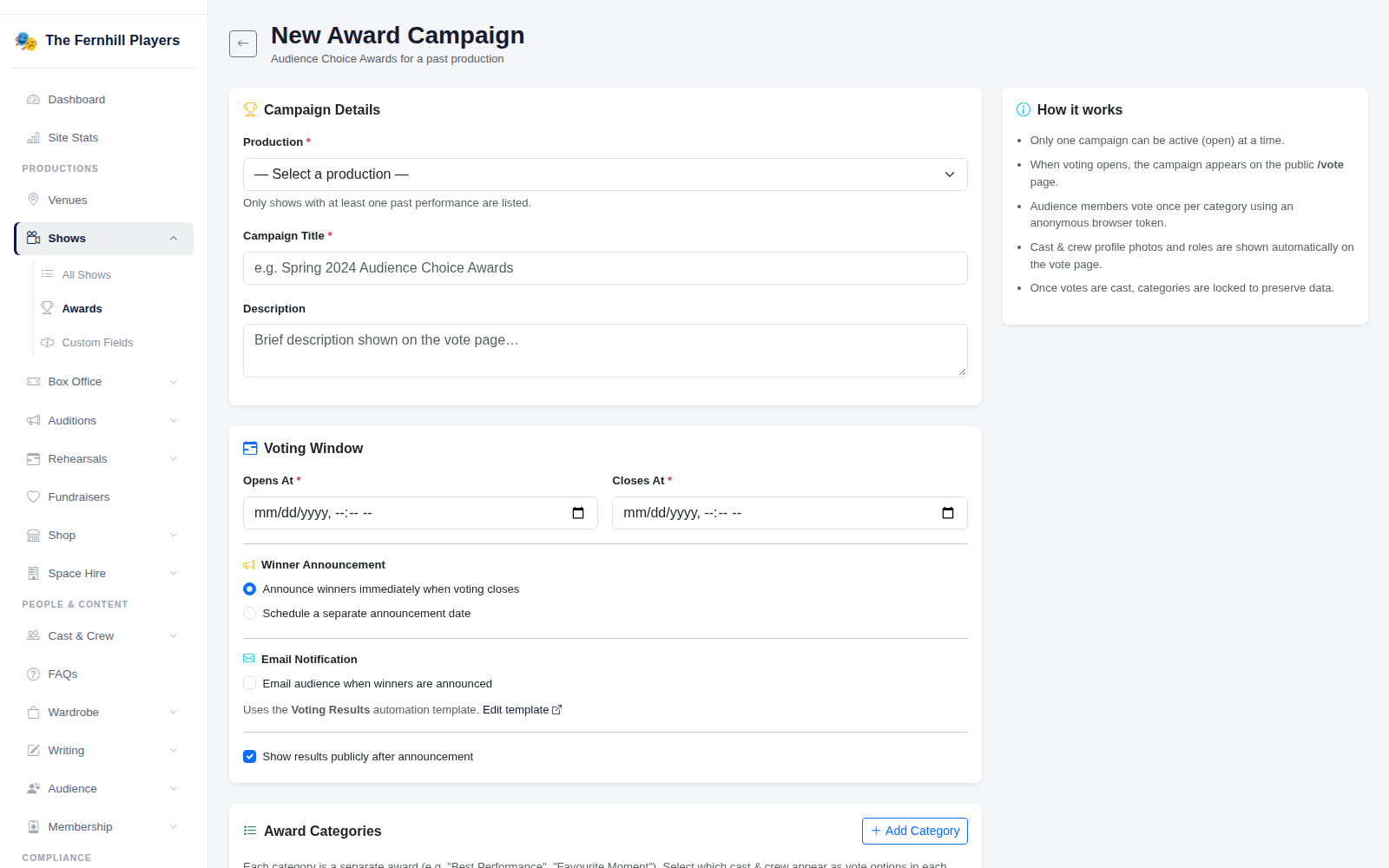
Choose the Production, give the campaign a title and description, and set the Voting Window — when voting opens and closes. Then add your Award Categories, such as Best Performance, choosing nominees from the production's cast. You can also choose when winners are announced and whether to email your audience when they are.
3. Audiences vote on your website
While voting is open, your website's vote page shows each category with the nominees' photos, and visitors choose their favourite in each one.

4. Announce the winners
When voting closes, the results are announced at the time you chose, and the vote page shows the winners.
Tip: add photos to your cast profiles before voting opens — nominees without a photo show a placeholder.