SEO and social sharing settings
Control how your website appears in Google and when it is shared on Facebook or WhatsApp, and connect Google Analytics, Search Console, Clarity and the Meta Pixel.
Your SEO settings control how your website appears in Google, and what people see when someone shares a link to it on Facebook, WhatsApp or X. They only take a few minutes to set up, and you'll rarely need to change them.
1. Make sure search engines can find you
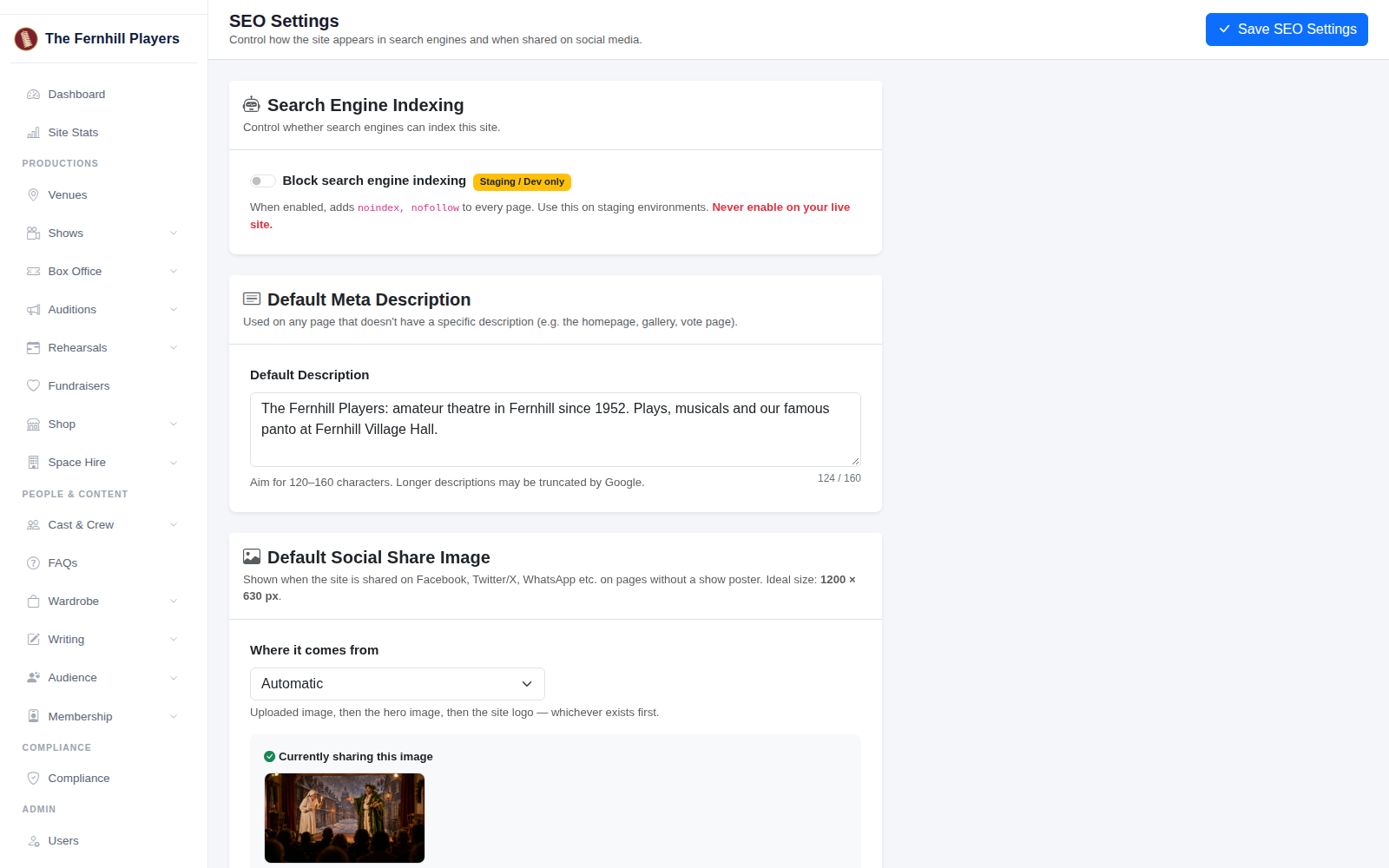
Go to Settings > SEO Settings. At the top, check that Block search engine indexing is turned off. It's only meant for test sites. If it's on, Google won't list your website at all.
2. Write a default description
Under Default Meta Description, write one or two sentences saying who you are and where you perform. It's used on pages that don't have a description of their own, like your homepage, and Google often shows it under your name in search results. Aim for 120 to 160 characters; the counter shows how many you've used.
3. Choose your social share image
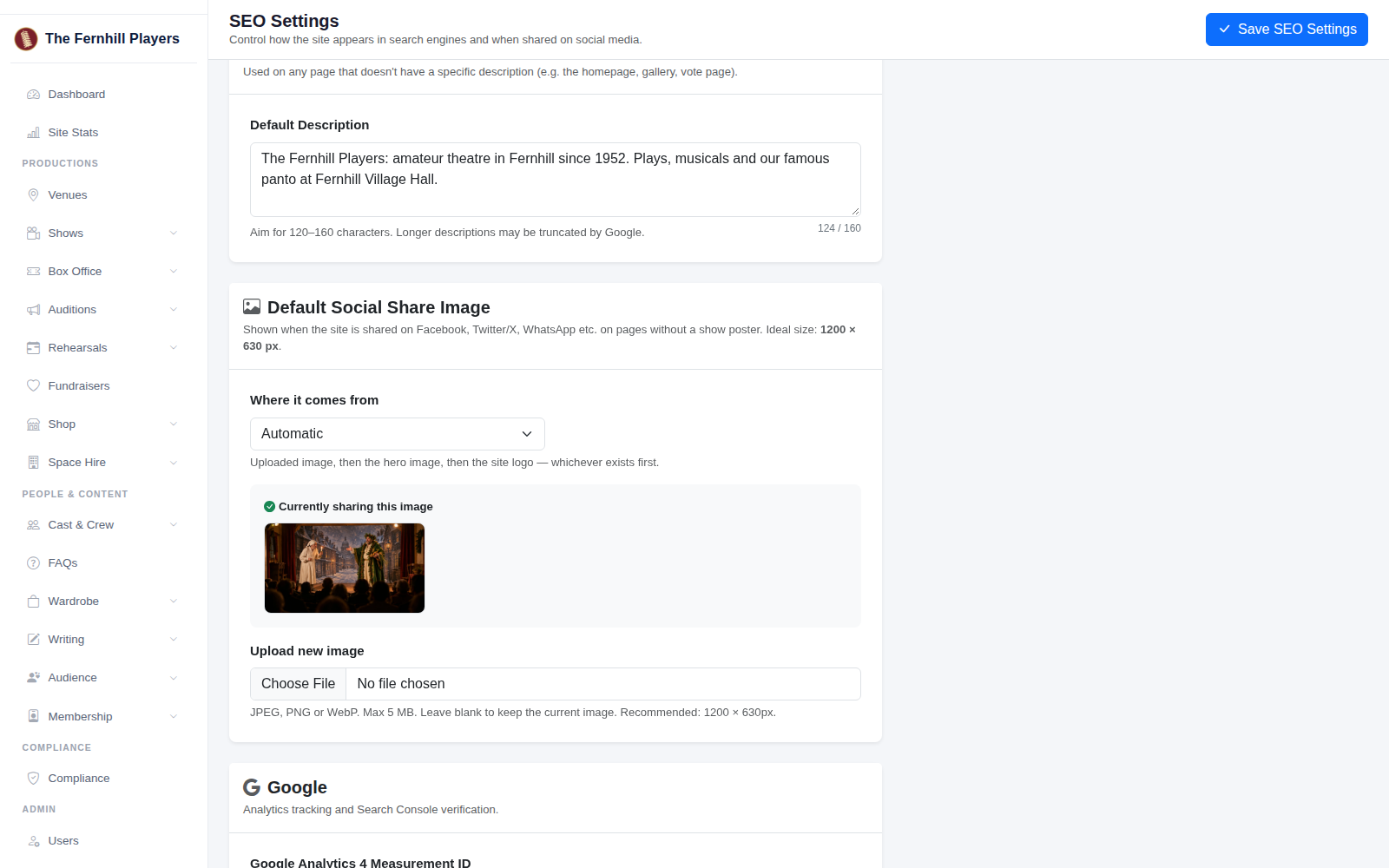
When someone shares a page without a show poster, this is the picture people see. Under Where it comes from, Automatic uses an uploaded image first, then your homepage banner, then your logo. The image currently being shared is shown below. To use a different picture, upload one; 1200 by 630 pixels works best.
4. Connect Google
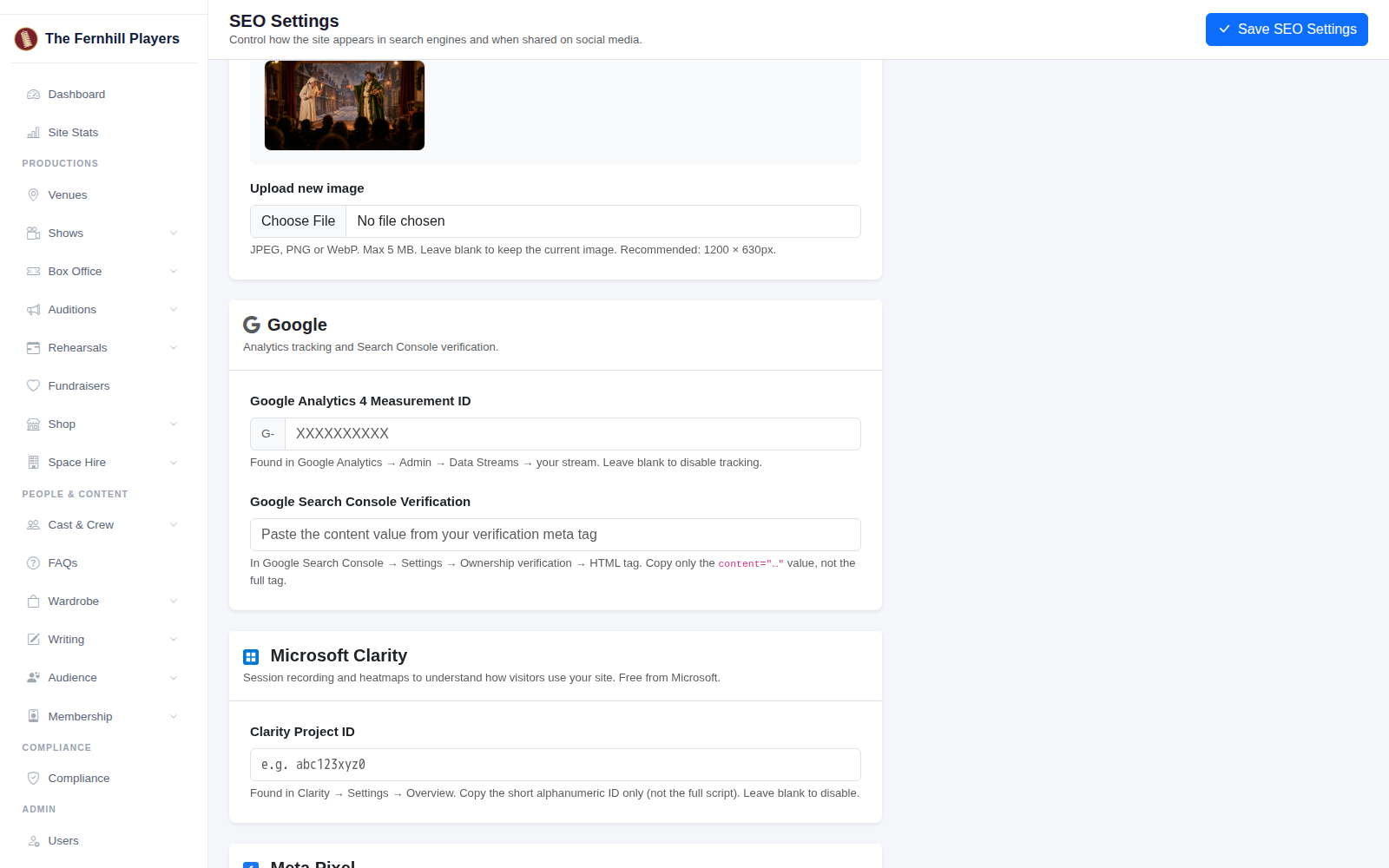
If you use Google Analytics, paste your Measurement ID (it starts with G-). To prove to Google Search Console that the site is yours, paste the code from its HTML tag verification into Google Search Console Verification: just the part inside content="...", not the whole tag.
5. Other tools and social profiles
You can also add a Microsoft Clarity project ID to see recordings and heatmaps of how visitors use your site, a Meta Pixel ID if you run Facebook or Instagram adverts, and your Twitter / X username and Facebook App ID. Leave any you don't use blank.
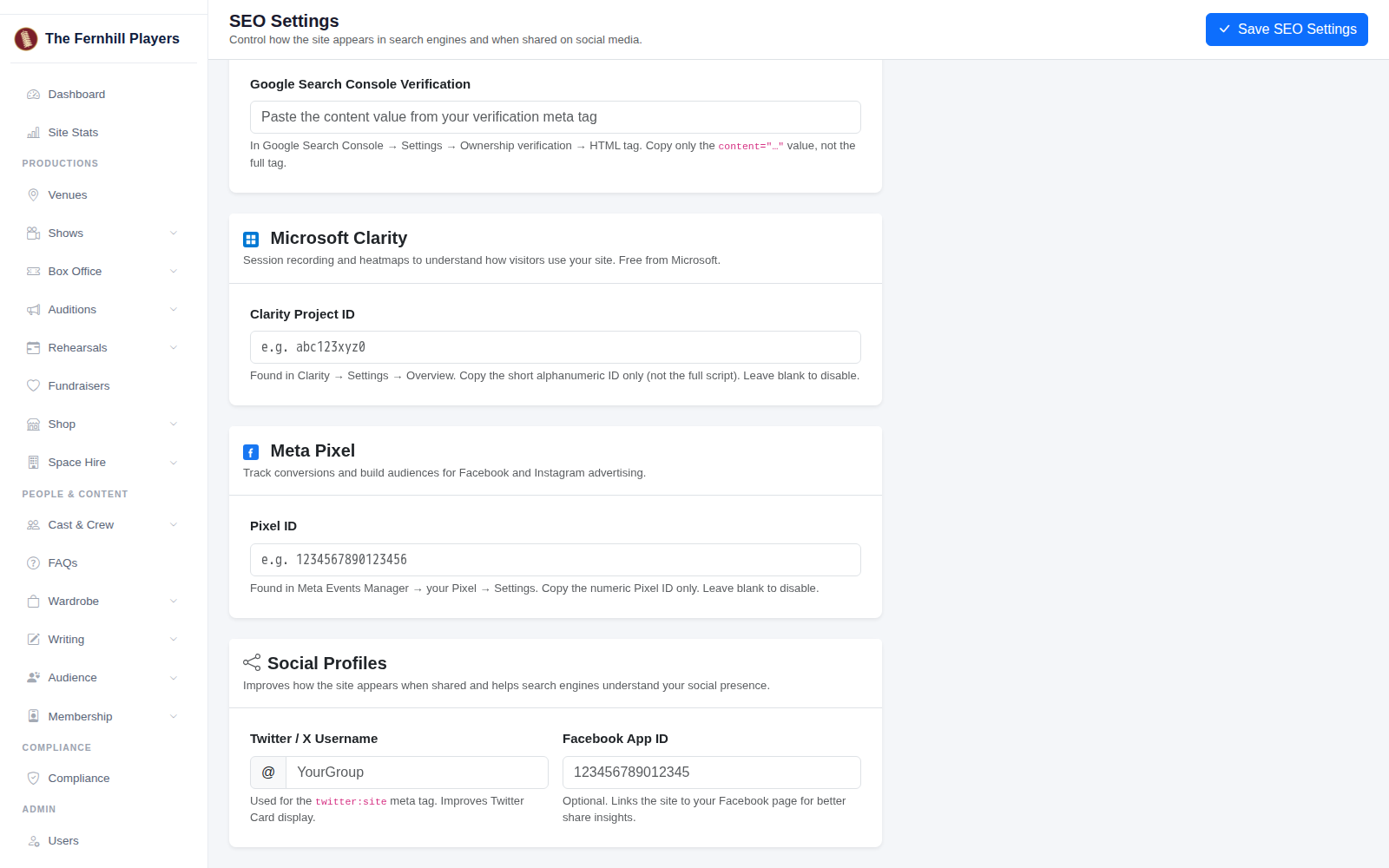
Click Save SEO Settings.
Tip: after saving, share a link to your homepage in a private chat to see how it looks. See Getting your shows found on Google for more ways to help people find your shows.