Your casting panel: who sees what
Put your director and panel on an audition, choose who can make offers, and see what a panel member sees, including declaring an interest.
This guide shows how to put people on your casting panel, choose who can make offers, and see exactly what a panel member can and can't see. The video above shows the same steps, using the demo audition for Abigail's Party.
1. Add someone
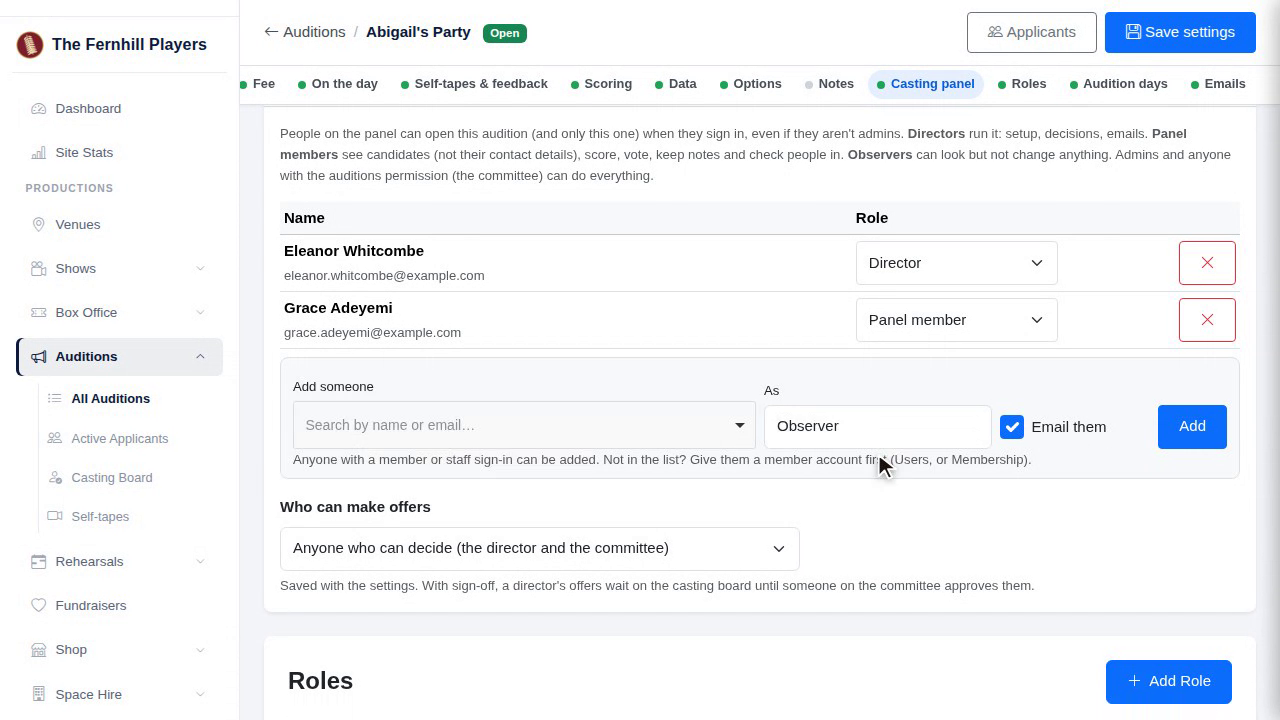
Under Casting panel, search for someone by name, and choose their role on this audition. A director runs this audition: its setup, decisions and offers, emails, fees and feedback. A panel member scores, votes and writes notes. And an observer can look at everything but change nothing.
2. Email them
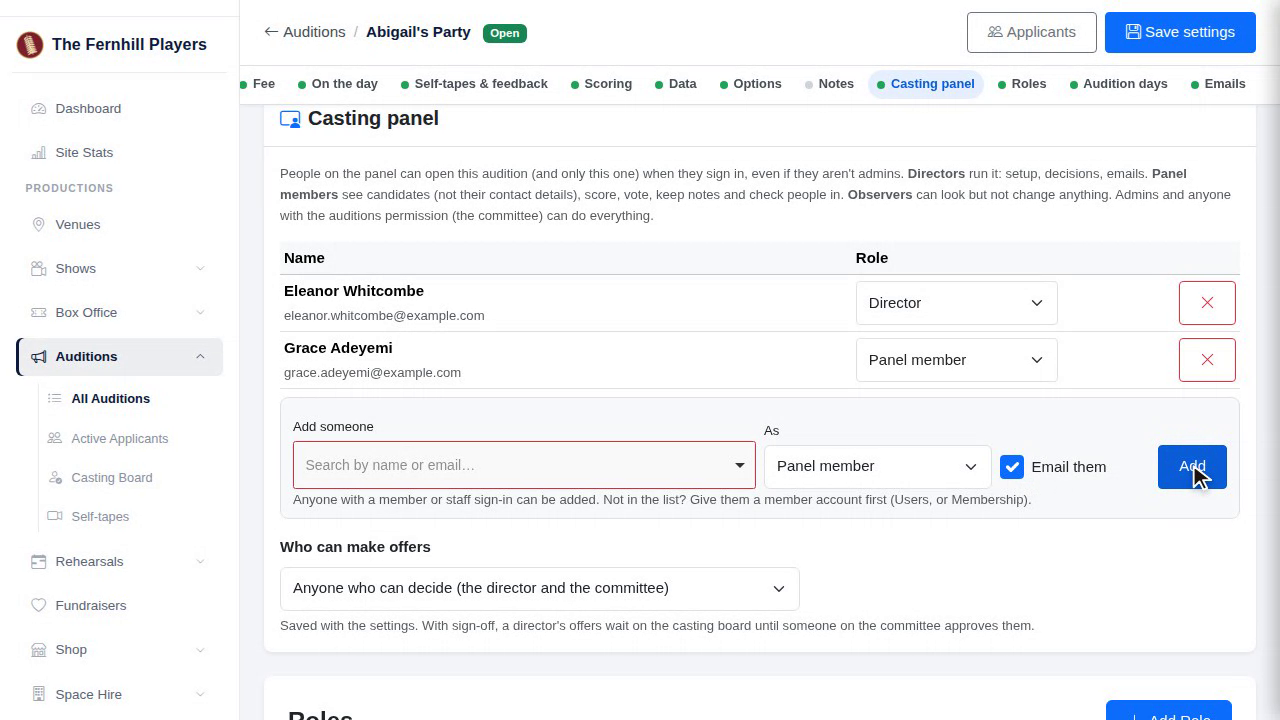
Tick Email them, and they're sent a note with a link to the audition. They sign in with their usual society account, so there's nothing new to set up.
3. Who can make offers
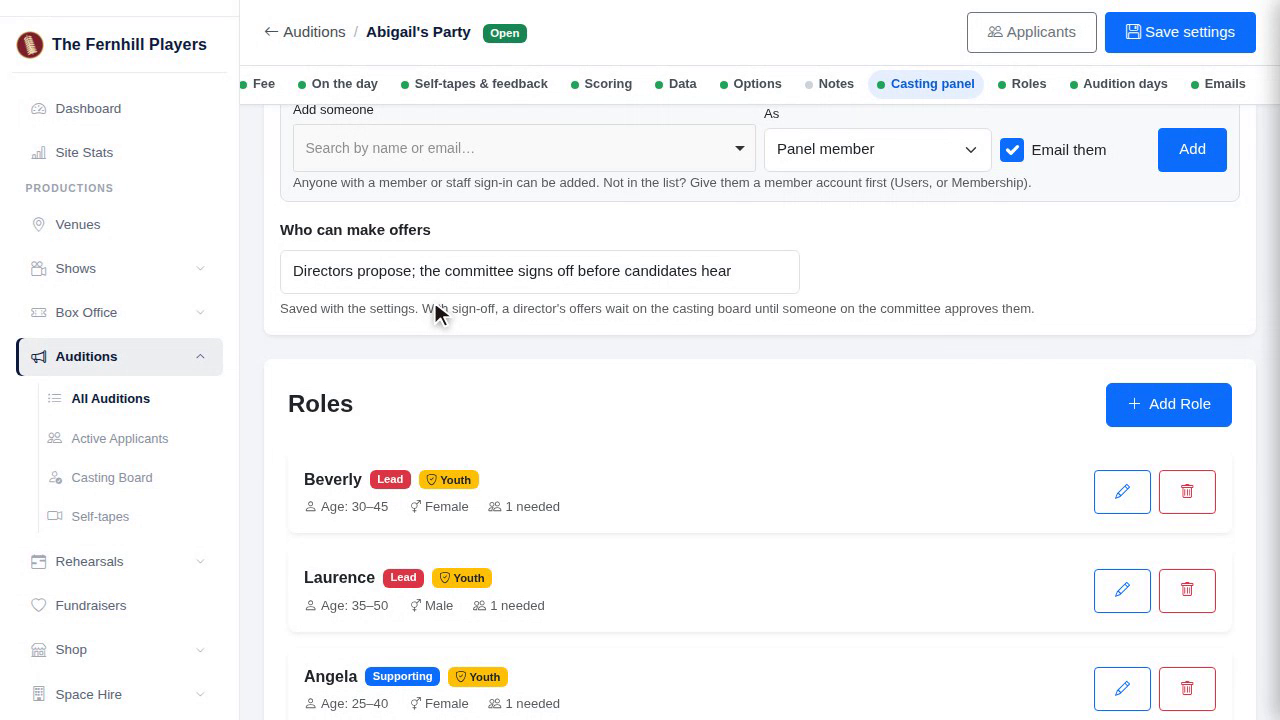
Next, choose who can make offers. Anyone who can decide, directors only, or directors propose and the committee signs off. With sign-off, a director's offer waits until someone on the committee presses Approve, and the candidate hears nothing until then.
4. Tip
A tip: put at least your director on the panel before audition day, so they're ready on the tablet when the first candidate walks in.
5. A panel member's view
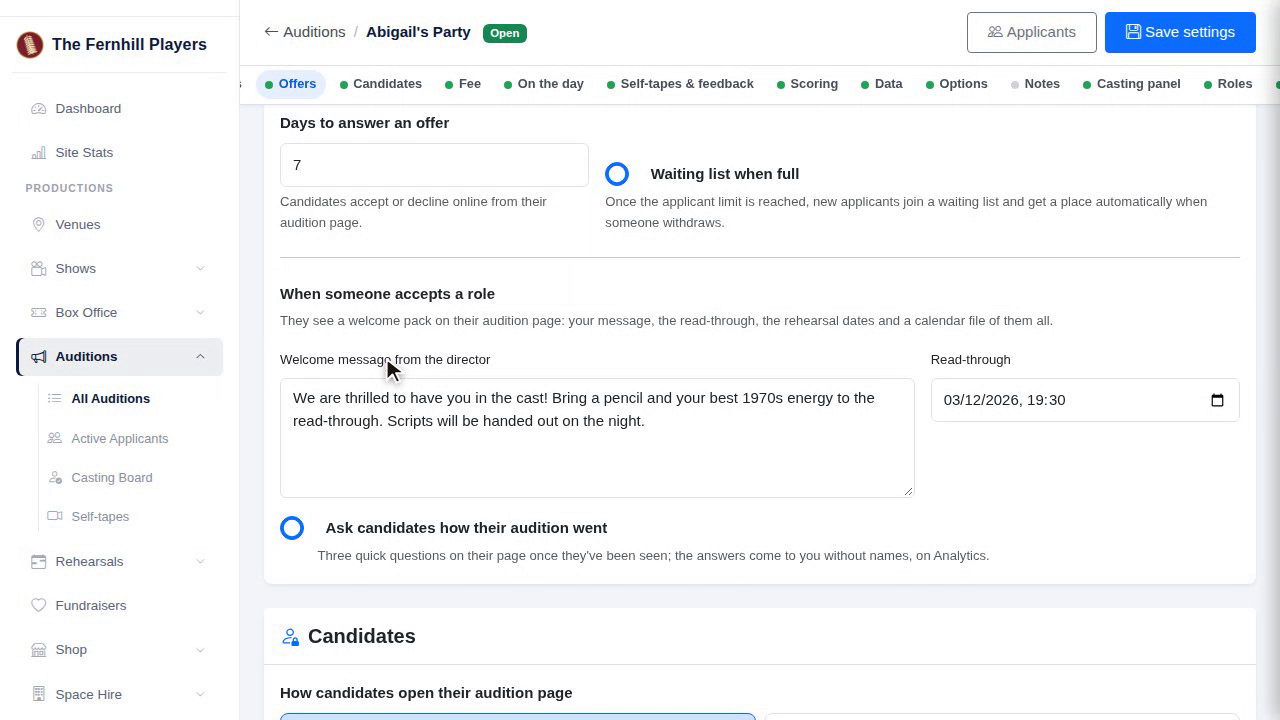
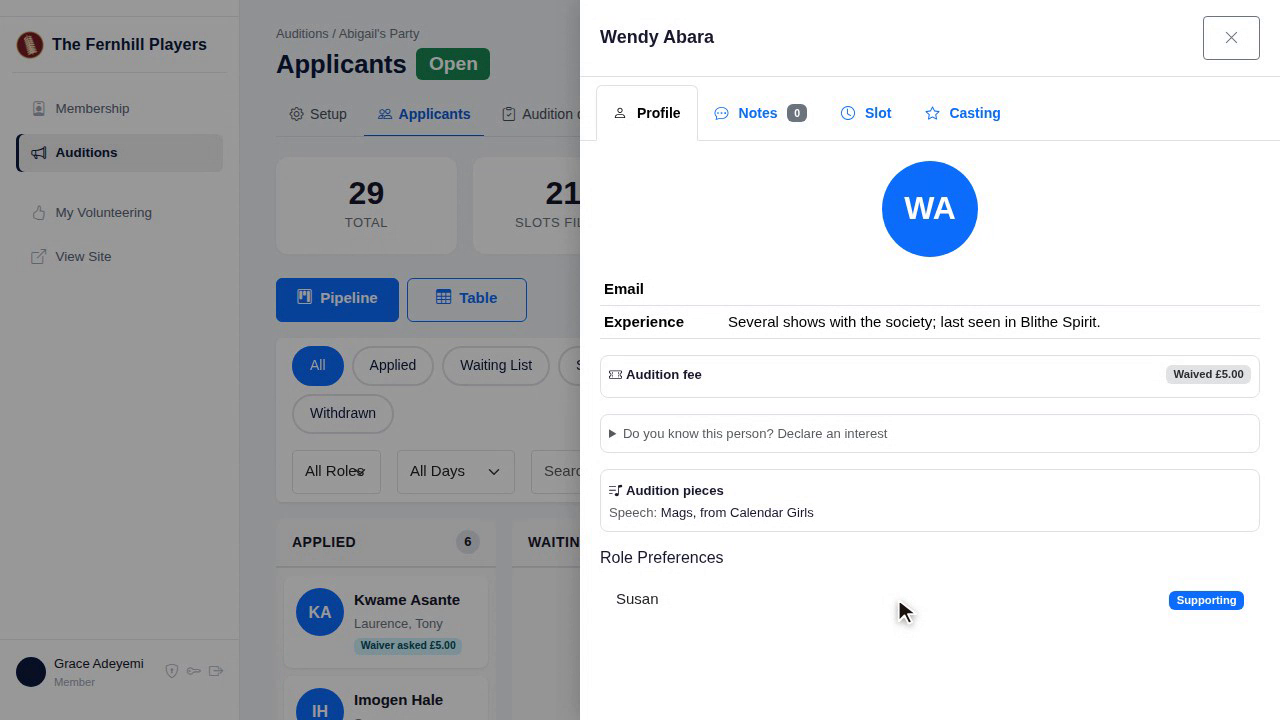
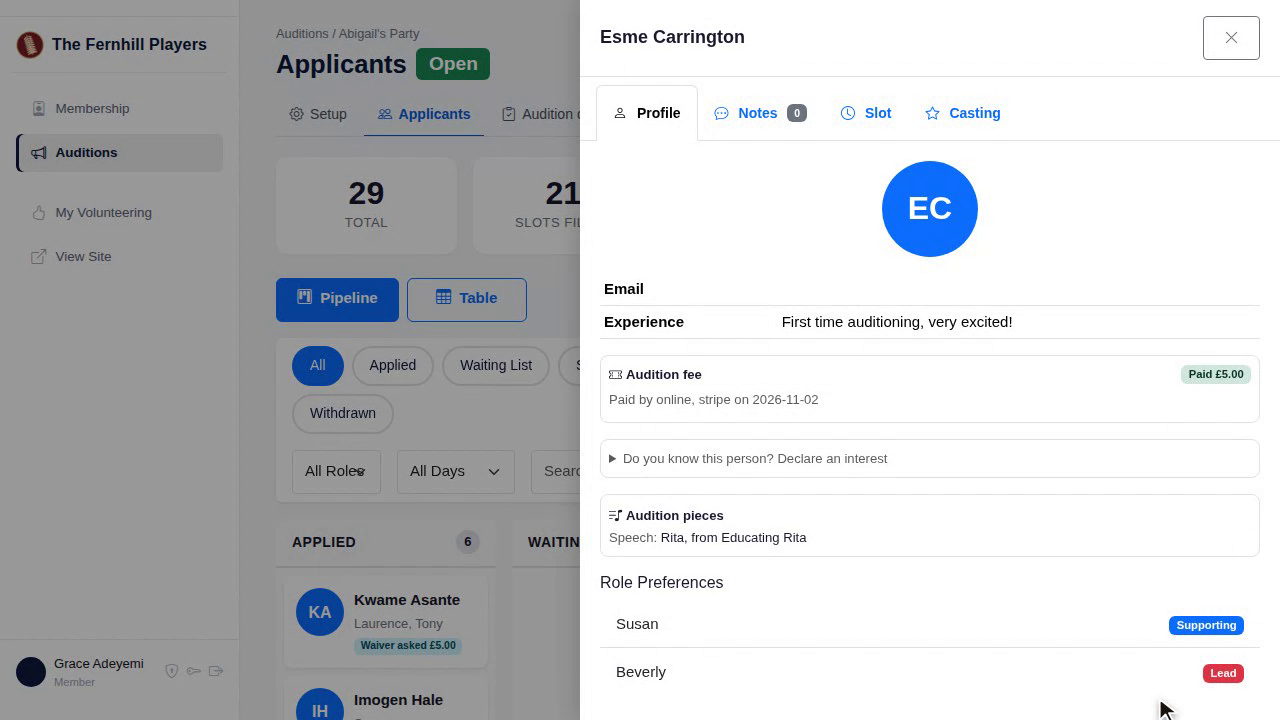
Here's what a panel member sees. Only the auditions they're on are in the menu. They can see every candidate, with their roles, pieces and notes, but not their email, phone number, date of birth or guardian's details. They can score, vote and check people in.
6. Data protection
The panel sees only what they need to cast the show, which matters under data protection law, and saves you a lot of worry.
7. Declaring an interest
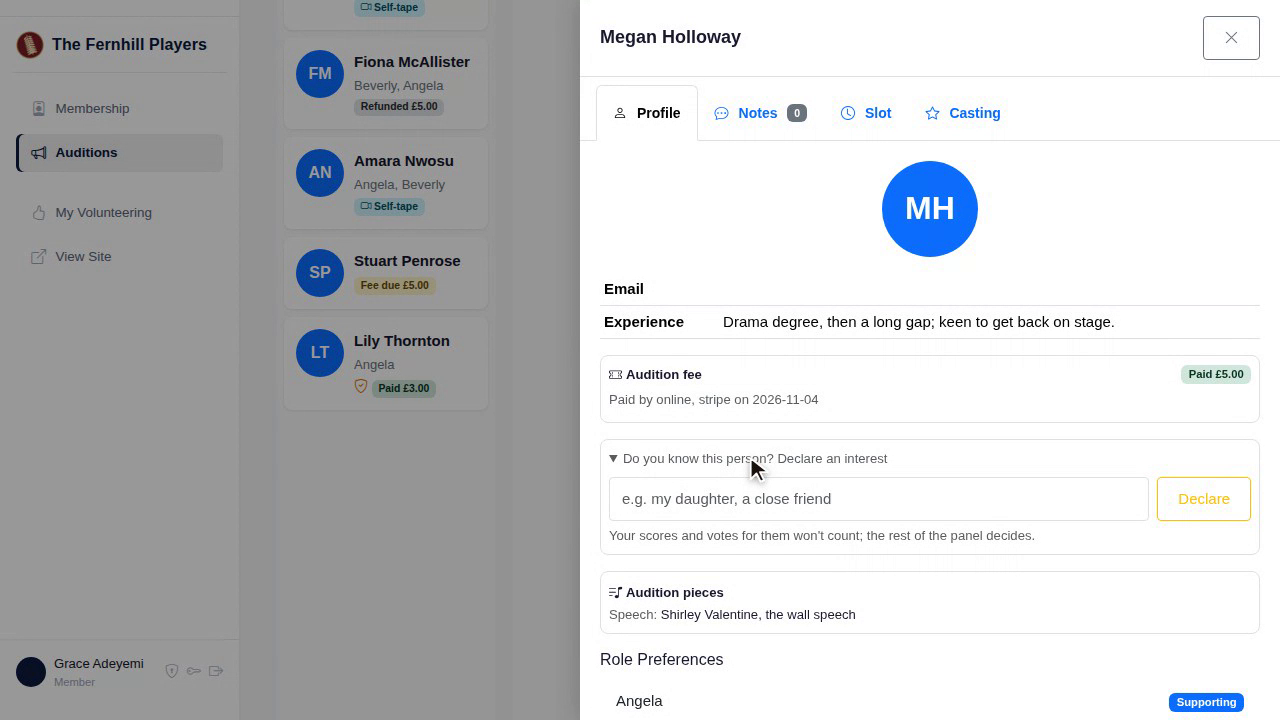
If a panel member knows a candidate well, such as a relative or a close friend, they click Do you know this person, and declare an interest. Their scores and votes for that person stop counting, and everyone can see they declared it. It keeps casting fair, and seen to be fair.
That's your panel ready. Next in the course: How candidates apply, and their audition page.
This guide is part 4 of 9 in the Running auditions in TheatreHQ course.
Track your progress
Make a free account to take the quick quiz after each guide, keep your place in the course and get a certificate when you finish.