Looking after personal data with the GDPR tools
Set up your cookie banner and privacy policy, keep a record of consent and breaches, and handle requests about someone's data.
If your society keeps names, emails or phone numbers, UK GDPR applies to you. TheatreHQ's compliance tools help you do the right things and keep a record that you have. This guide walks through each one. It's practical guidance, not legal advice — if you're unsure about something, the ICO's website has clear guides for small organisations.
1. Set up your cookie banner
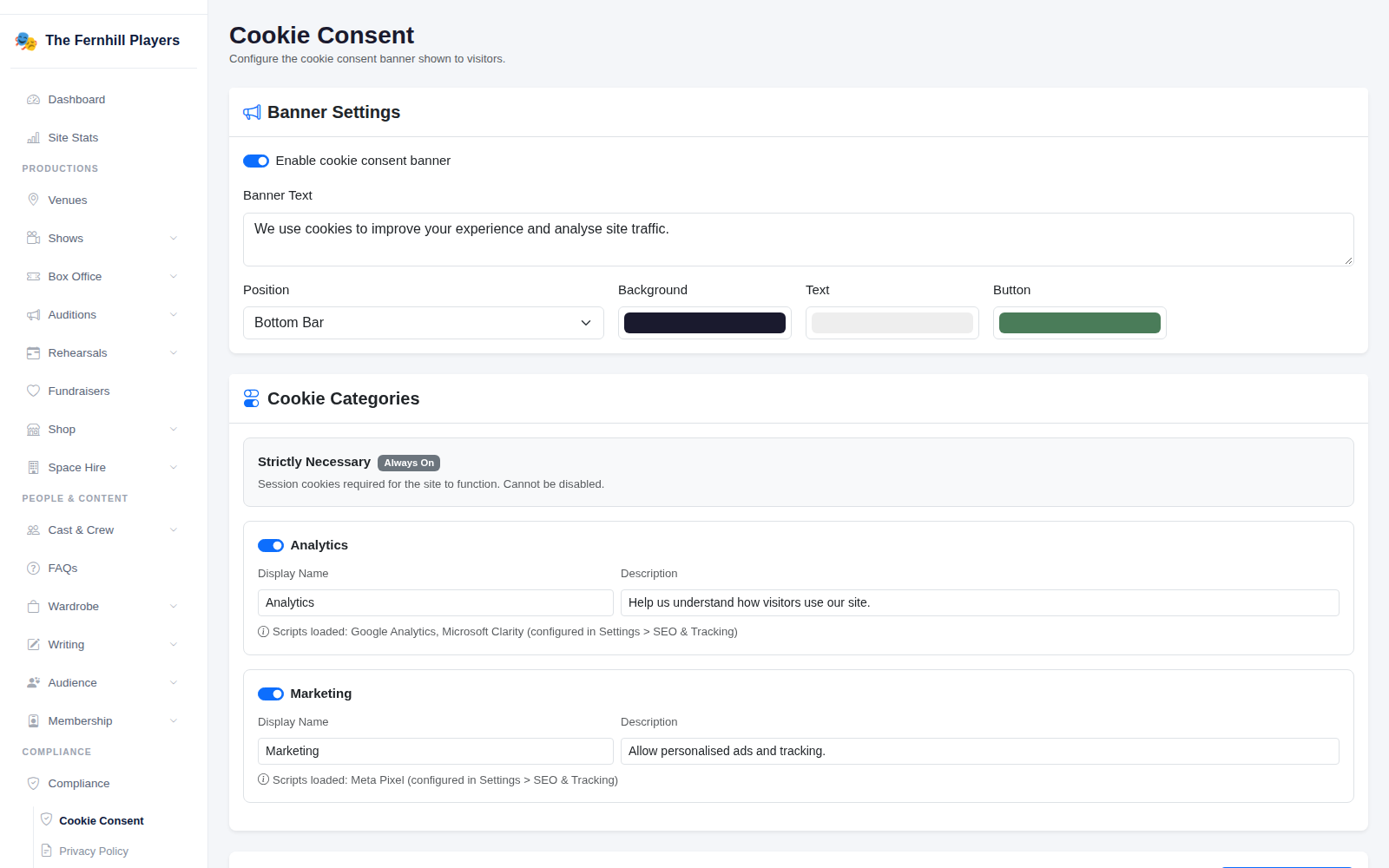
Go to Compliance > Cookie Consent. Make sure Enable cookie consent banner is on, adjust the Banner Text, position and colours, and check the Cookie Categories. Strictly Necessary cookies are always on; analytics and marketing only run if a visitor agrees.
2. Check your privacy policy
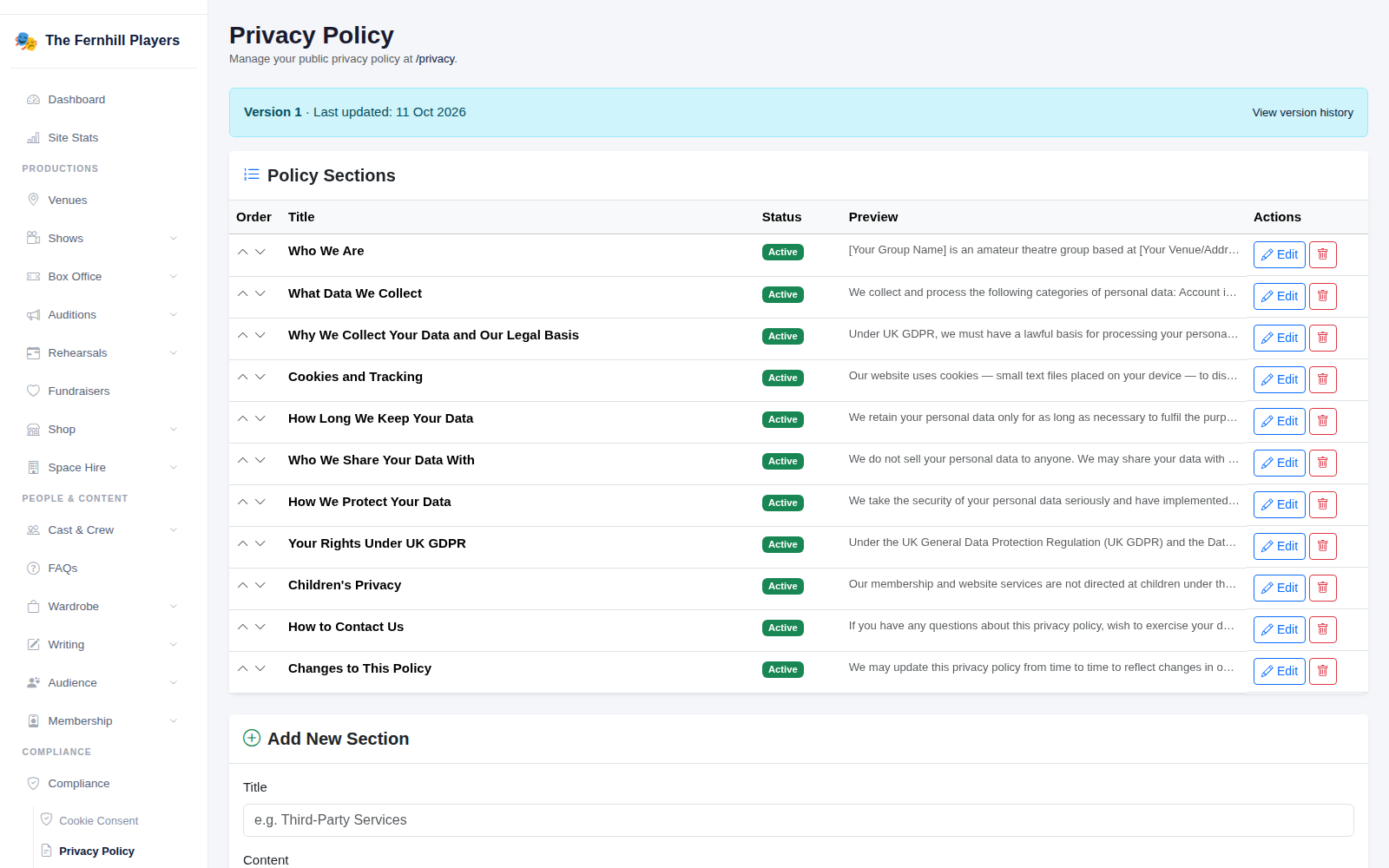
Compliance > Privacy Policy manages the policy shown at /privacy. It comes in sections — who you are, what you collect, why, how long you keep it, who you share it with — written for amateur theatre groups. Read every section and replace the placeholders, such as [Your Group Name] and your address, with your own details. Each time you publish changes, a new version is recorded.
3. Your record of consent
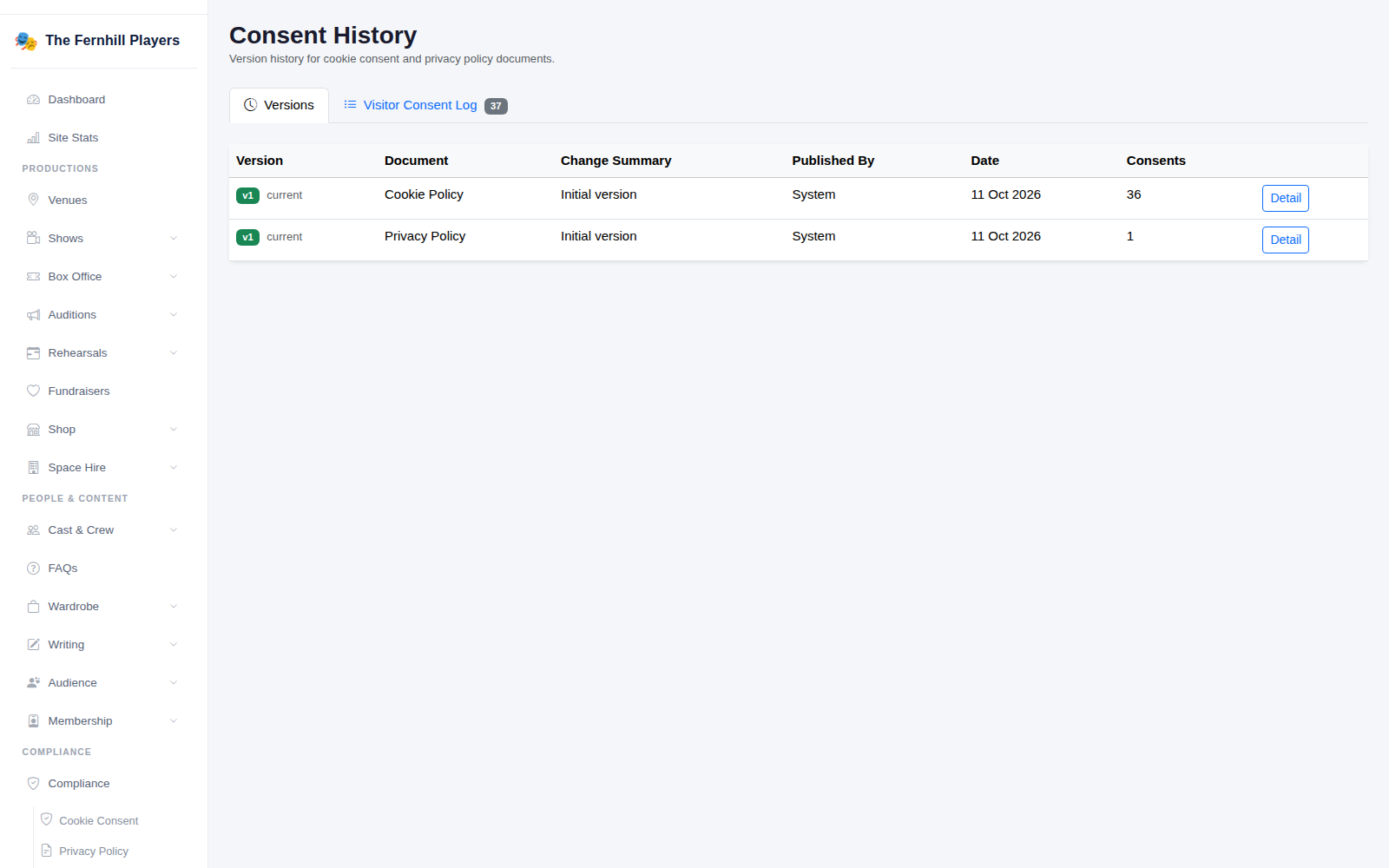
Compliance > Consent History keeps every version of your cookie and privacy policies, and the Visitor Consent Log records each visitor's choice with the policy version they saw. If anyone ever asks what someone agreed to, the answer is here.
4. When someone asks about their data
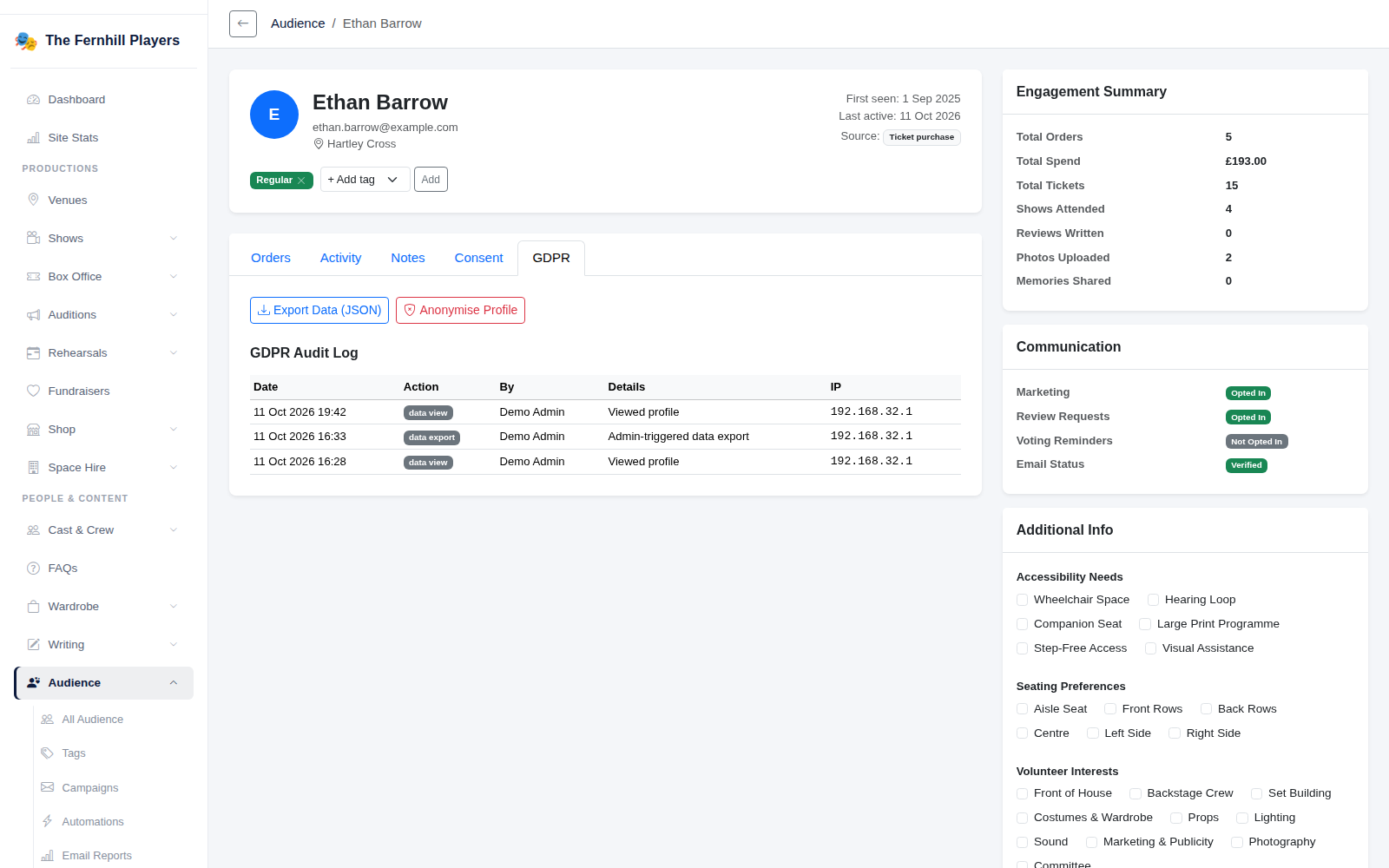
People can ask to see the data you hold about them, or to have it removed. Open their profile under Audience and go to the GDPR tab: Export Data gives you a copy of everything to send them, and Anonymise Profile removes their personal details while keeping your sales figures intact. Every action is recorded in their GDPR audit log.
5. Data retention and breaches
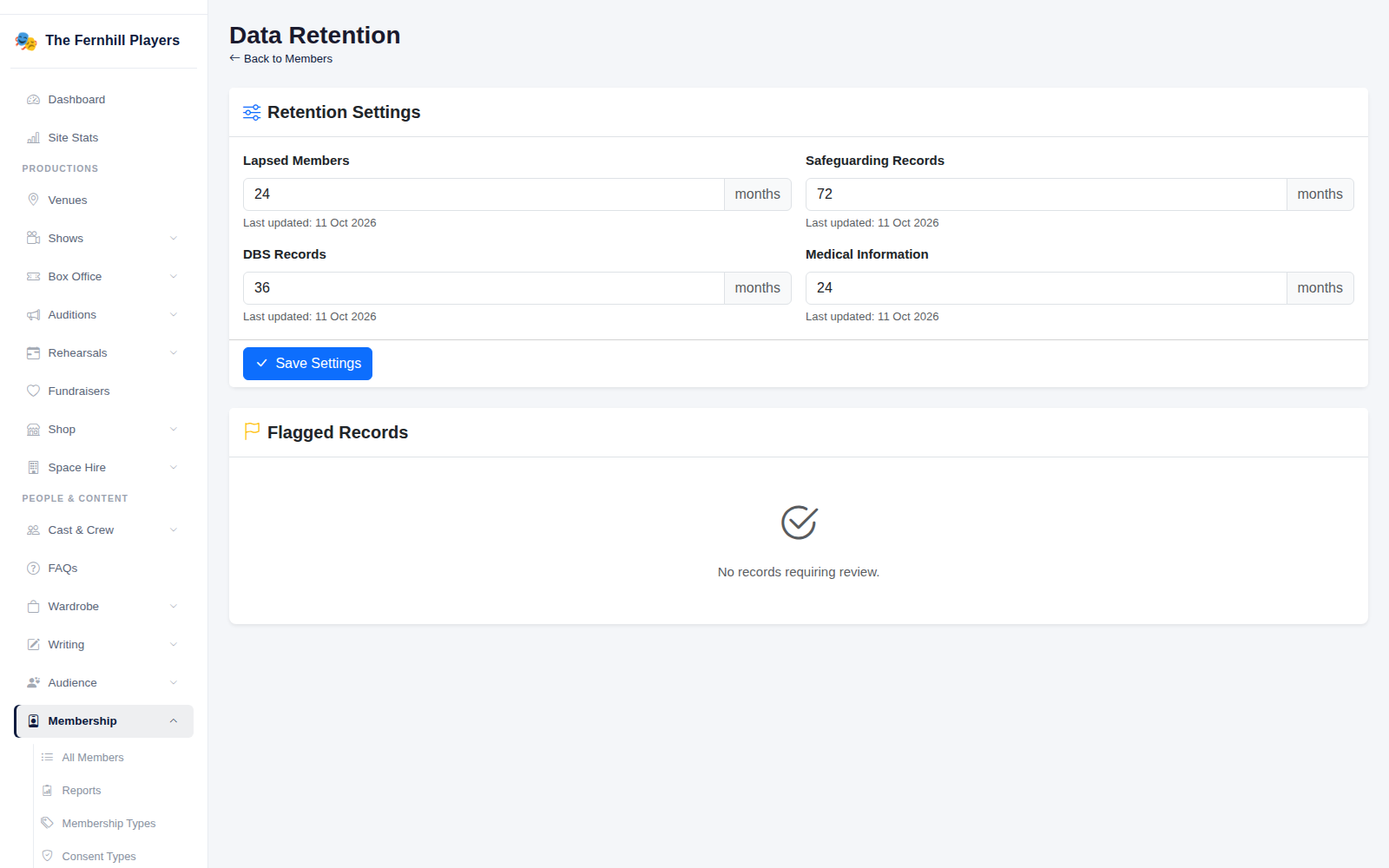
Under Membership > Data Retention, set how long to keep lapsed members' details and sensitive records such as safeguarding, DBS and medical information. Records past their time are flagged for review.
If something goes wrong — a spreadsheet sent to the wrong person, say — record it in Compliance > Breach Register. Serious breaches must be reported to the ICO within 72 hours, and the register shows a countdown for each one.