Rehearsal attendance and notes
See who has confirmed or sent apologies for a rehearsal, mark attendance on the night, and keep notes from each rehearsal for the production team.
Knowing who turned up, and what you worked on, makes it much easier to plan the next rehearsal. TheatreHQ keeps both with each rehearsal, so your director, stage manager and choreographer are all working from the same information.
1. Find the rehearsal
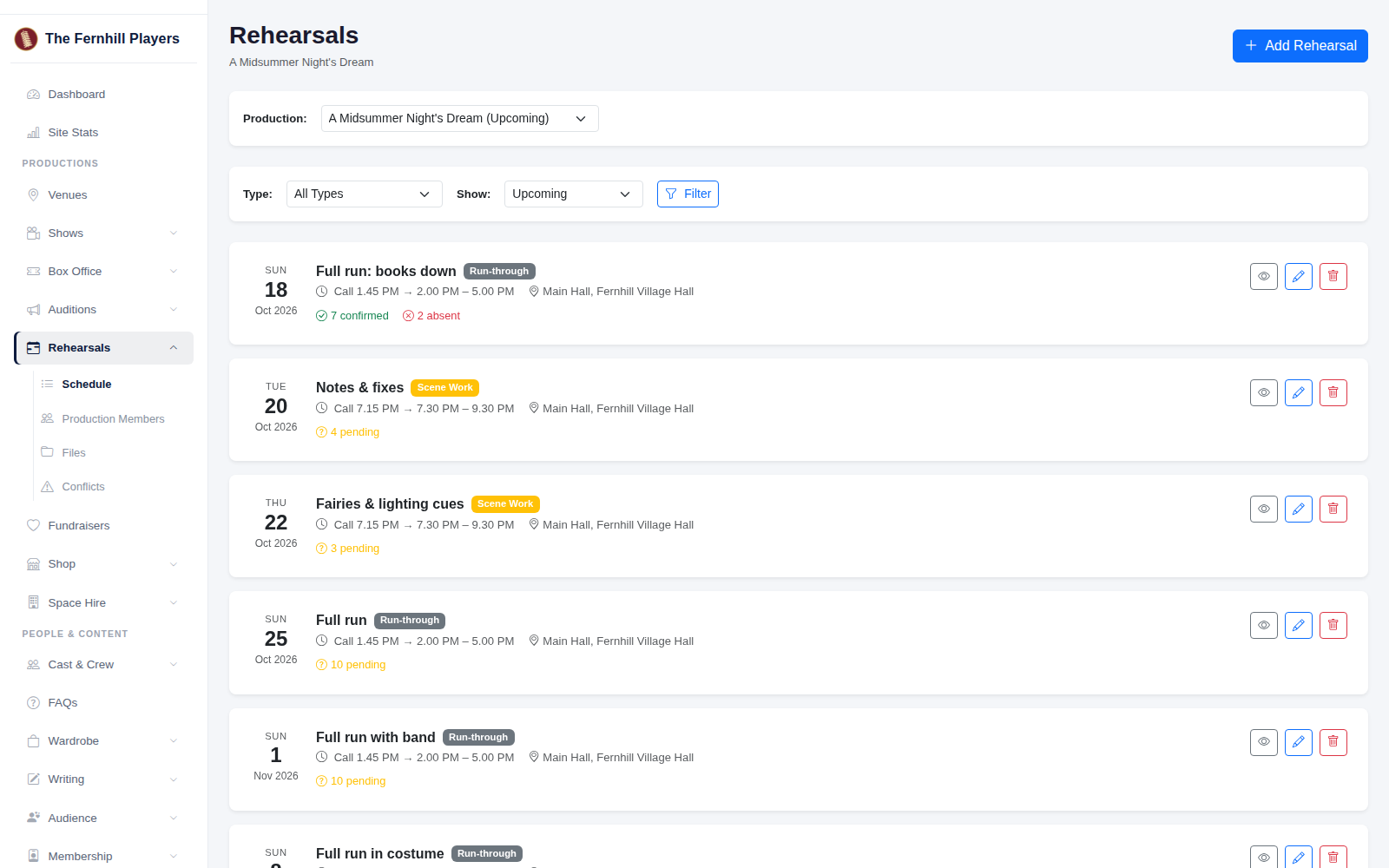
Go to Rehearsals. Each rehearsal in the schedule shows how many people have confirmed, sent apologies or not replied yet. Click the eye button to open it.
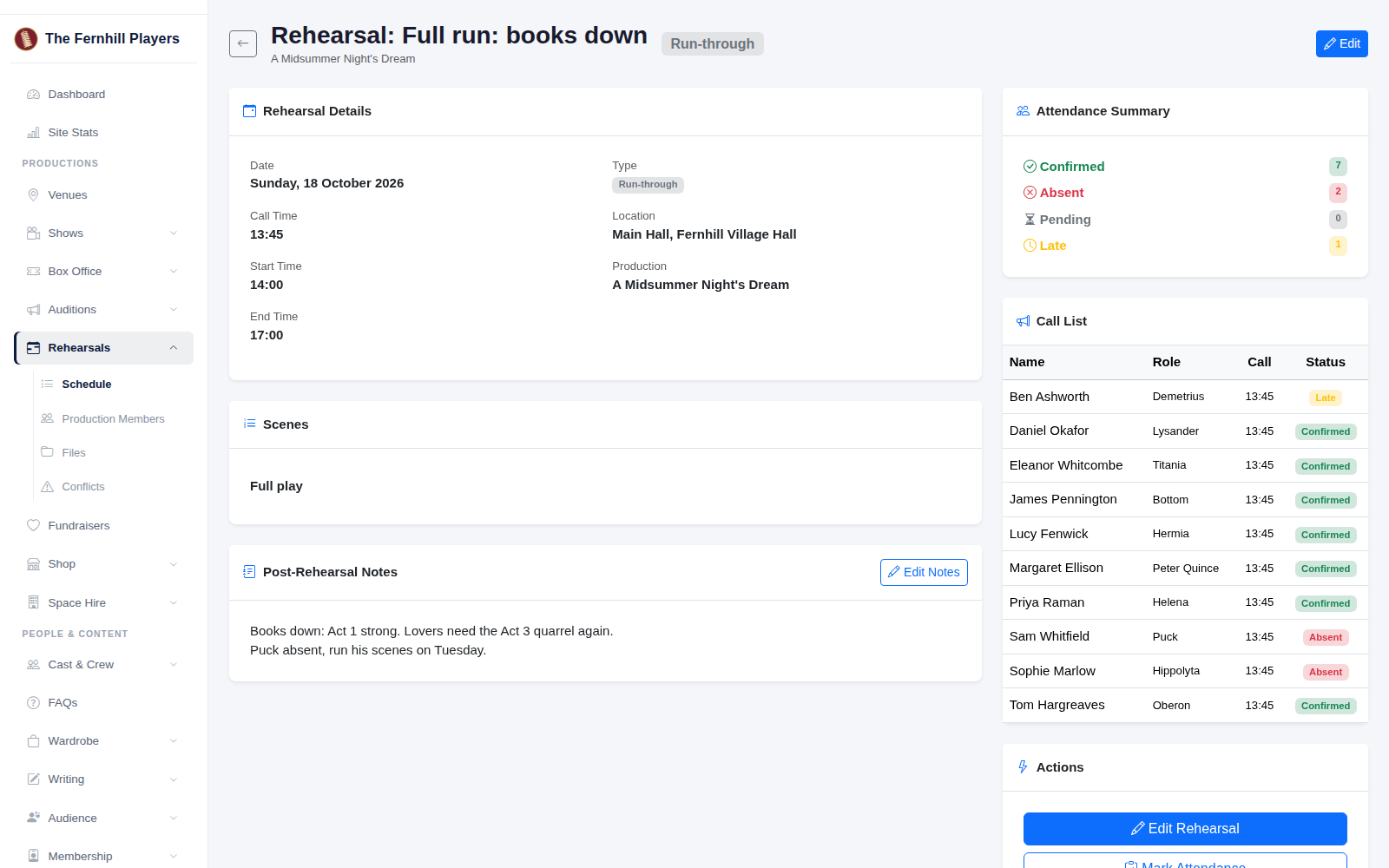
The rehearsal page shows the details, the call list with each person's status, and an Attendance Summary. Members can confirm or send apologies, with a reason, before the night, so you already know who's coming.
2. Mark attendance on the night
Click Mark Attendance. Everyone called is listed with their role. Choose Confirmed, Late or Absent for each person, and add a reason for anyone who's missing. Anyone who sent apologies in advance already shows as absent with their reason. Click Save.
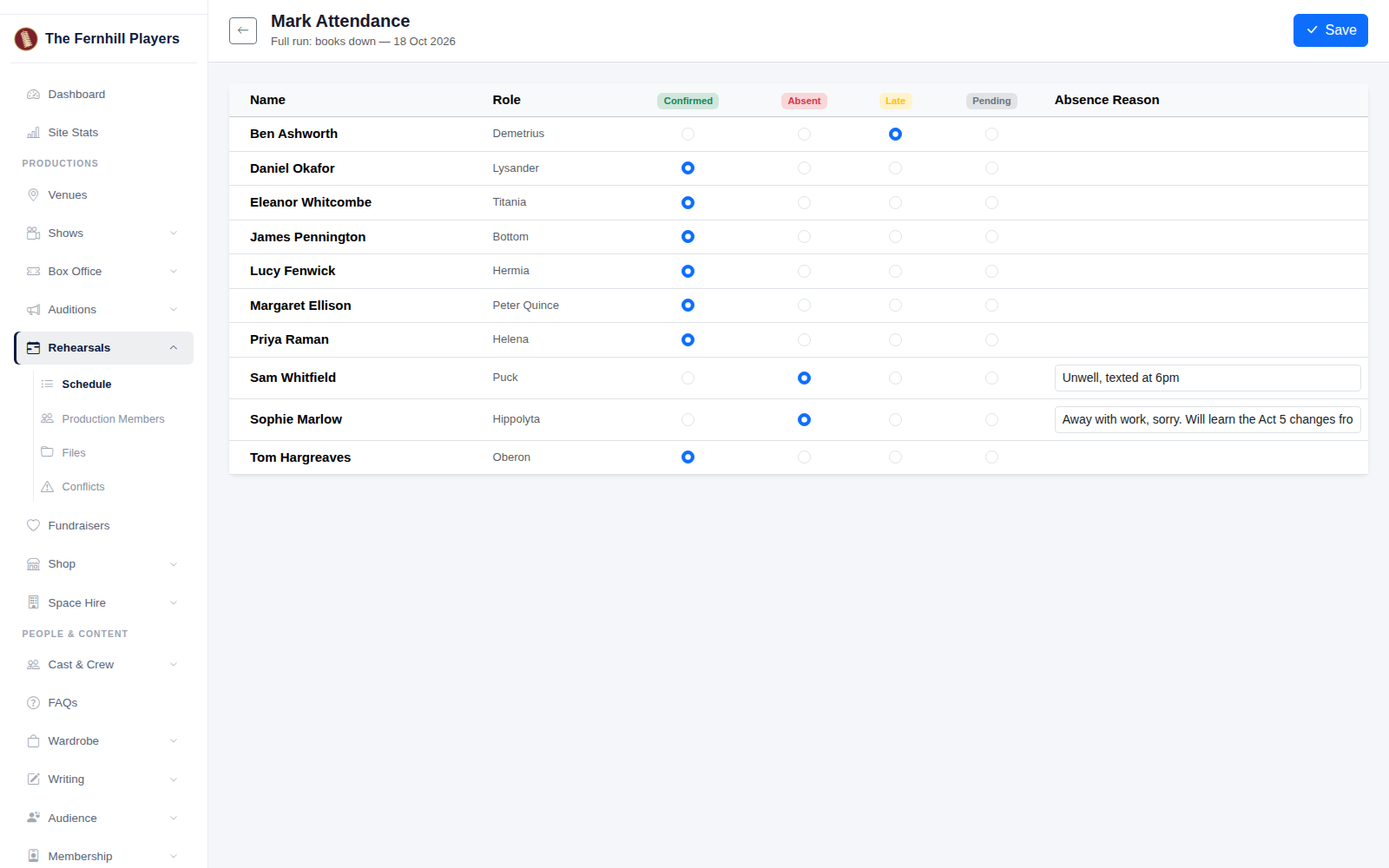
The summary on the rehearsal page updates straight away. Over the run these records build up, so you can spot anyone missing a lot of rehearsals early and have a quiet word.
3. Write post-rehearsal notes
After the rehearsal, click Add Notes on the rehearsal page. Write down what you covered, what needs fixing and anything to pick up next time, then click Save. The notes stay on the rehearsal page for the whole production team, and you can change them later with Edit Notes.
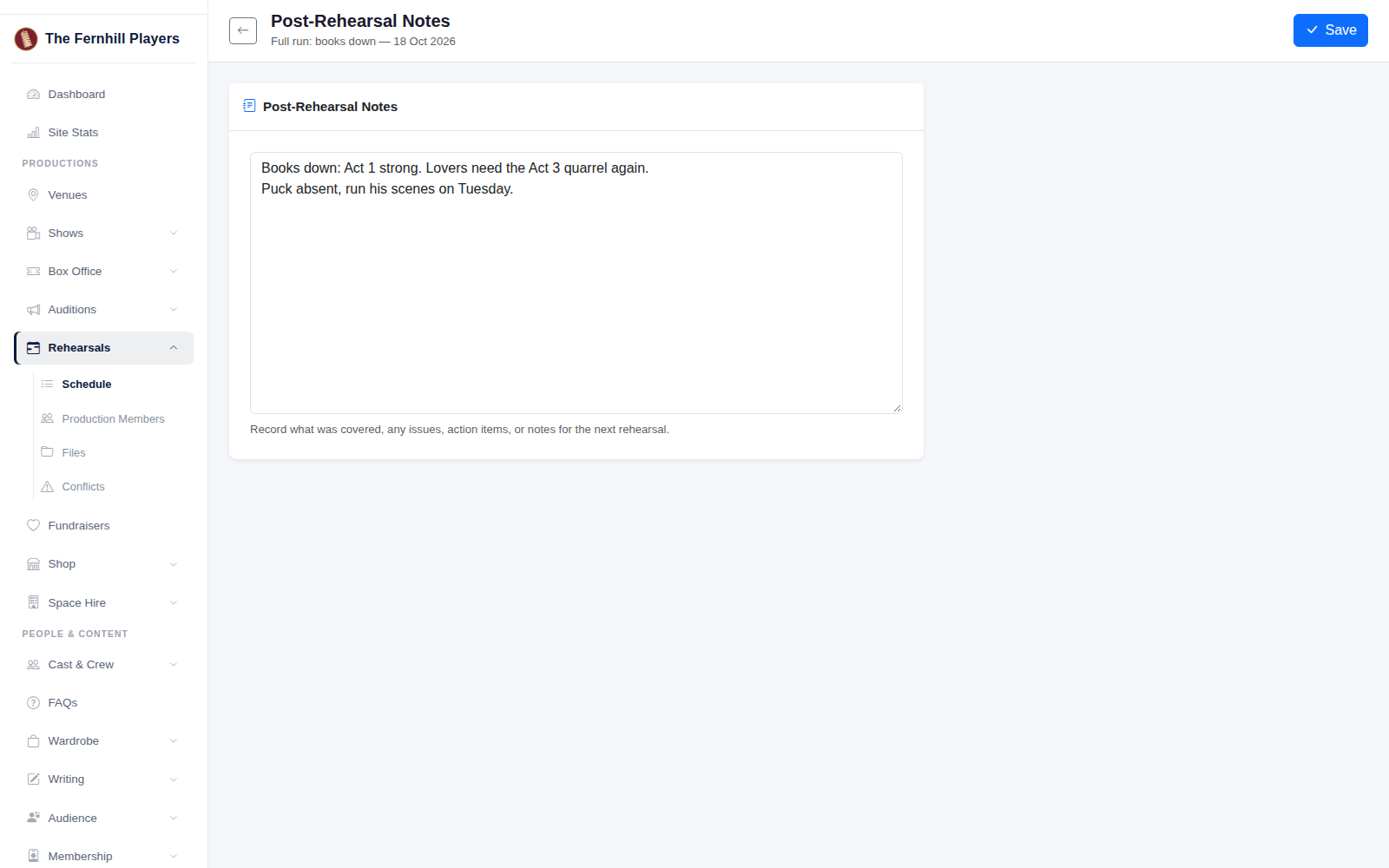
Tip: write your notes the same evening, while it's all fresh. If someone was absent, add what they missed so they can catch up.