Wardrobe storage locations and maintenance
Record where every costume and prop is kept, and keep track of repairs, cleaning and alterations so nothing is forgotten before a show.
A wardrobe only helps if you can find things in it, and if things are in a fit state when you need them. TheatreHQ lets you record where each item lives and keep a list of repairs, cleaning and alterations, so the split seam from the last show isn't discovered at the next dress rehearsal.
1. Set up your storage locations
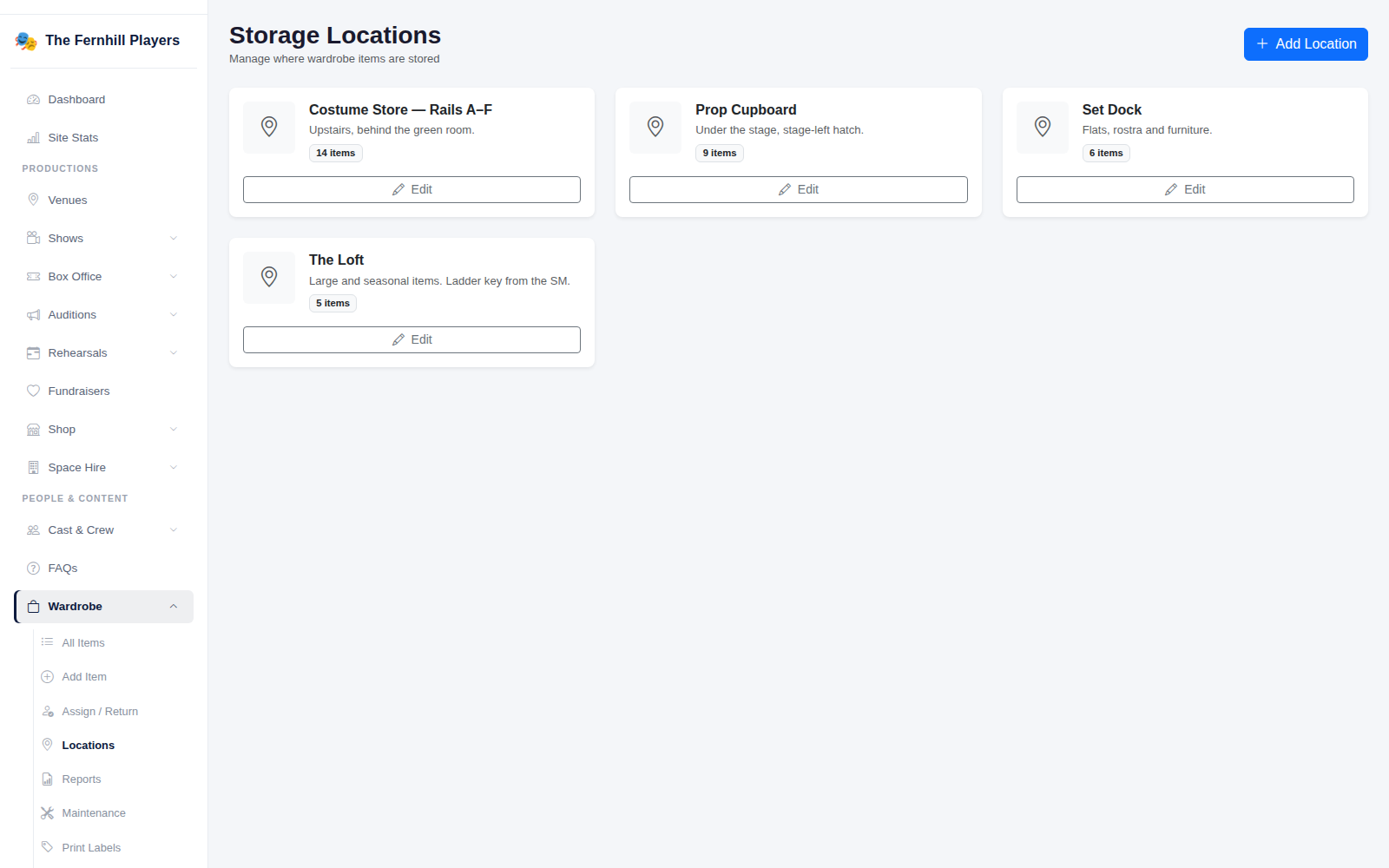
Go to Wardrobe > Locations. Each location shows how many items are stored there. Click Add Location and give it a name and a short description that would help someone new find it, for example "Under the stage, stage-left hatch" or "Ladder key from the stage manager".
When you add or edit an item, choose its location, and it's counted here. See Cataloguing your wardrobe and props for adding items.
2. Log a maintenance task
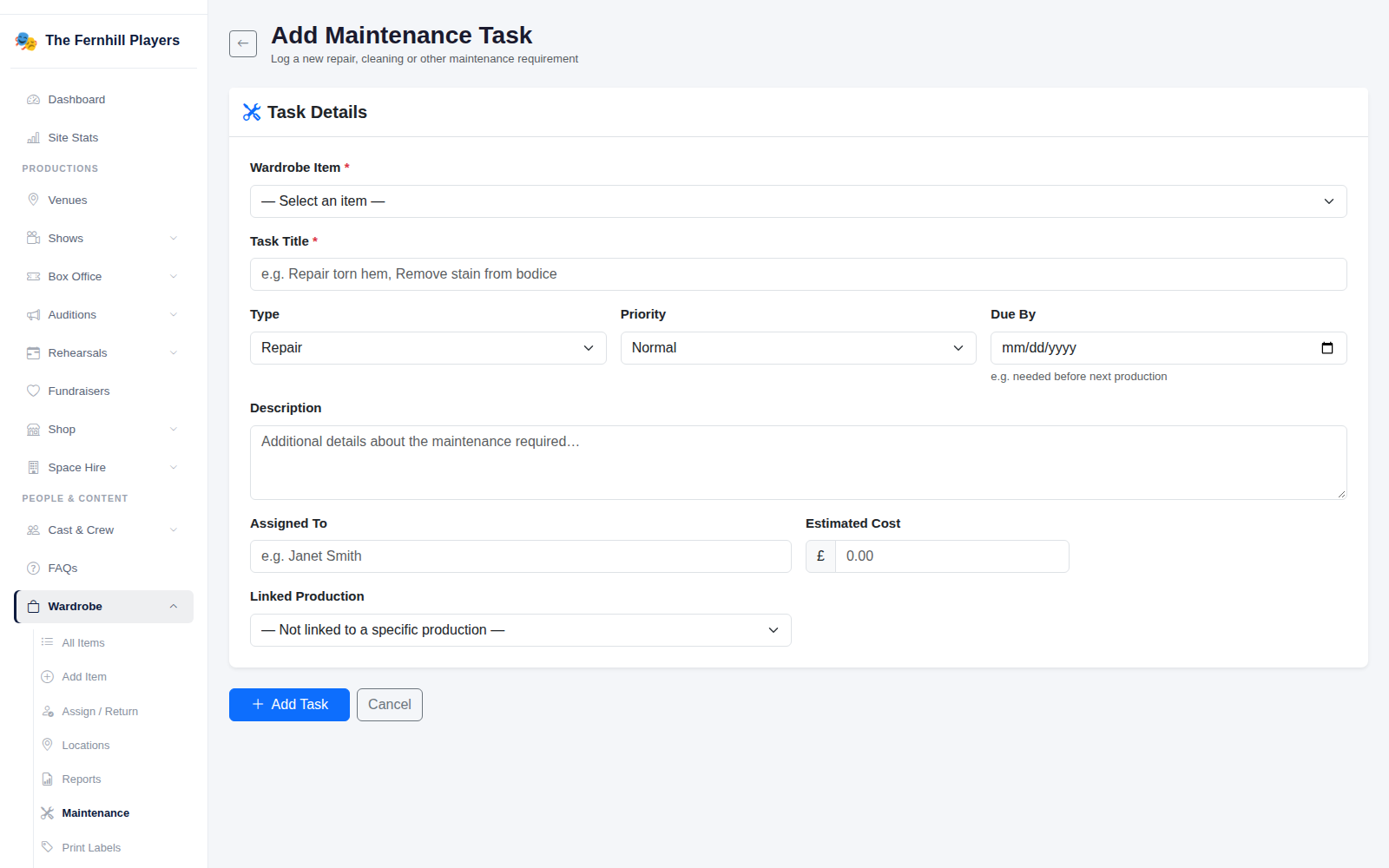
Go to Wardrobe > Maintenance and click Add Task. Choose the Wardrobe Item, give the task a clear Task Title, and pick the Type: repair, cleaning, alteration, replacement, inspection or other. Set the Priority and a Due By date, which is usually before the item is next needed.
You can also say who it's Assigned To, add an Estimated Cost, and link it to the production it's needed for. Click Add Task.
3. Keep on top of the list
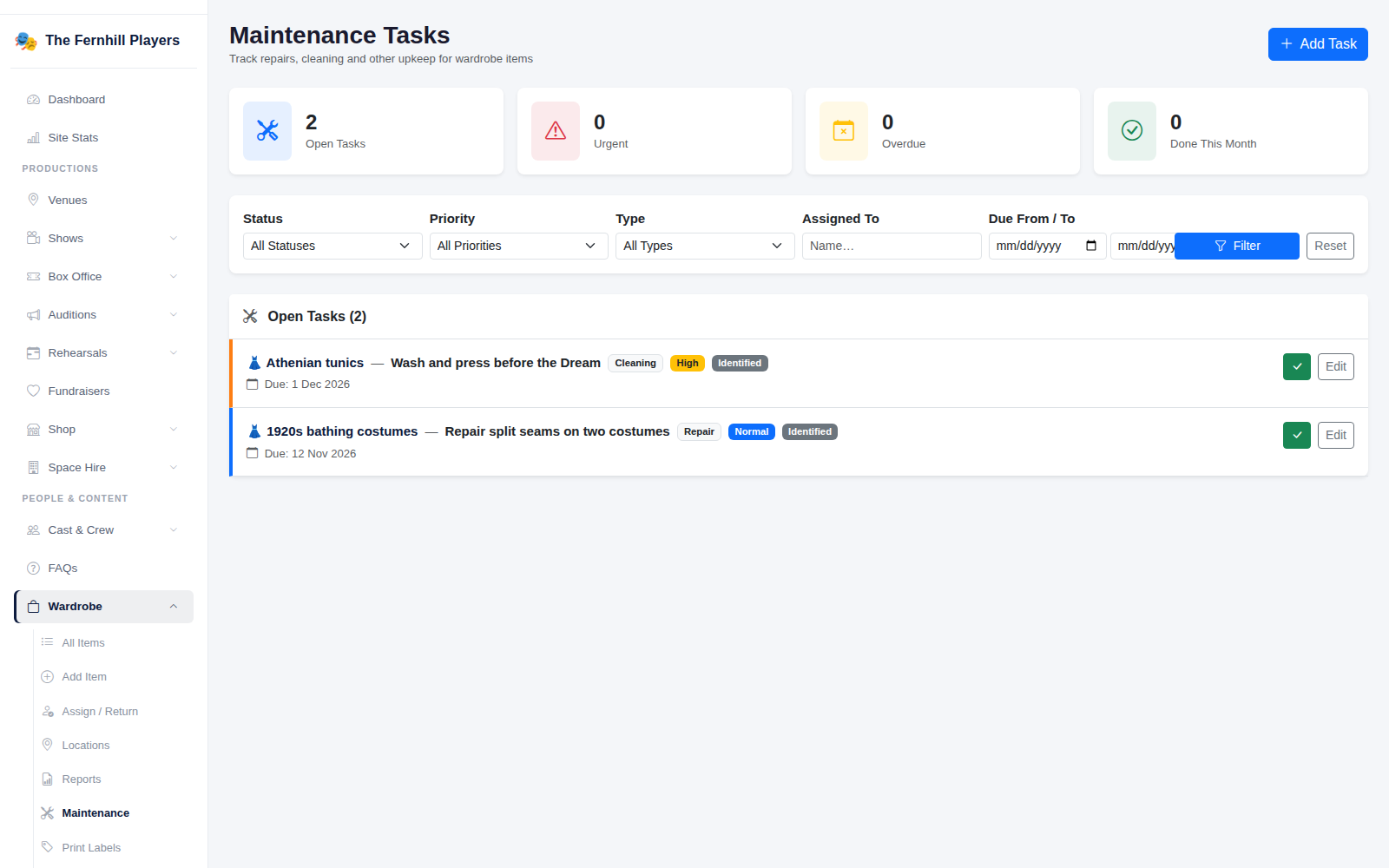
The Maintenance page shows how many tasks are open, urgent, overdue and done this month. Filter by status, priority, type, who it's assigned to or due date to see just what you need: everything for the next show, for example, or everything one volunteer has on.
As work happens, update a task's status: identified, in progress, waiting for parts, then completed. When it's done, tick it off and add any notes and the actual cost, which builds up a useful history for each item.
Tip: check the maintenance list at the start of rehearsals for each show, and give anything urgent to someone with a date. Costume repairs always take longer than you think.