Importing your shows from a spreadsheet
Add your past and upcoming productions in one go from a spreadsheet, including performances, posters and photos, so your website has your history.
If your society has years of productions behind it, adding them one by one is a slog. Instead, put them in a spreadsheet and import them together. Your website then shows your full history from day one: titles, dates, venues, posters and photos.
1. Download the template
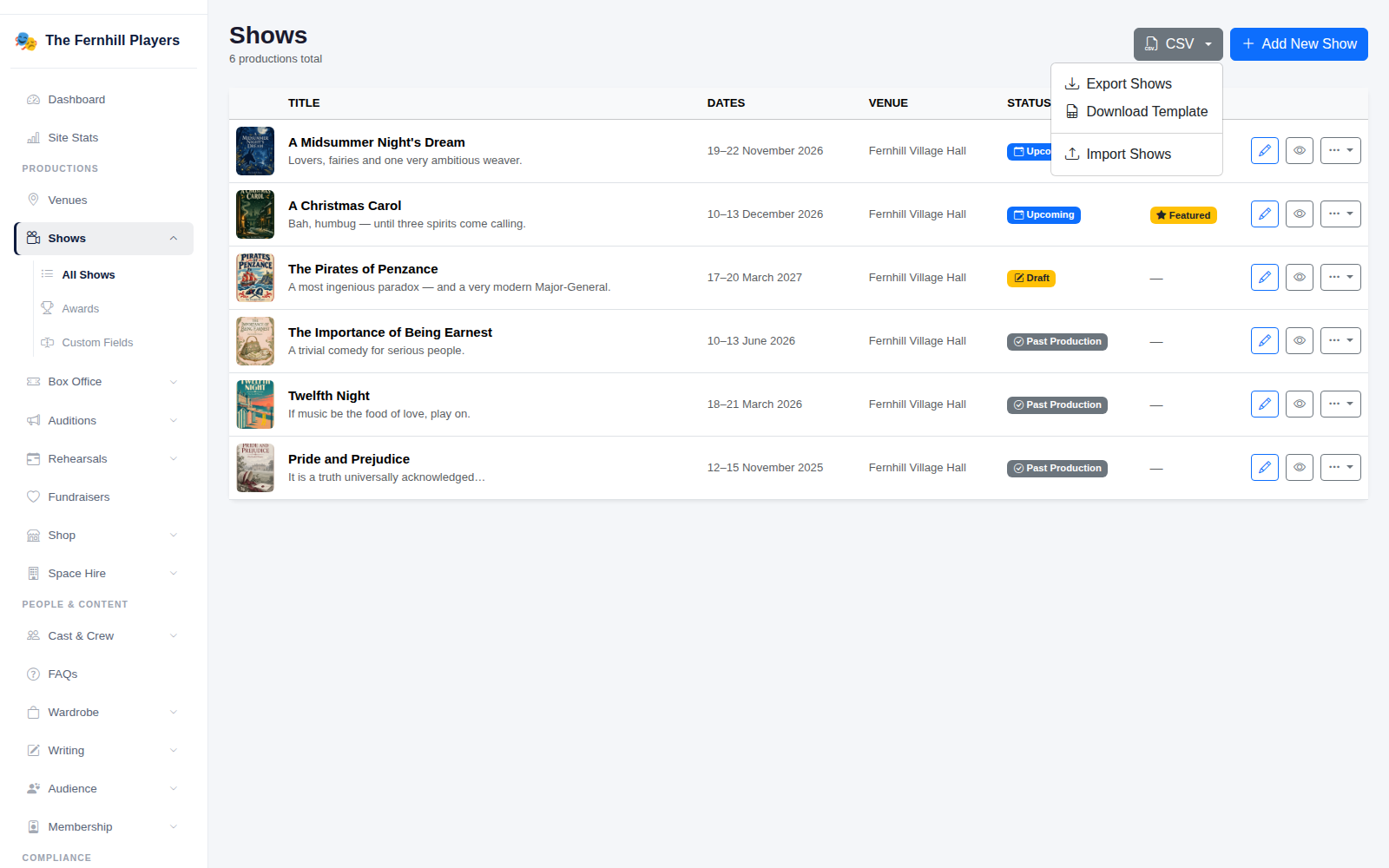
Go to Shows > All Shows, click CSV and choose Download Template. The template has a column for every detail of a show, and an example row to show the format.
2. Fill it in
Add one row per production. The most useful columns are:
- title (required) and slug, the end of the web address. Leave the slug blank and it's made from the title.
- tagline, description and genre.
- venue: the venue's name, as you've set it up in TheatreHQ.
- status: upcoming, running, completed for shows that have finished, or cancelled.
- performances: each date and time, separated by a straight line, for example 2026-06-01 19:30|2026-06-02 19:30.
- duration_minutes and has_interval (1 or 0).
- poster_image and gallery_images: web addresses of pictures, separated by a straight line for more than one. They're downloaded and saved when you import.
Any custom fields you've added to shows also get their own column. Save the file as CSV.
3. Import it
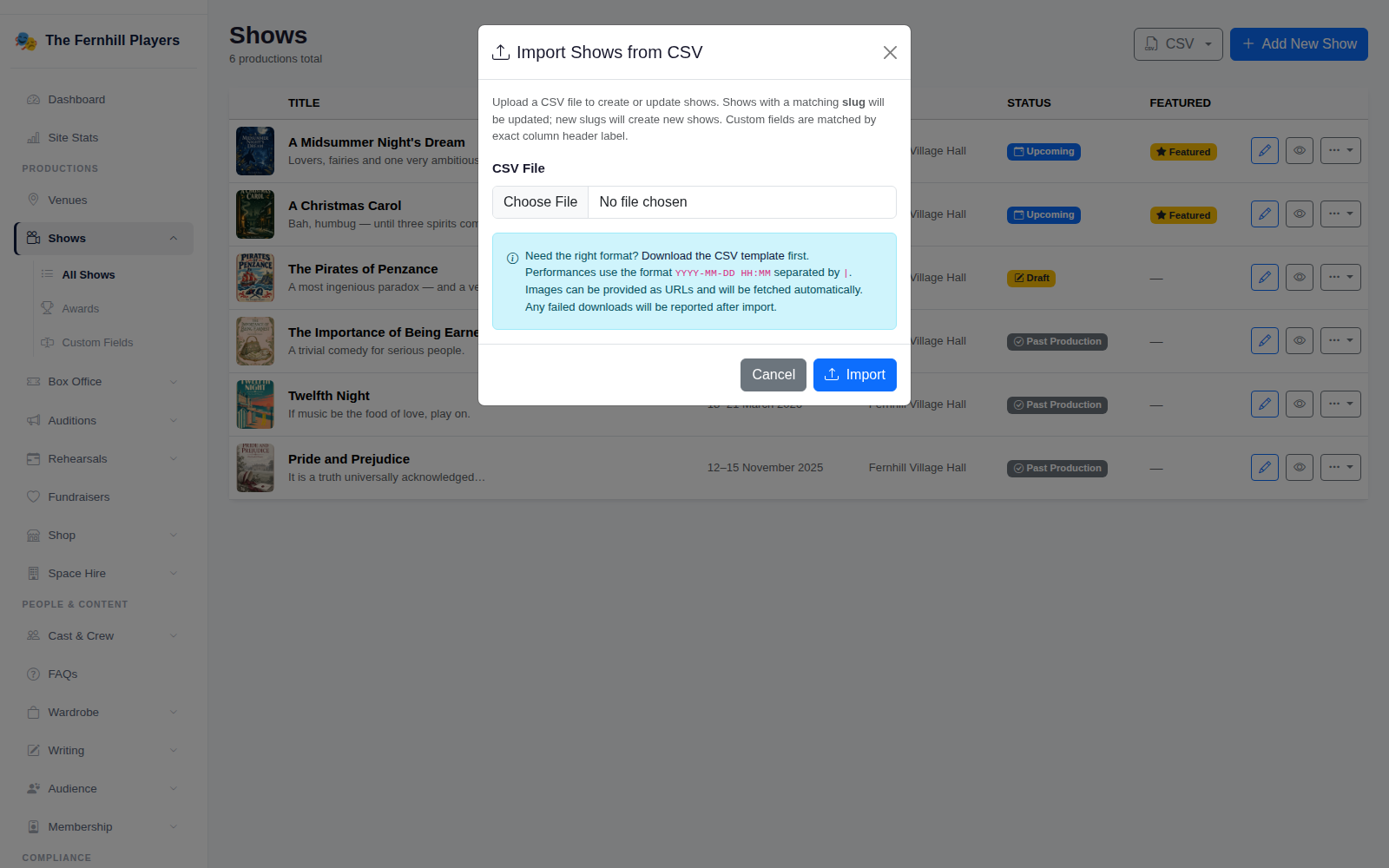
Click CSV, then Import Shows, choose your file and click Import. You'll see how many shows were created and updated, and any rows that were skipped or pictures that couldn't be downloaded.
Updating shows by importing again
Shows are matched by their slug, so you can export your shows, change them in a spreadsheet and import the file again to update them in bulk. Performances are matched by date and time: new ones are added, and ones missing from the file are removed, unless someone has already booked for them, in which case they're kept.
Tip: start with your most recent seasons, where you have the best photos. Older shows can follow whenever someone has an evening to dig through the archive. See Adding a show for everything else you can add to each one.